Give your objects a place to belong.
Plan decor imagery with clear material, complete shape and a setting that supports the object rather than competing with it.
Add your own product. Edit the starting direction. Review the quote before requesting one sample.
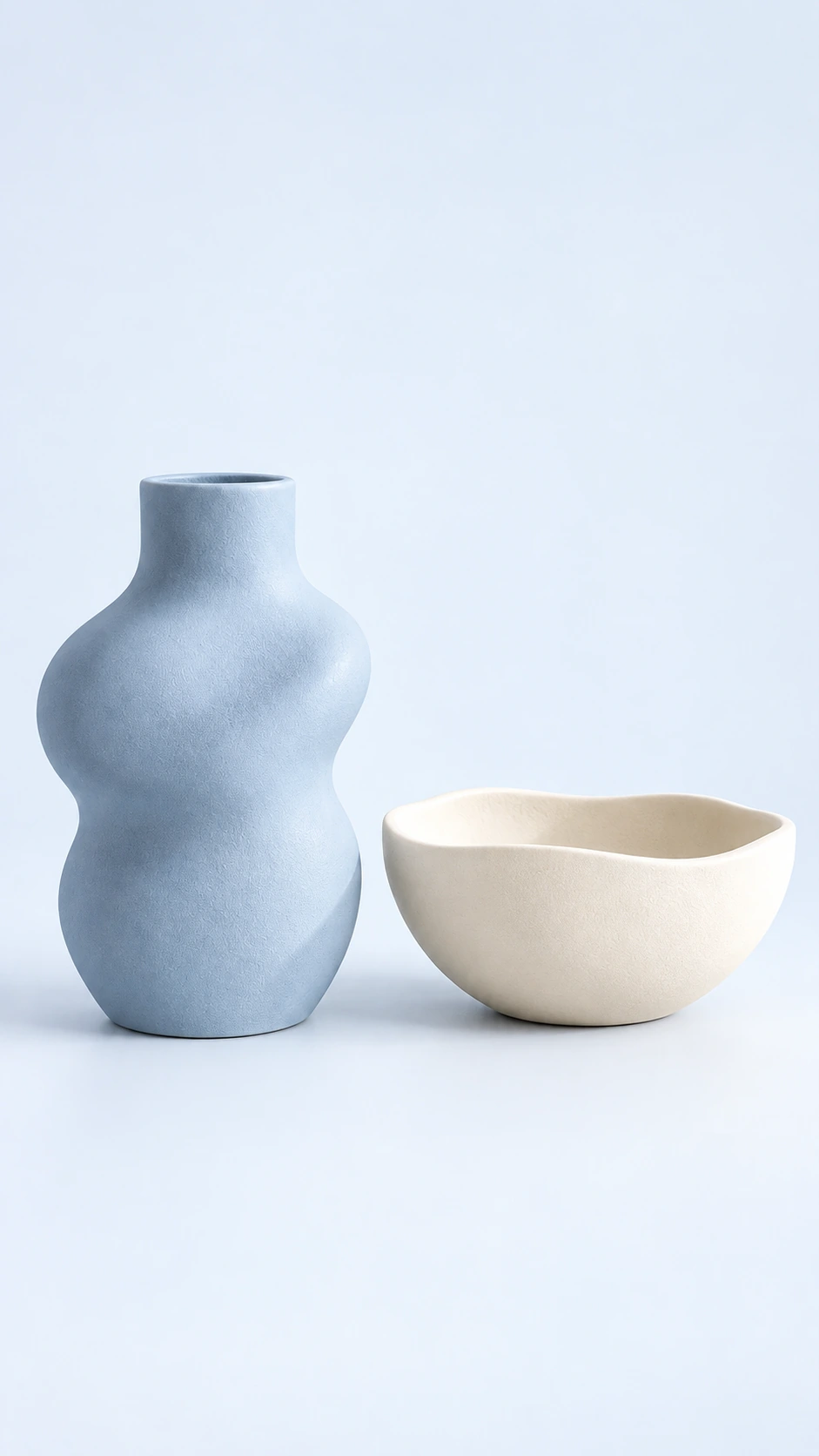
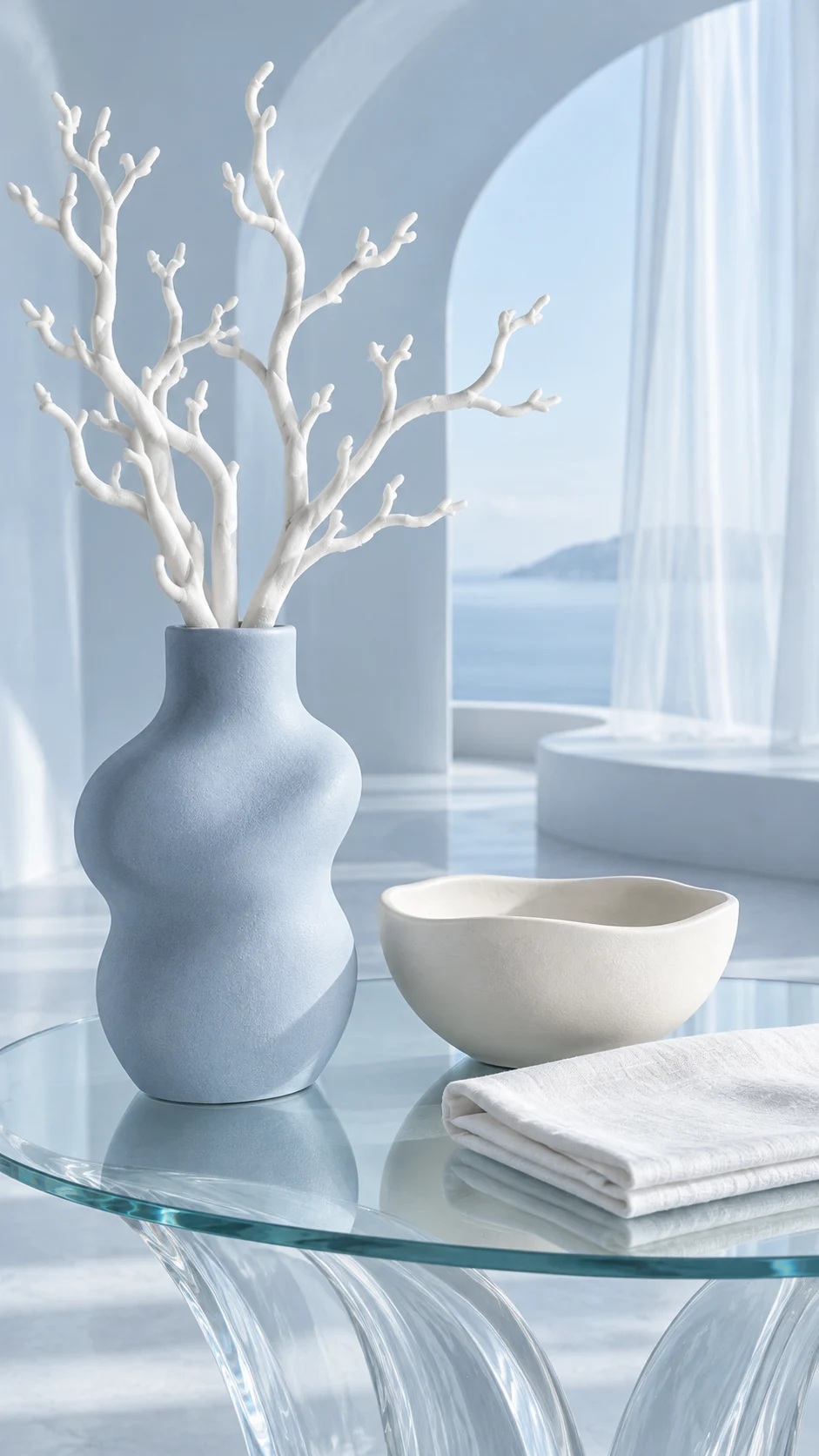
What to keep in the frame.
Use your original as the standard. These details deserve a separate pass before you approve the image.
- 01Complete shape and openings
- 02Surface finish and material texture
- 03Handles, switches and functional details
The better starting point.
Choose a source that separates the object from its surroundings. Keep handles, openings and the base visible wherever possible.
Have a public shop? Import your product ↗Place the supplied decor object on a simple oak shelf against warm plaster. Show the full object, preserve its silhouette, openings, finish and proportions. Soft daylight and a sparse scene with no other decor competing for attention. Review priorities: Complete shape and openings; Surface finish and material texture; Handles, switches and functional details.Open this direction ↗
A home object may need both a clear product view and an image that suggests a setting. Decide which job the next asset should do. A vase on a crowded shelf can establish a mood while hiding its opening and base. A plain product view may be less atmospheric but more informative about shape.
For a collection, maintain a consistent scene while letting each item remain the subject of its own review. Keep original photography for technical detail and measurements. Use accepted generated assets to extend the visual story, rather than asking one atmospheric image to establish every property of the object.