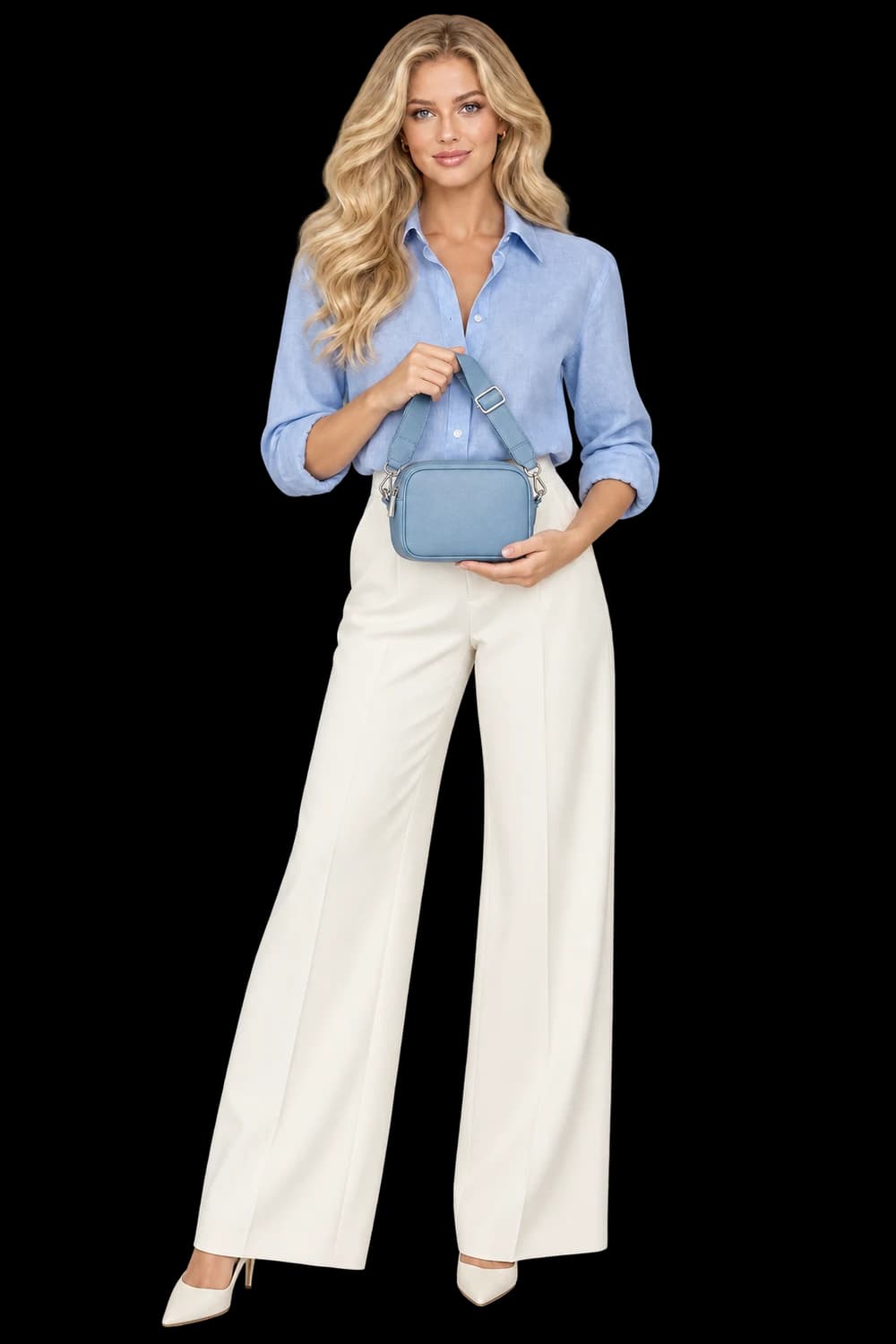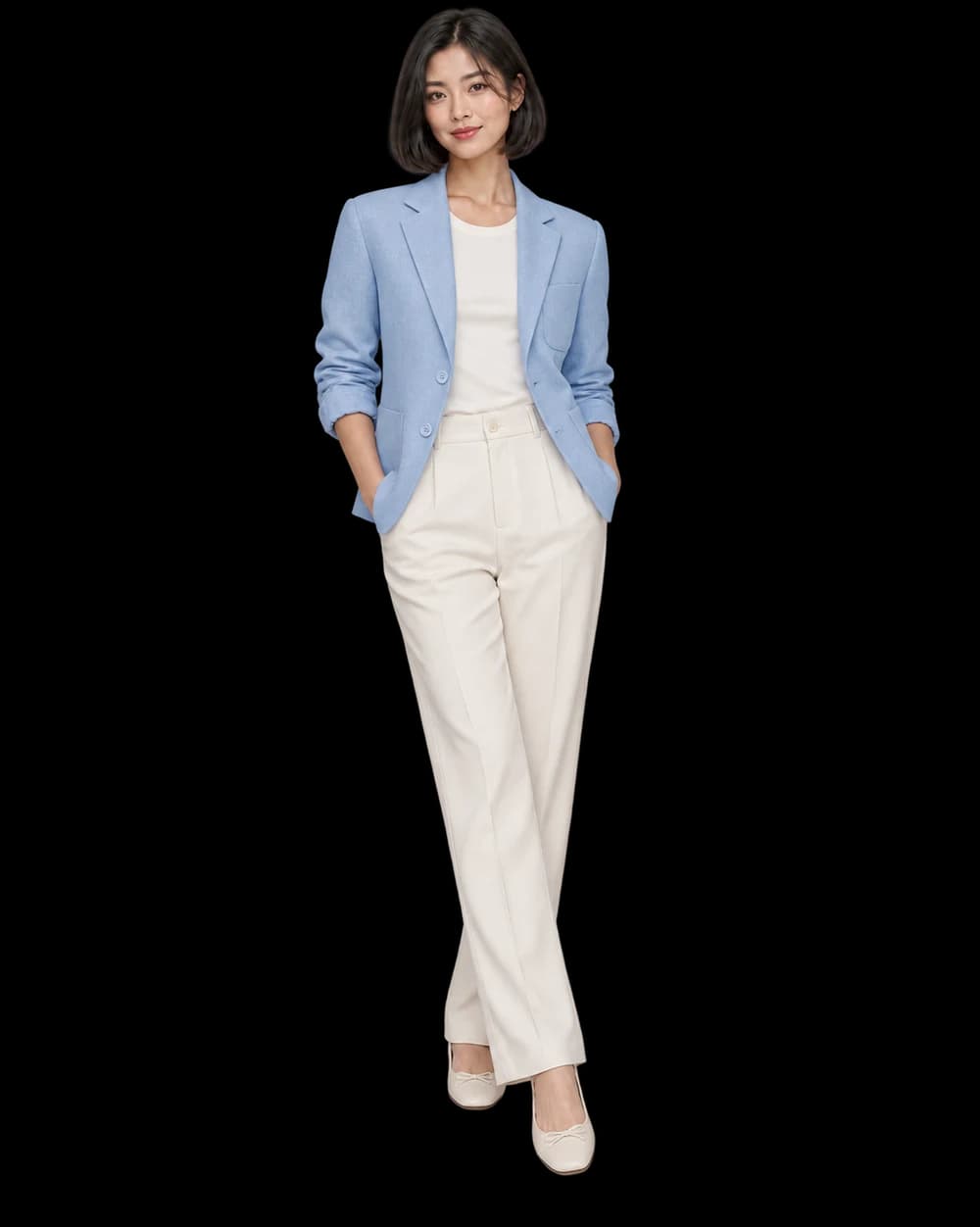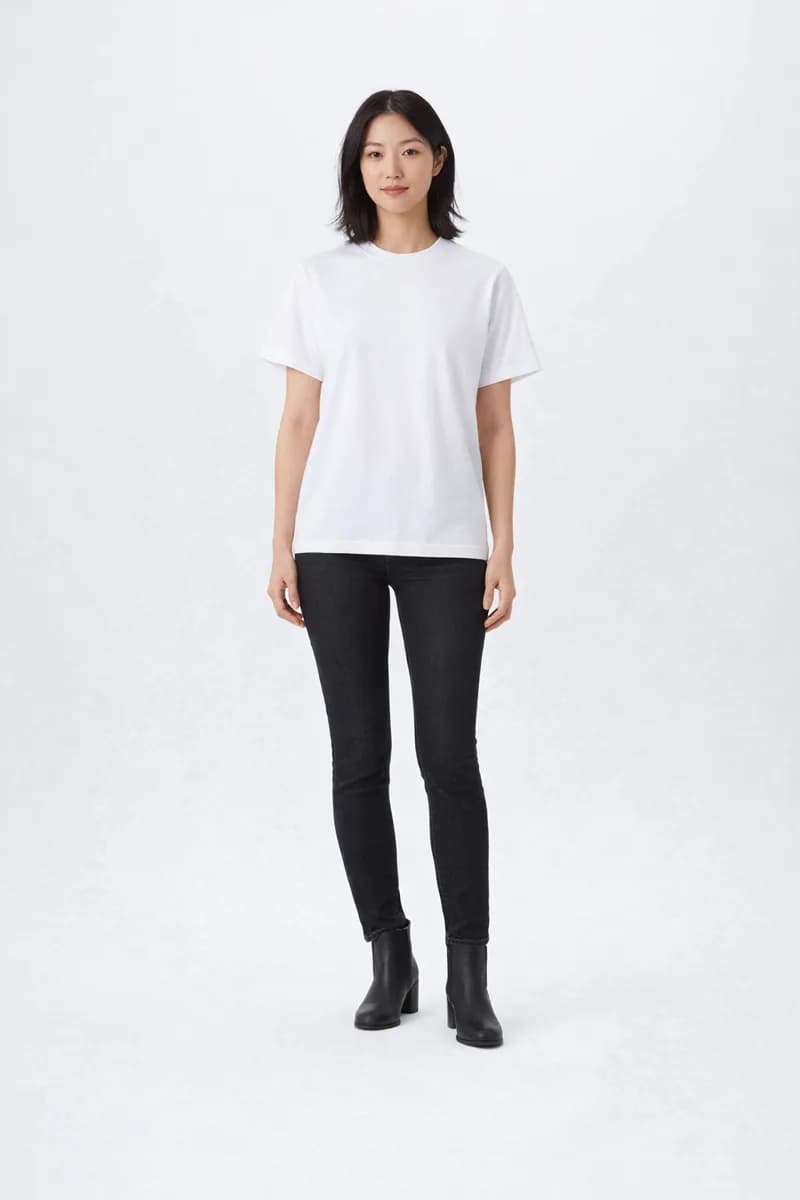
Approve a direction with one representative product, then inspect every remaining SKU on its own merits.
Group products by the job the image must do
Bulk generation is most useful when the collection shares an image brief. That might mean front-facing product images with consistent negative space, or a family of garments photographed in one kind of setting. Products can belong to the same store and still need different direction. A reflective bottle and a textured sweater may not benefit from identical lighting instructions.
Make the grouping small enough to review with care. In the studio, you can upload up to 20 products for a collection or bring a selection from Import shop. Give each item a unique SKU. That little piece of organization pays off when you need to connect an output, a failure or a retry to the correct original.
Choose a sample that teaches you something
The easiest product is not always the best test. Choose a representative item that reveals the risks in your brief. If the collection includes prints, test a print. If labels are central to recognition, choose a product with a visible label. You want the first result to tell you whether the direction respects the collection’s important details.
Write acceptance criteria before you generate. ‘Product fully visible, readable front, soft shadow, room above for a heading’ is a useful start. Add the details that must remain unchanged. This keeps the review tied to the intended placement rather than whichever part of the new image happens to be most impressive.
Read the quote before starting
Choose the shared direction and review the quote in Bulk Generate. Make the first sample, then inspect it before approving the rest. Generation uses credits; importing source images does not. Treat a revised direction as a new creative decision and check the displayed cost before requesting another result.
The full collection quote is not a reservation of your balance. Items are charged as they start. If other work spends credits in the meantime, some remaining products may be unable to begin. Keep that distinction in mind when several people or workflows share the same account activity.
Approve the product and the composition
Use two passes on the sample. First inspect product identity: shape, color, branding and distinctive construction. Then inspect the composition: crop, scale, light, background and useful empty space. An image needs to pass both reviews to be a sensible guide for the collection.
If it fails, change the narrowest part of the brief that explains the problem. A crowded scene may need fewer props; a hidden fastening may need a clearer angle. Replacing every instruction at once makes it harder to learn which change helped. Keep the brief short enough that its priorities remain obvious.
Keep progress at the SKU level
Once you approve the sample and run the remaining products, review the results individually. A successful submission is not the same as a finished image, and a finished image is not automatically approved creative. Retain good outputs while retrying failed items. Do not restart the whole collection because one product needs attention.
Finish with a contact-sheet check for consistency and a close inspection of each accepted file. Save the successful direction somewhere your team can find it. The goal is a repeatable review habit: clear inputs, a deliberate test and an explicit decision for every product.