Fashion photoshoot
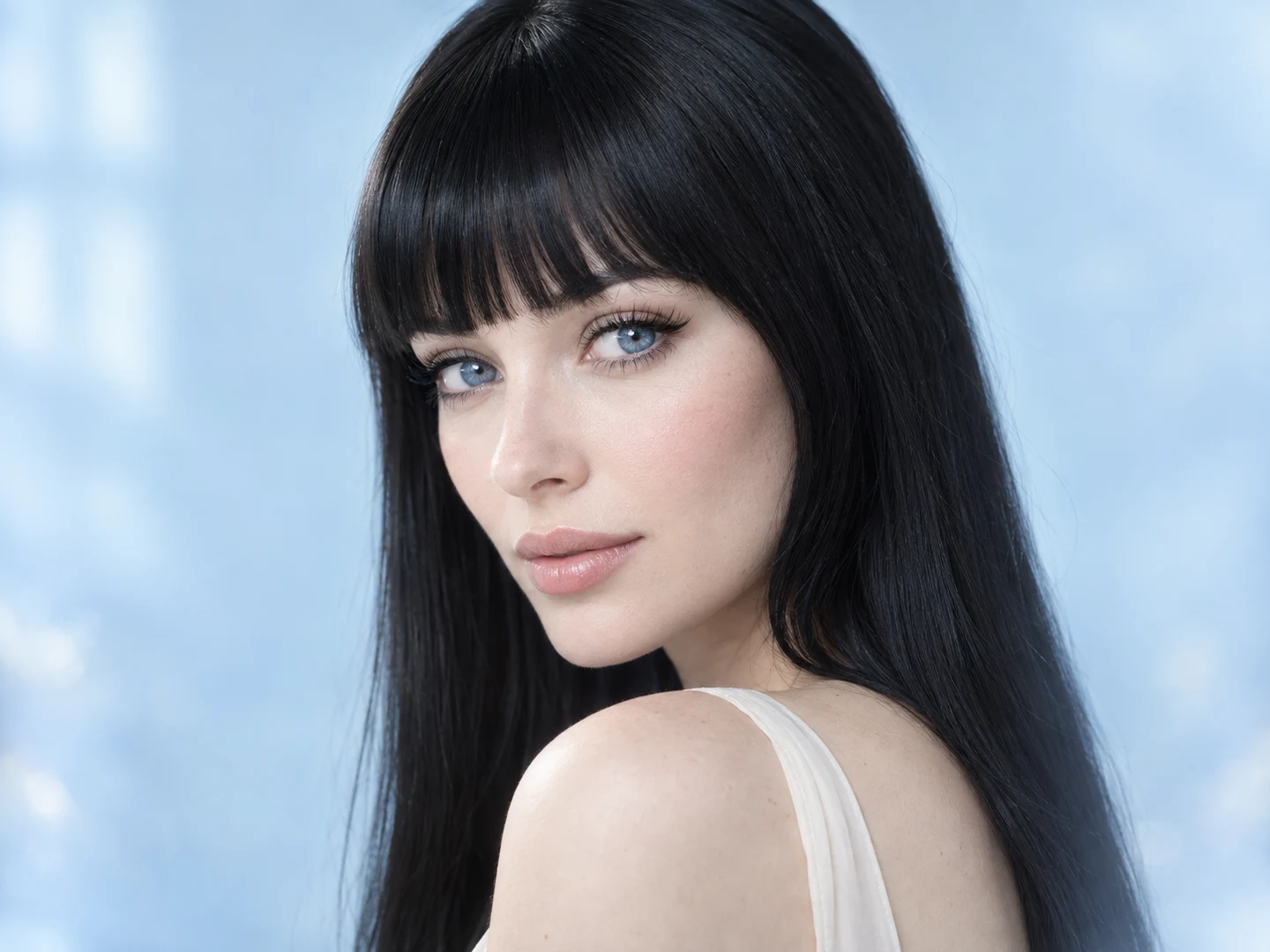
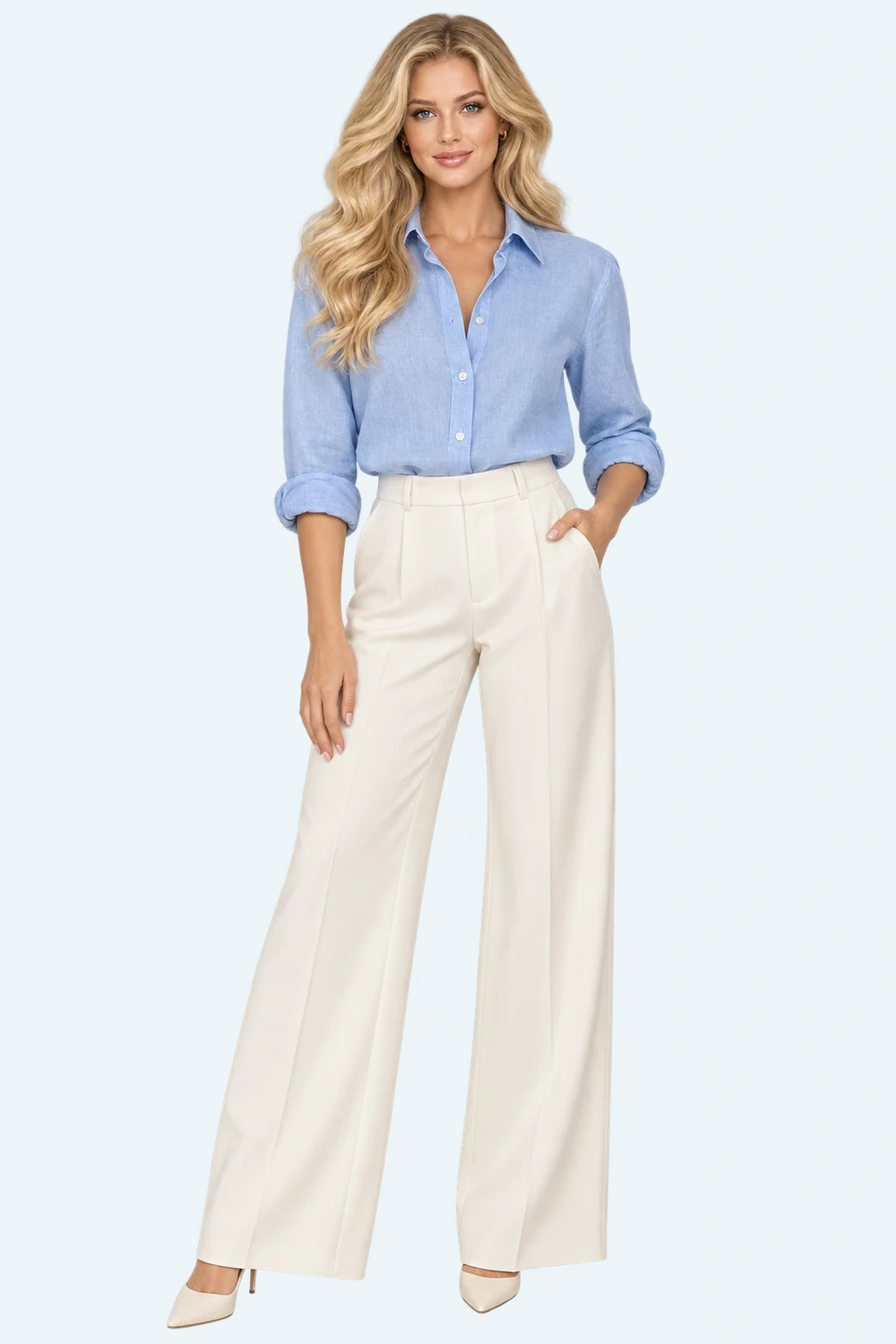
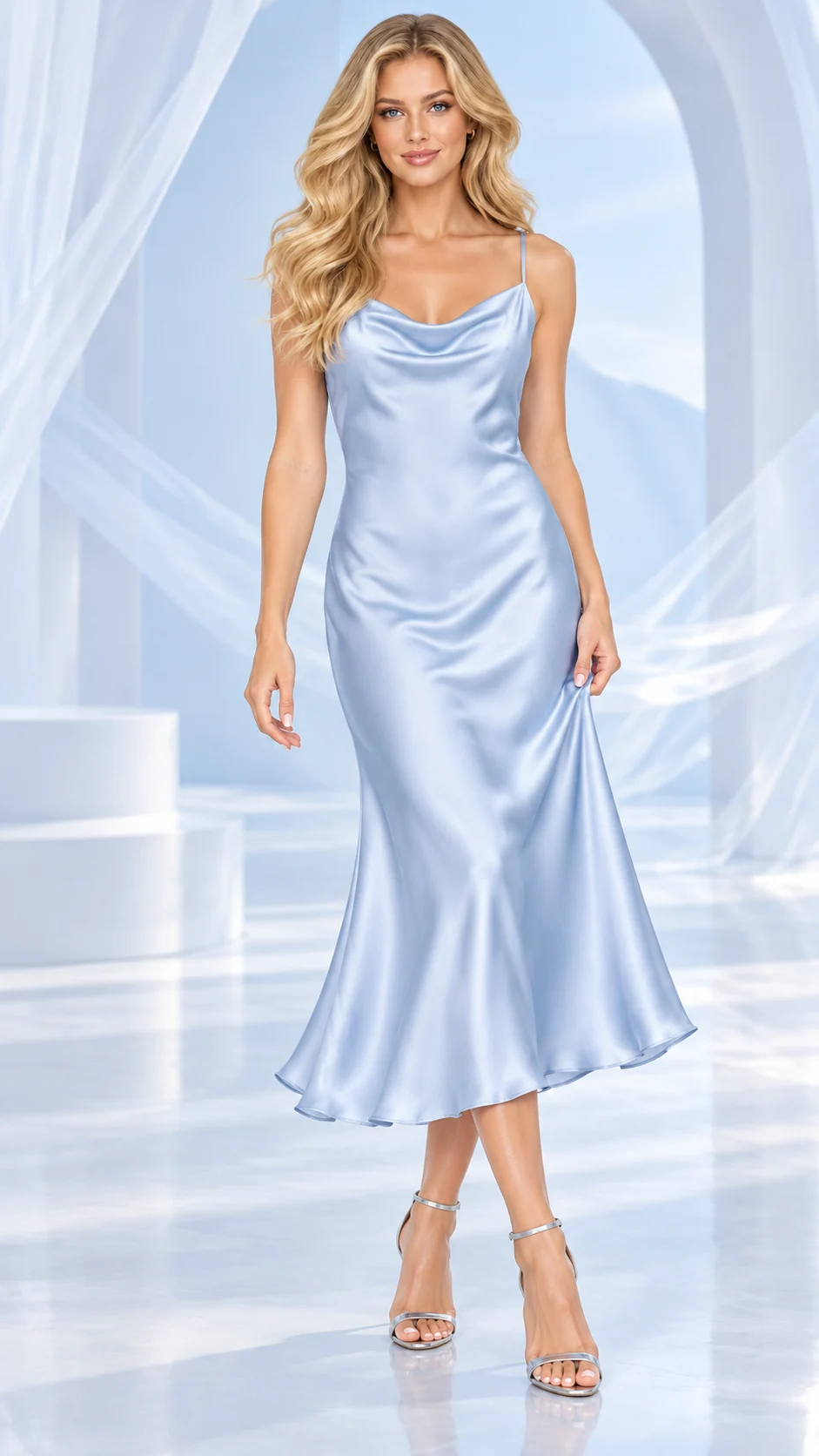
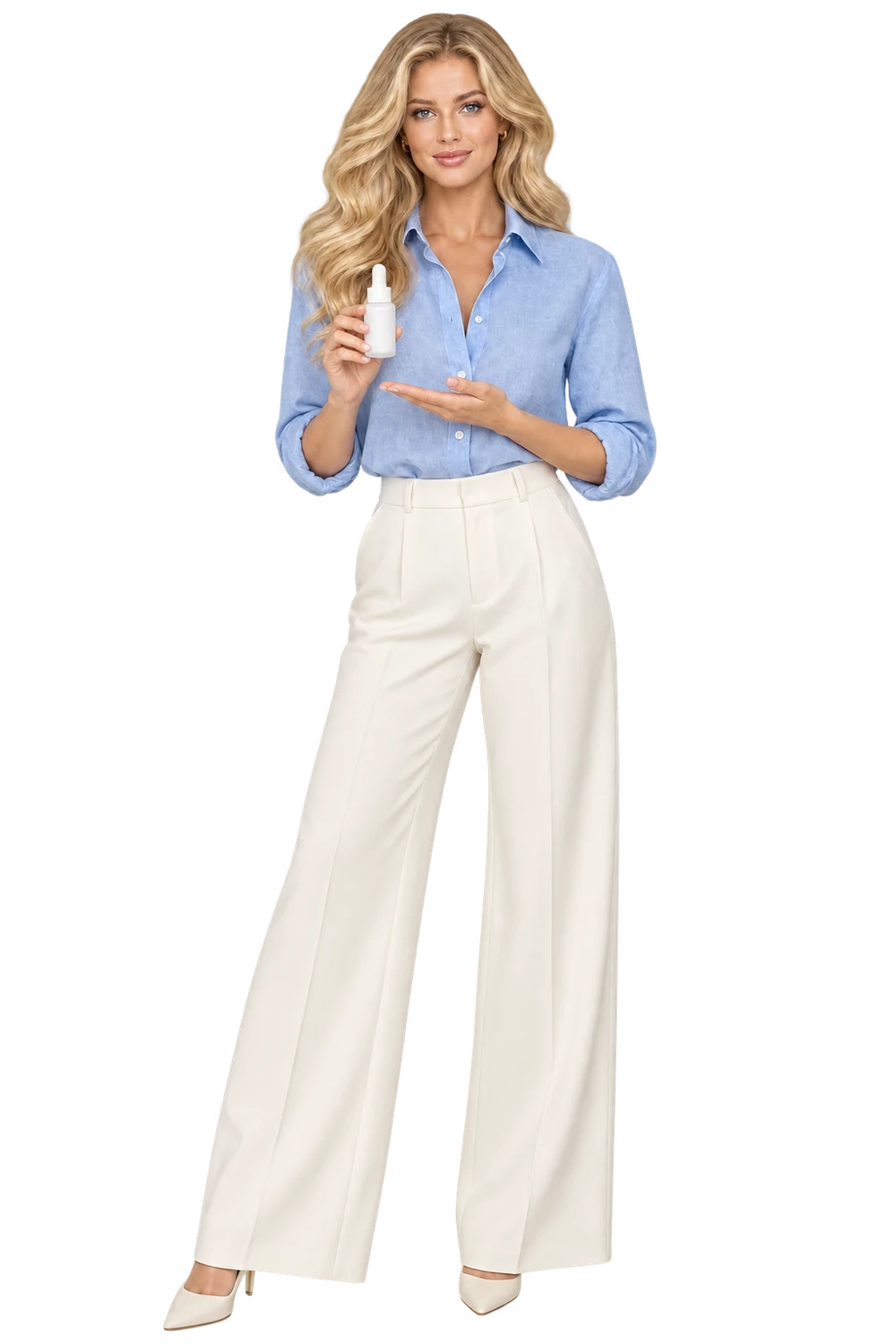
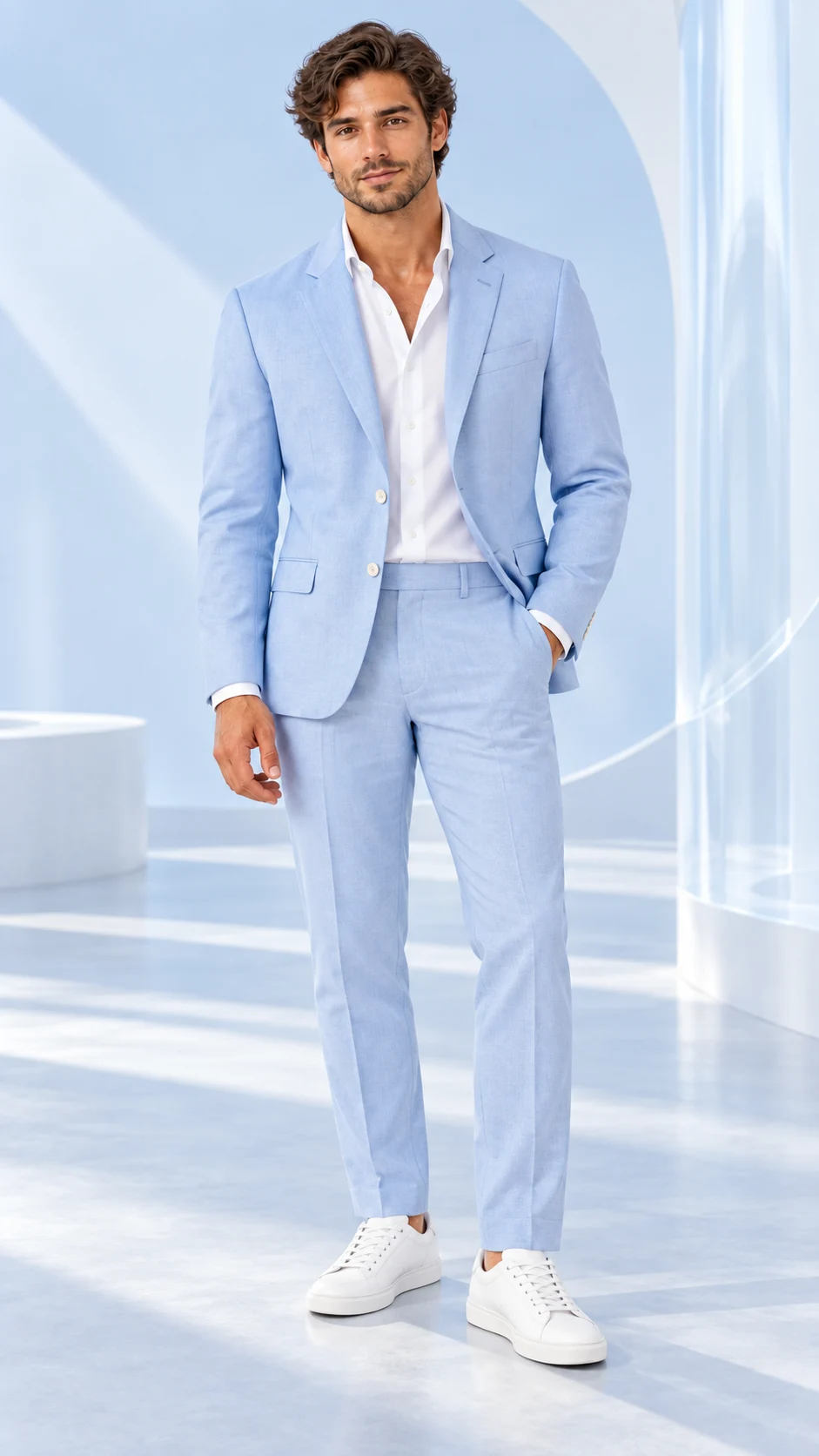
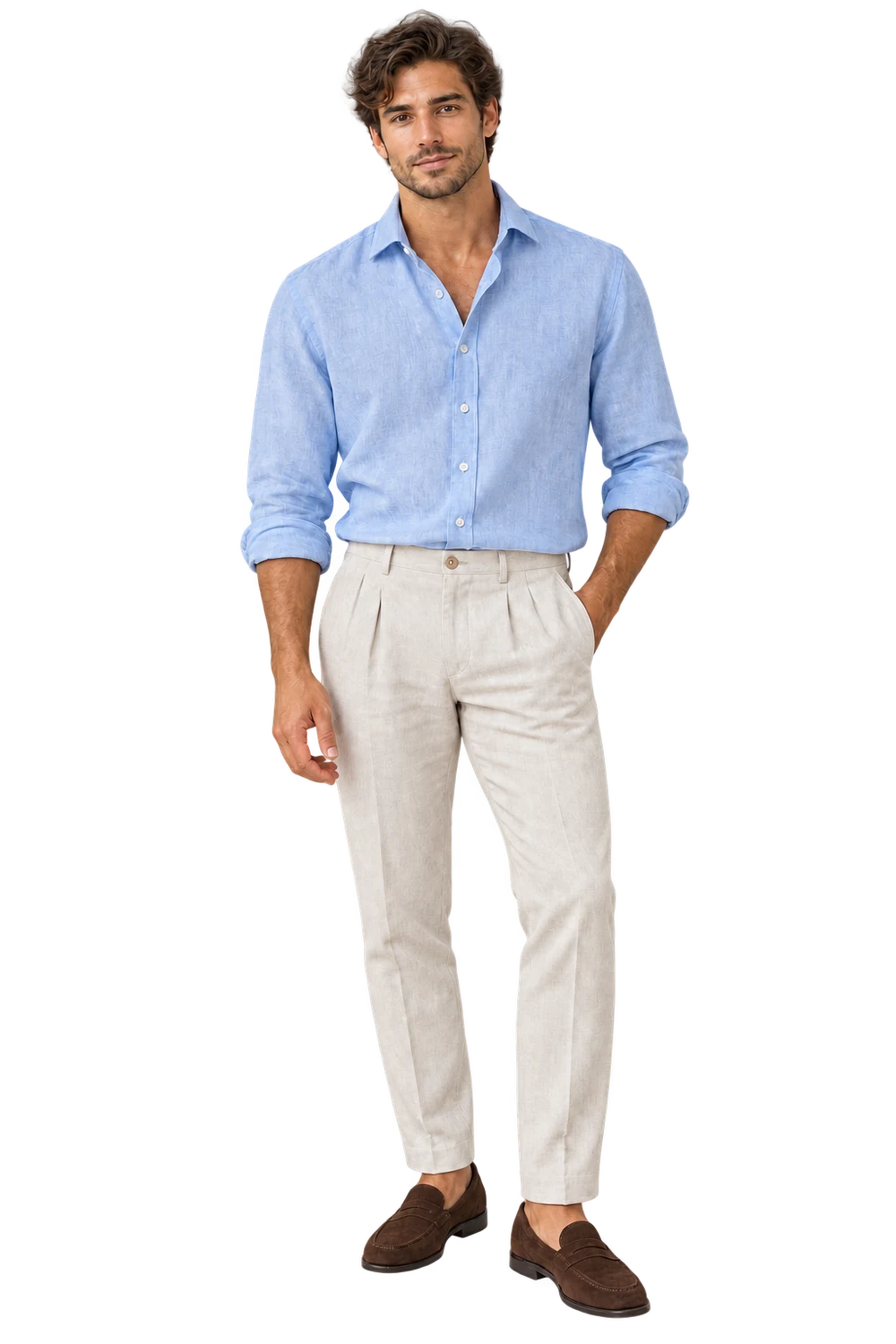
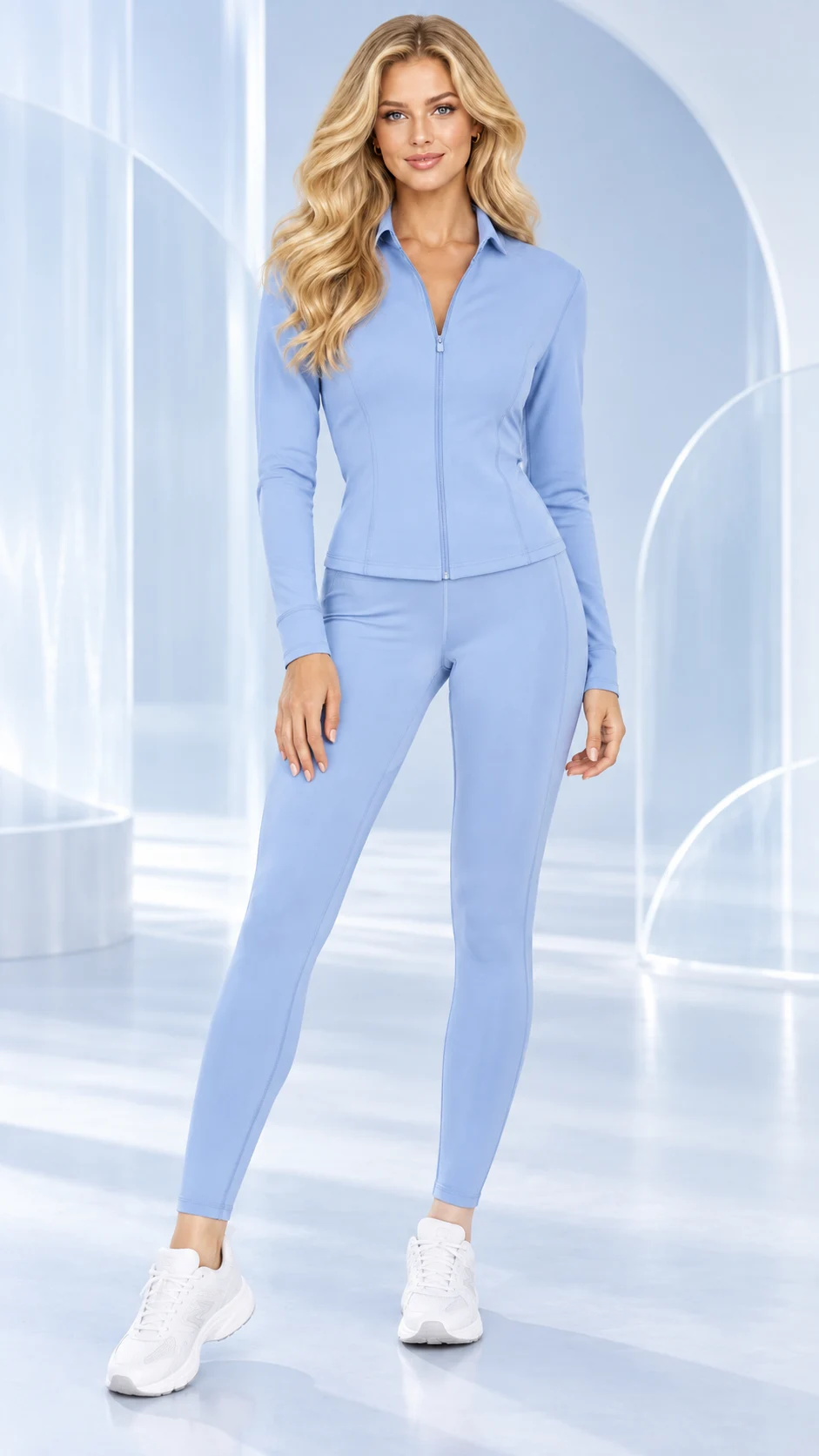
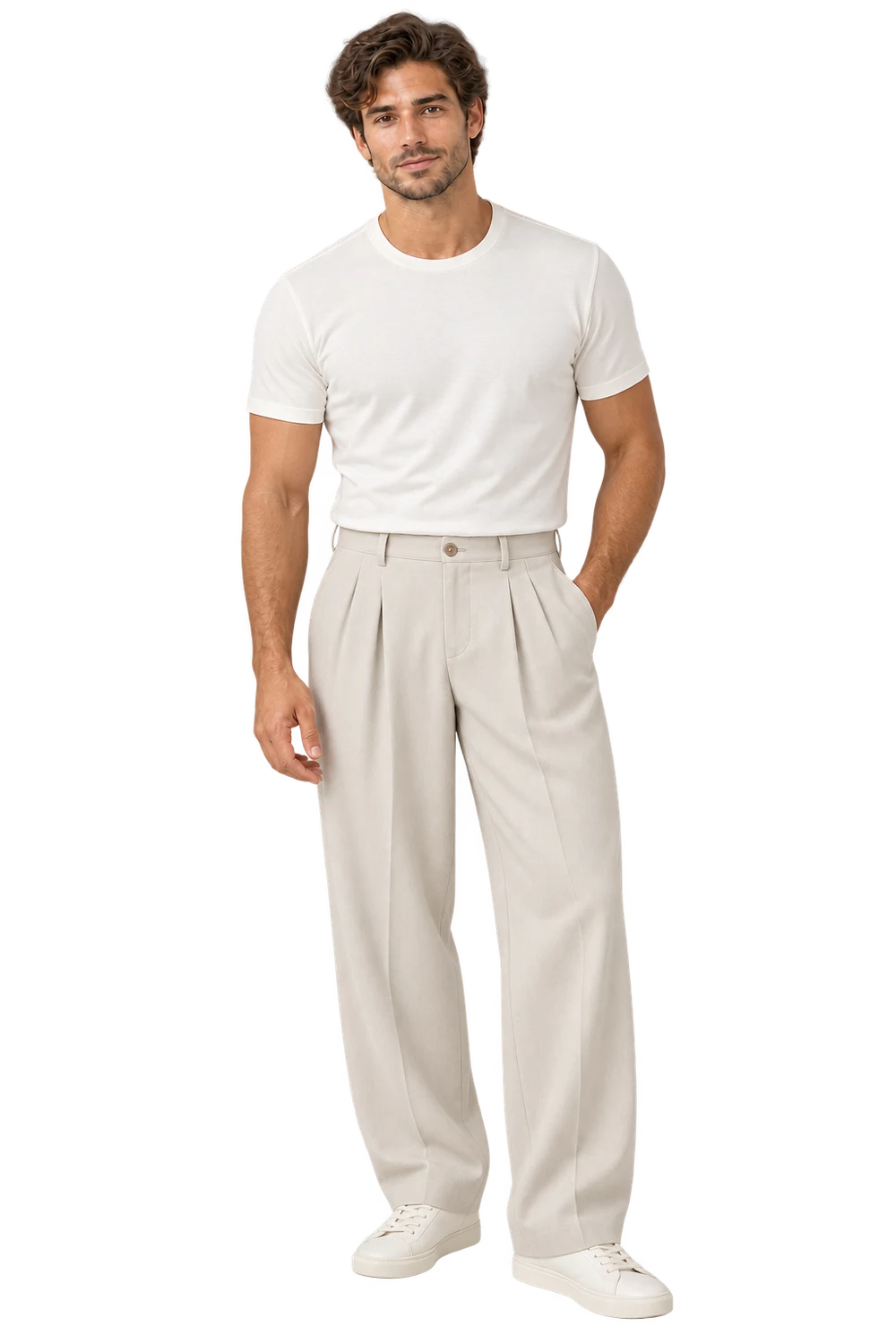
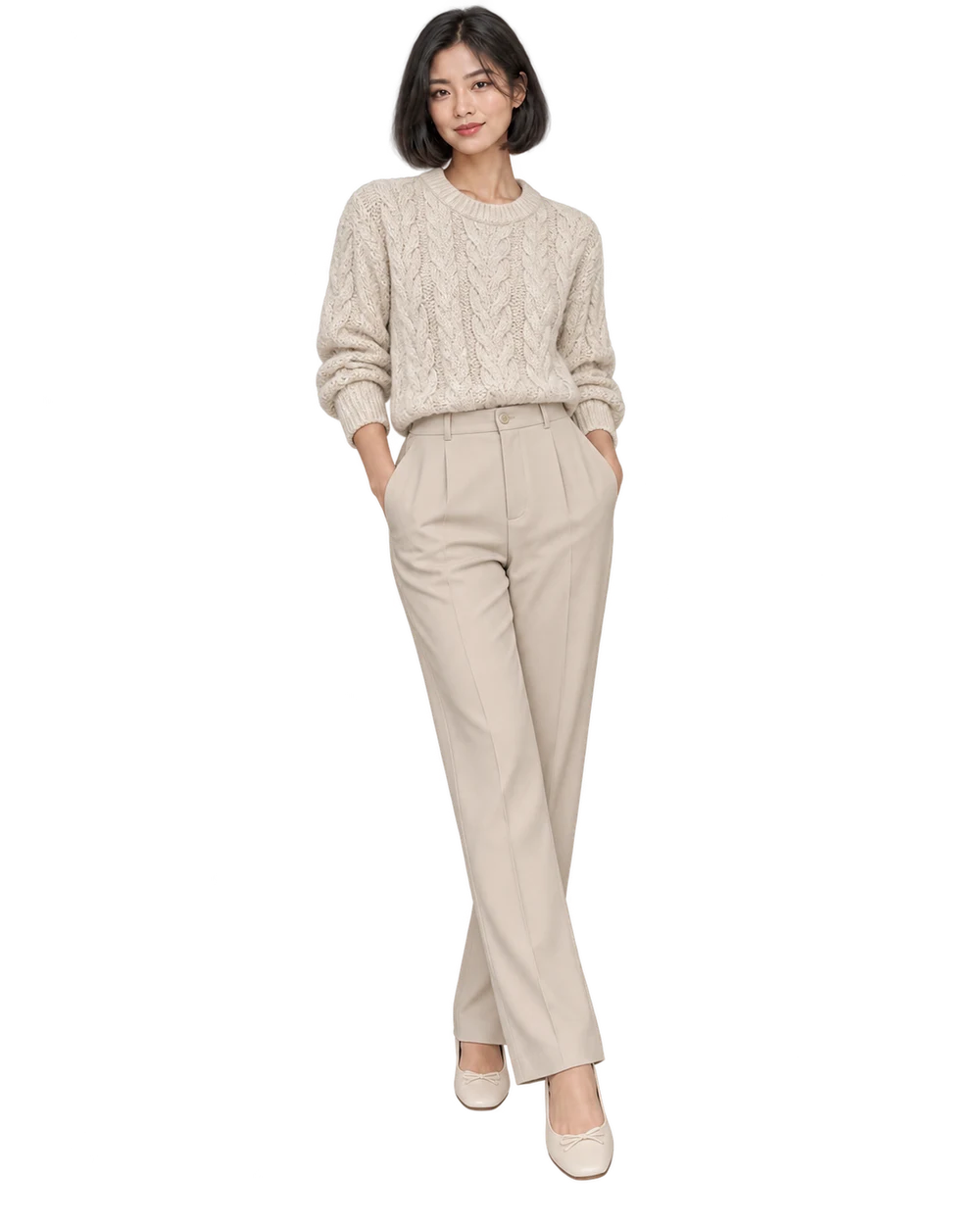
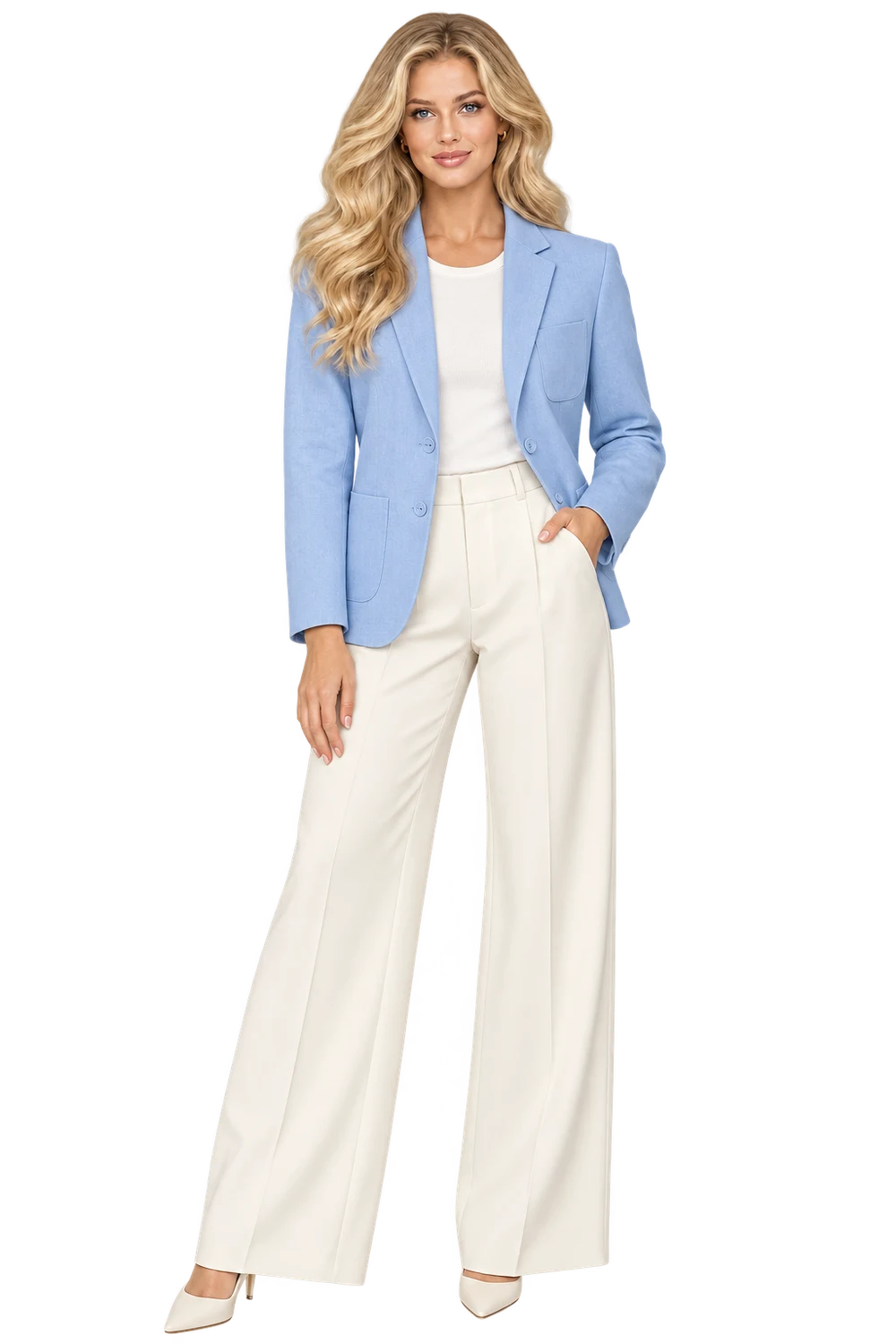
Turn a garment photo into a fashion shot with your choice of model, light and pose.
04
The finished resultYour garment, styled on a model
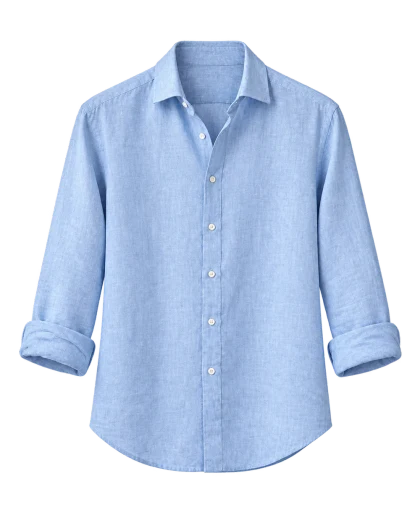
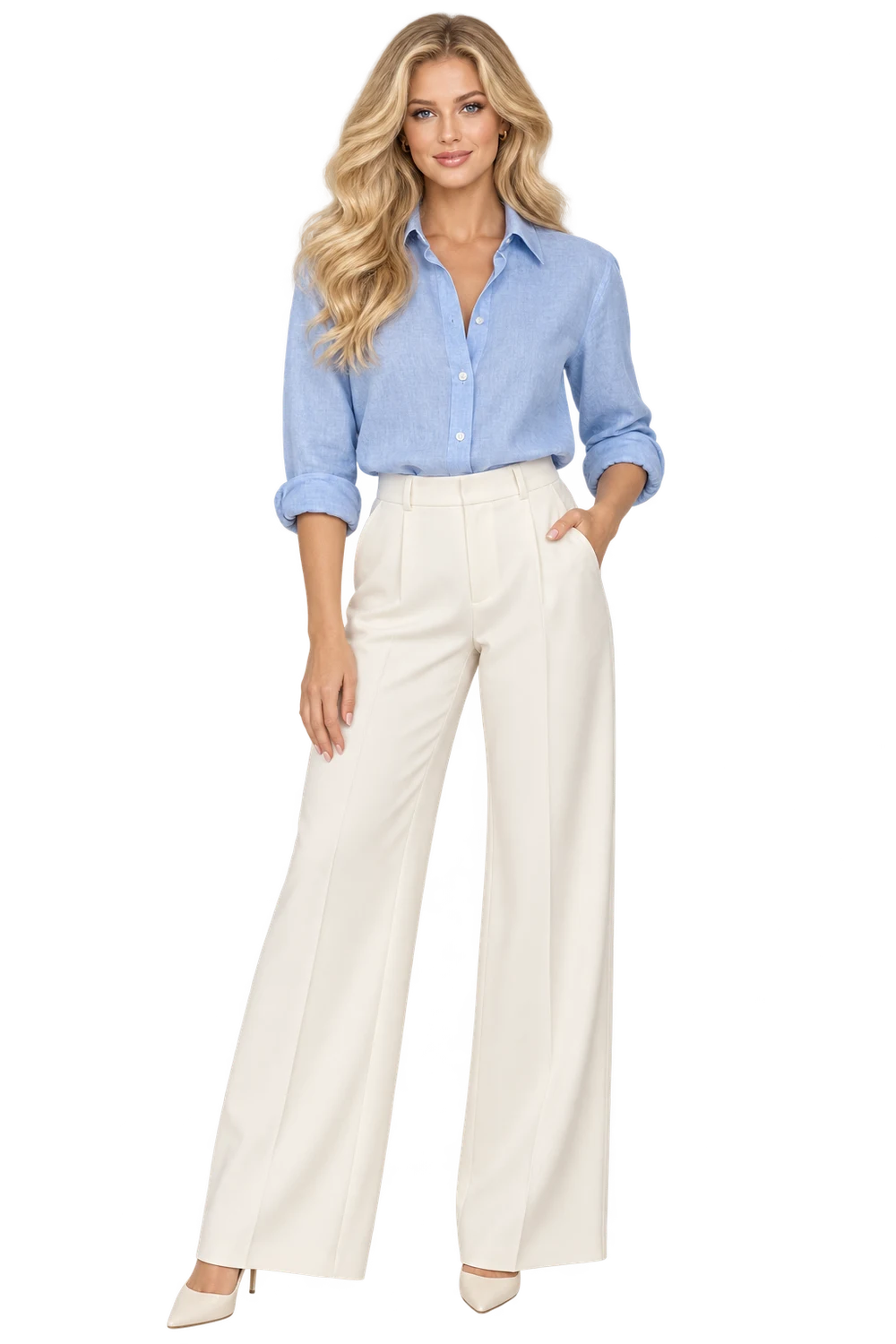 Ready for a closer look
Your first 50 images are on us For the first 1,000 signups
Sophie Cloud studioLoading this look…Your cast
Set the scene
Your products. Your cast.
A whole new world of possibilities.
50 images to find your next look. Starter credits for the first 1,000 new signups.Free exports are watermarked for evaluation. Commercial use requires a paid plan.
1,000 places availableFrom the product page
to the next big drop.
See the starting point, the creative choices, and the finished result. Open any tool with a sample ready to try.
Turn a garment photo into a fashion shot with your choice of model, light and pose.
Ready for a closer lookGive a product photo a new setting, from a clean studio to a styled campaign.
 Ready for a closer look
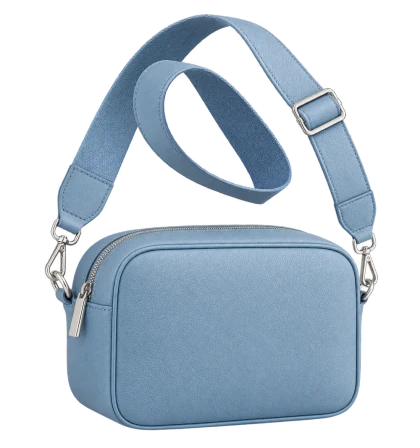
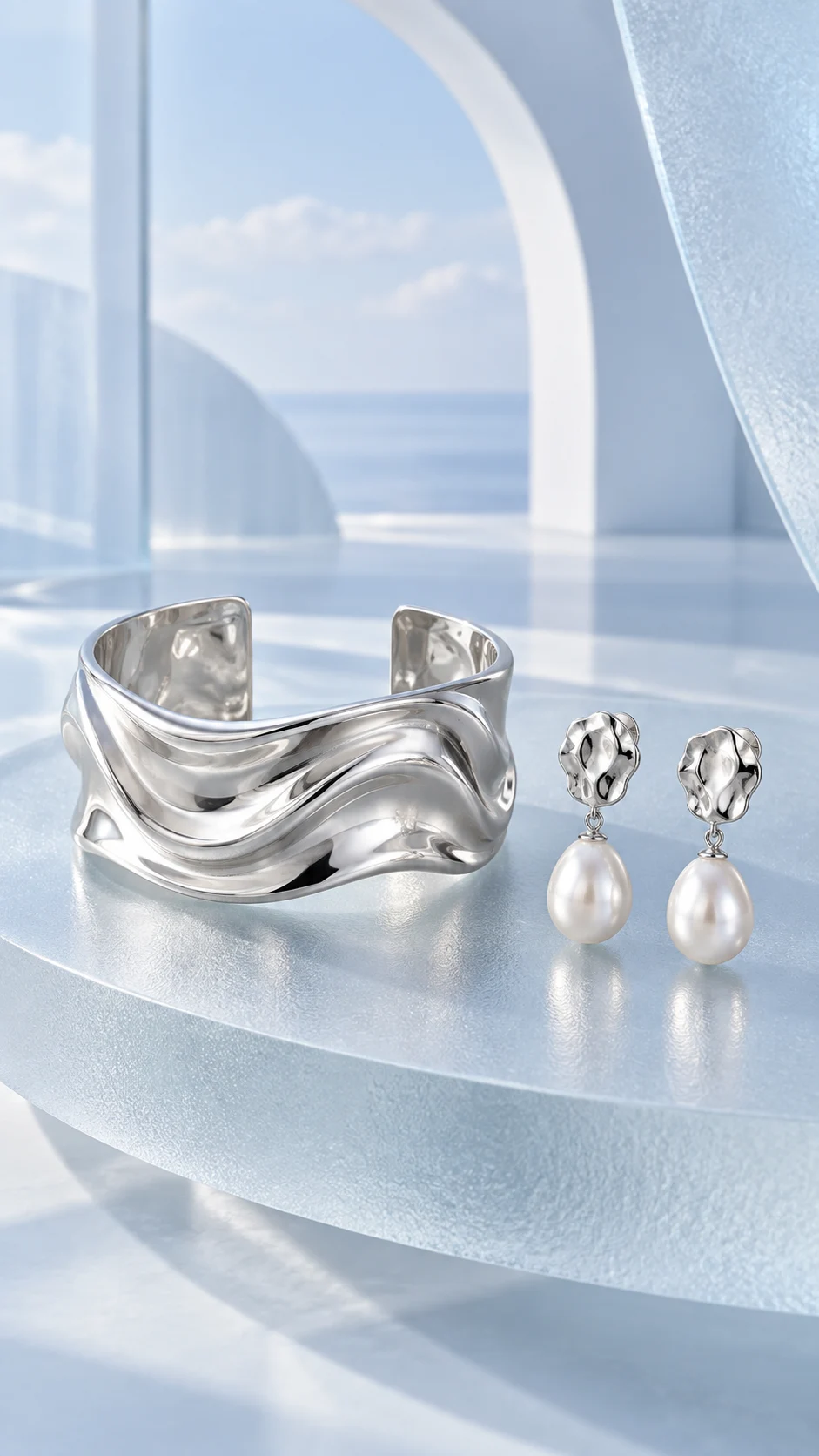
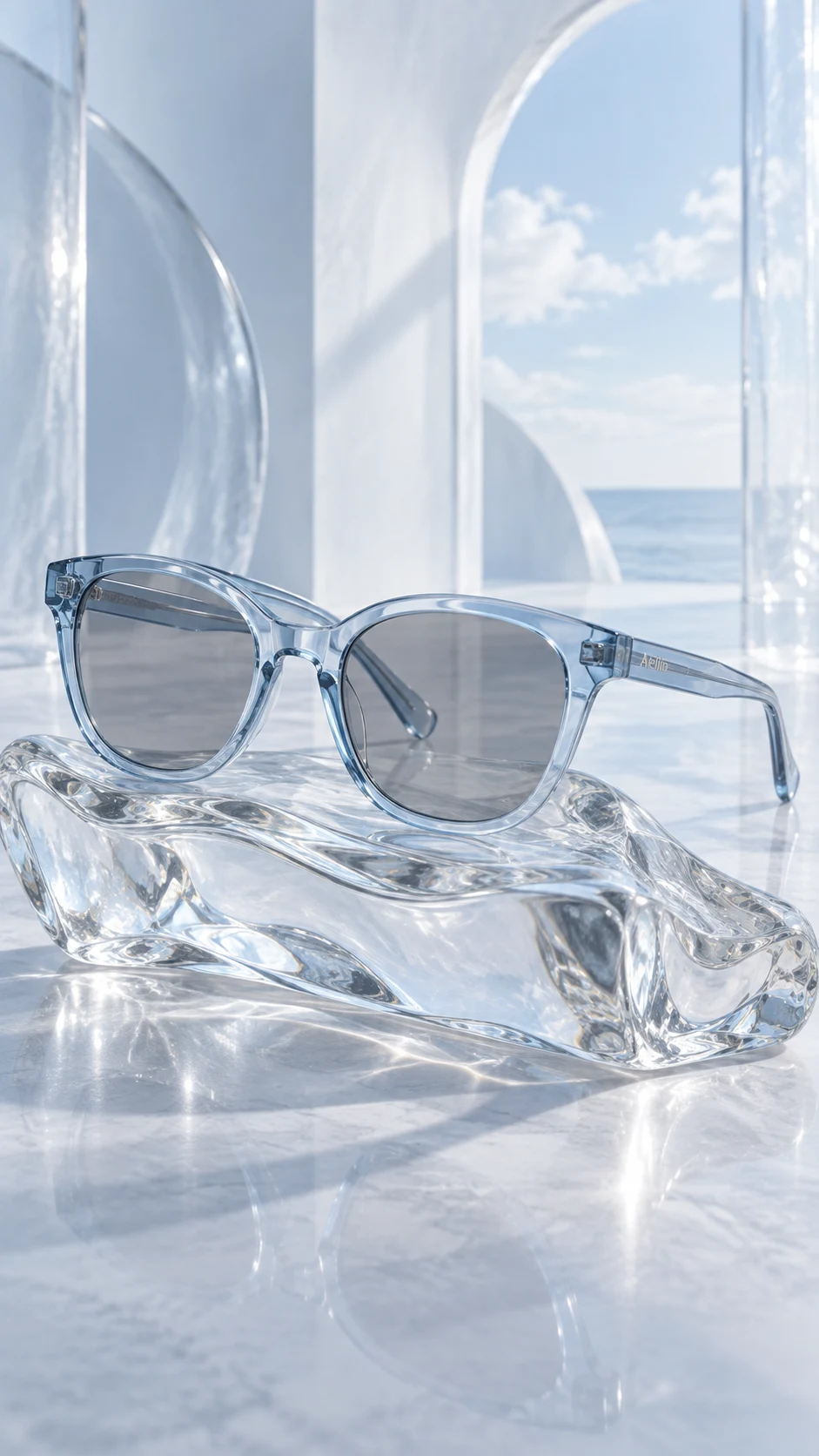
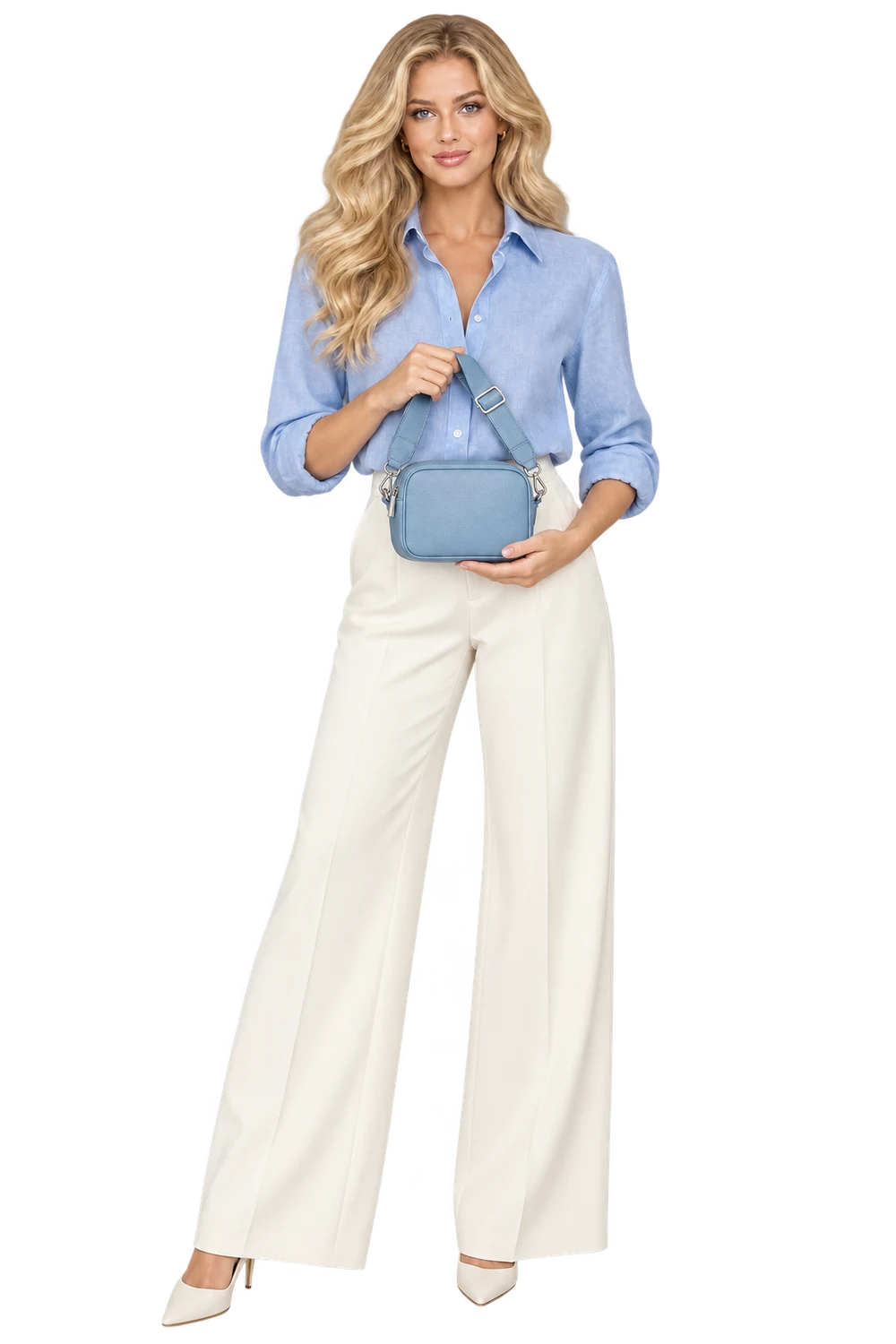
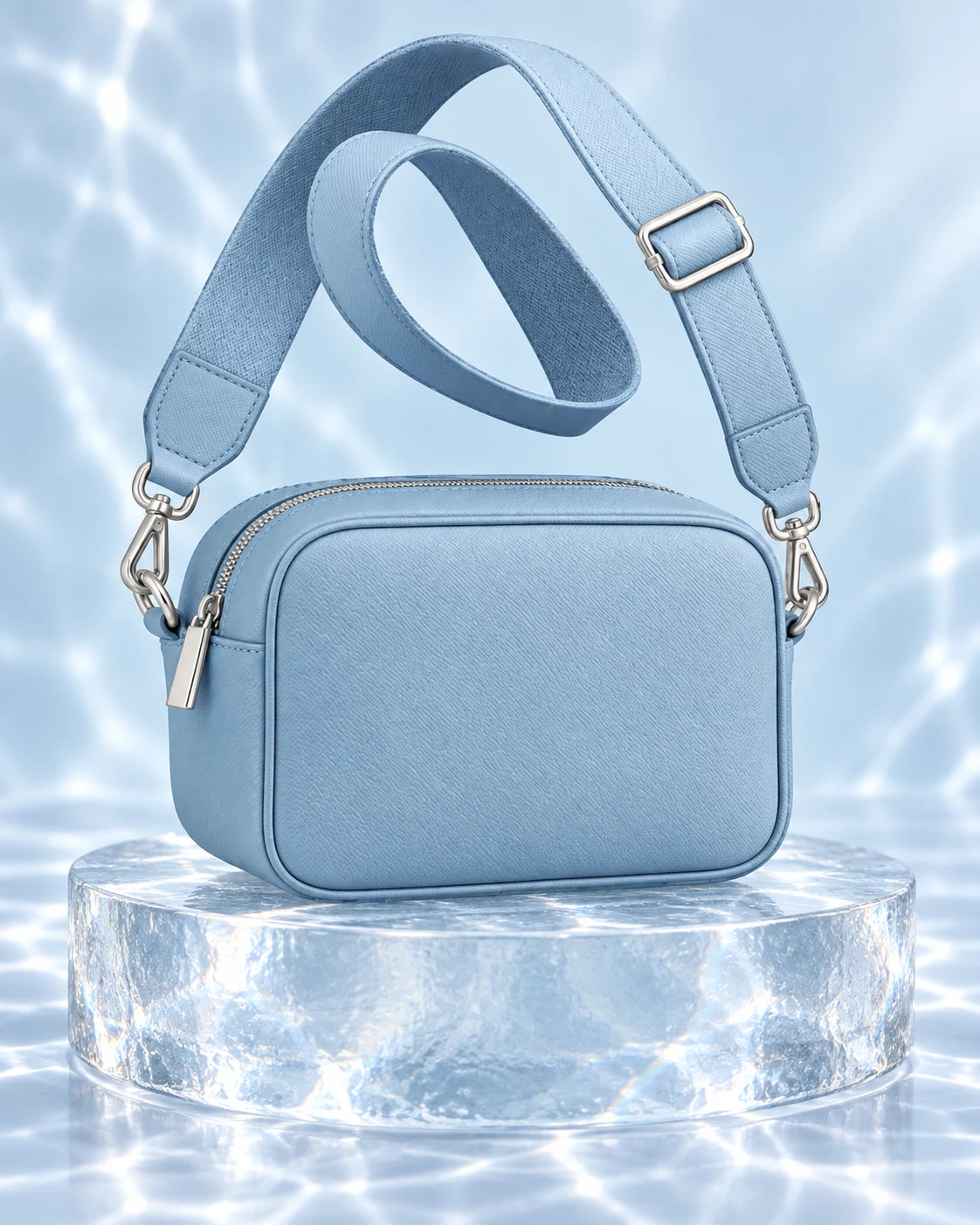
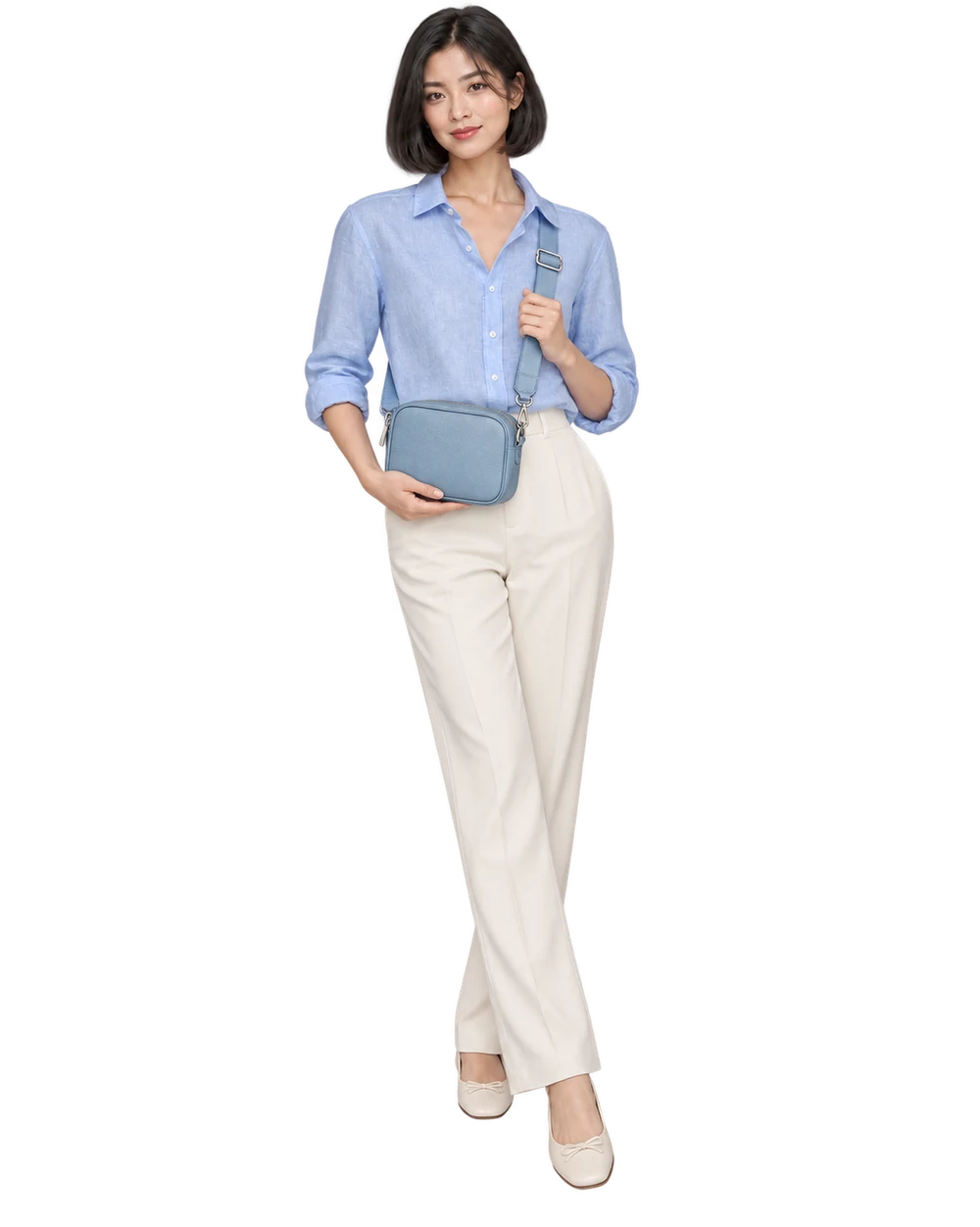
Style bags, jewelry and eyewear in a new scene, with or without a model.
 Ready for a closer look
Put your product in a creator's hands. Choose a model, upload one or describe someone new.
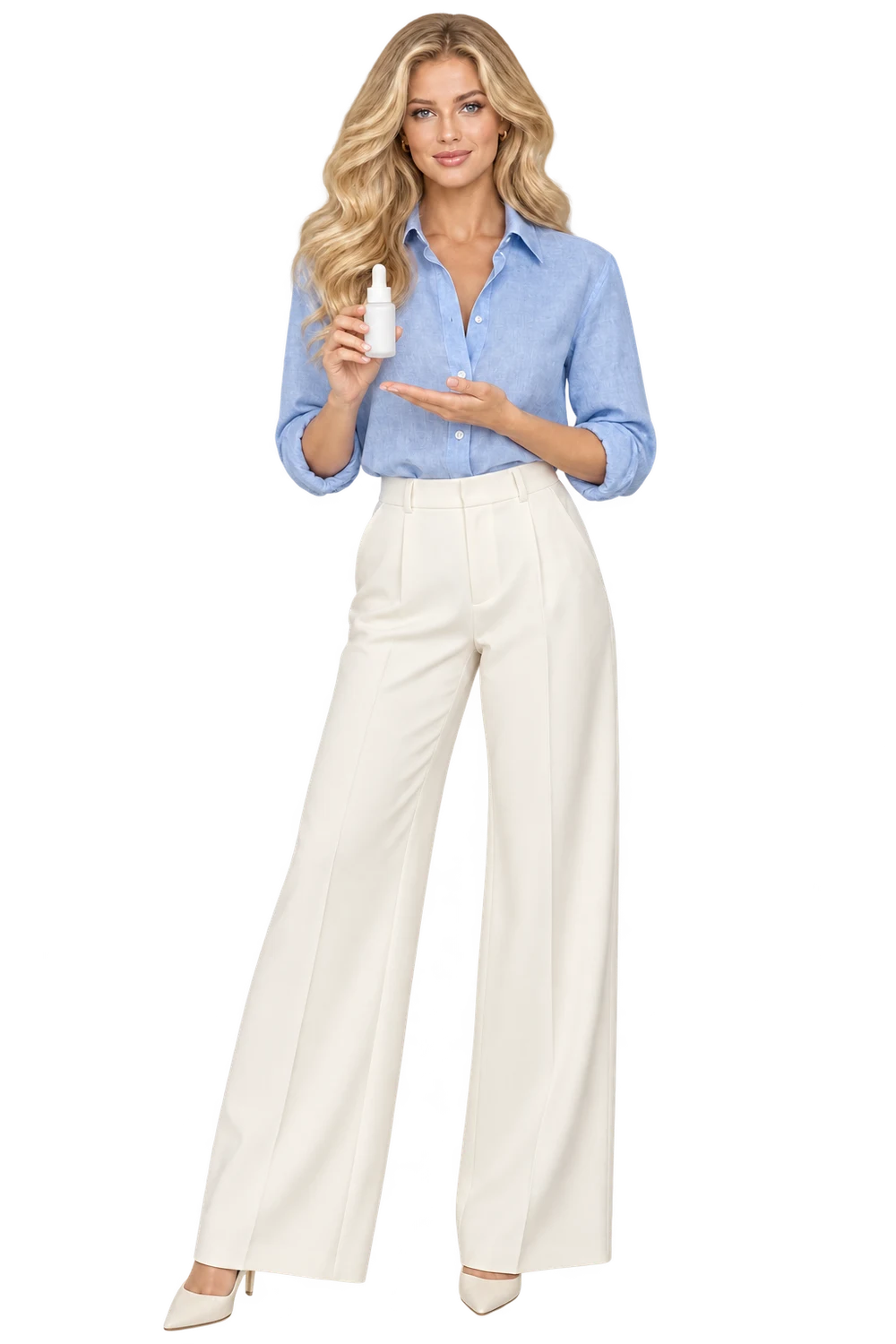 Ready for a closer look
Combine up to five pieces in one outfit, then choose your model and shot direction.
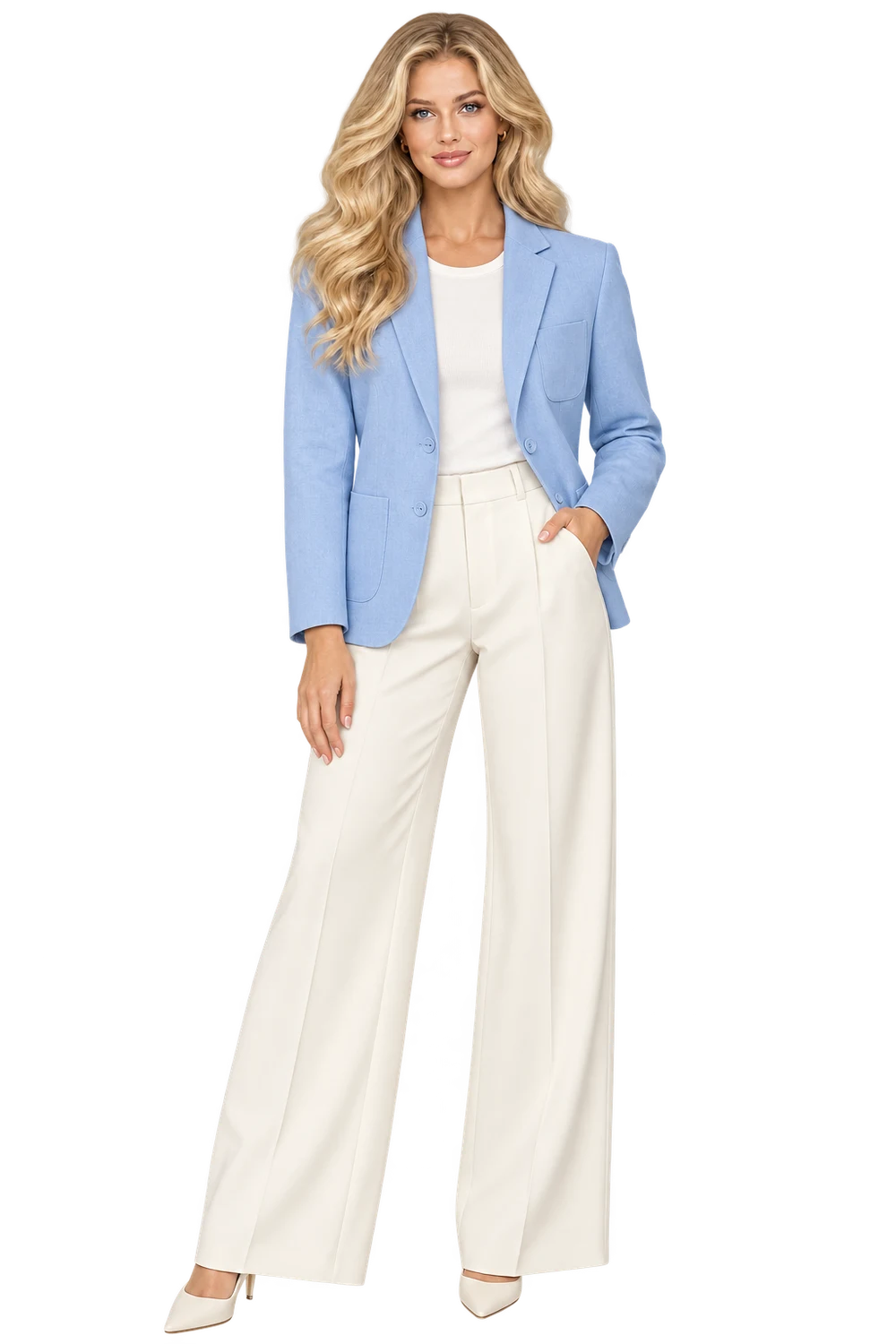 Ready for a closer look
Create an original adult model from appearance details, then save a favorite to your cast.
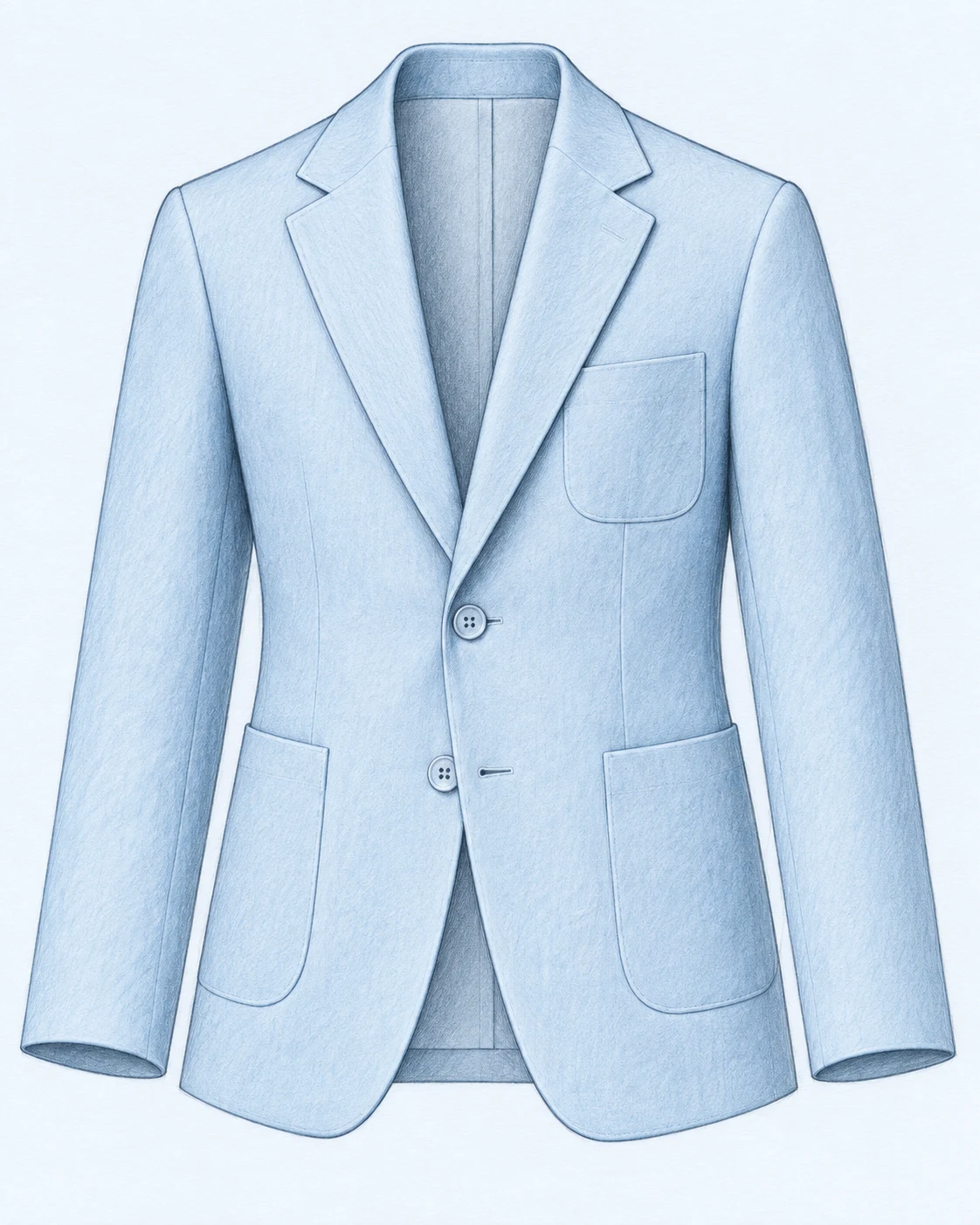
Ready for a closer lookTurn a garment sketch into a finished image with your choice of fabric and presentation.
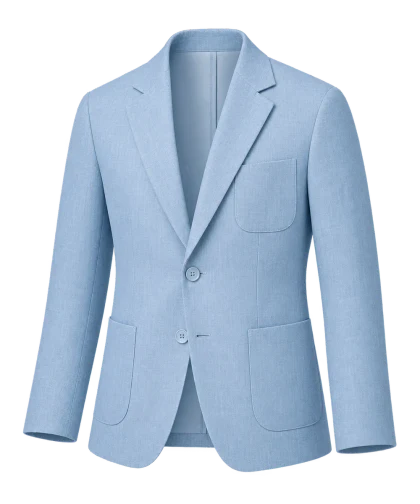 Ready for a closer look
Turn a written fashion idea into a visual concept. Add a style and an optional mood board.
Ready for a closer lookBlend an anchor design with other references. Decide which details should lead.
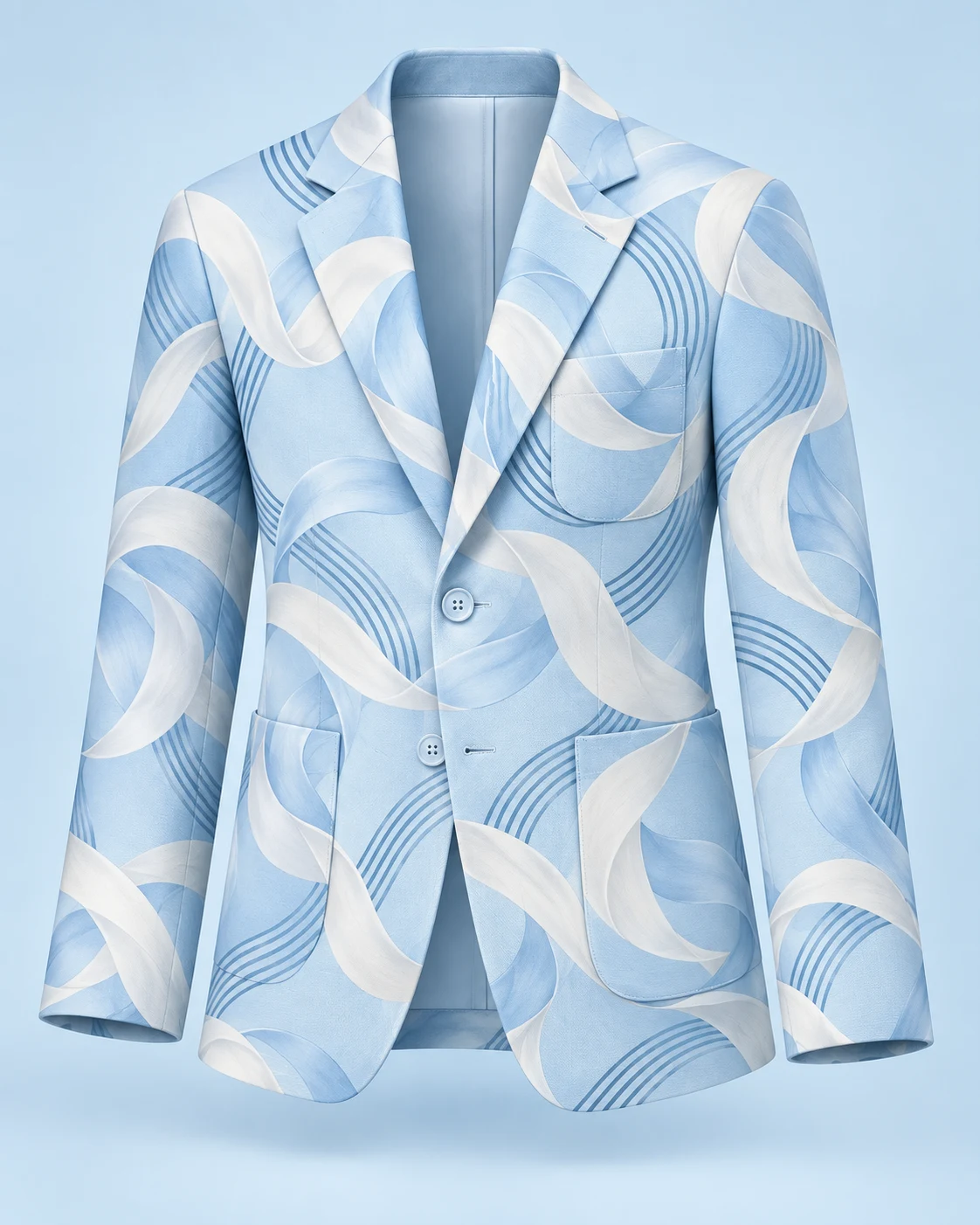 Ready for a closer look
Describe motifs, colors and scale to create a textile repeat. Review the edges before use.
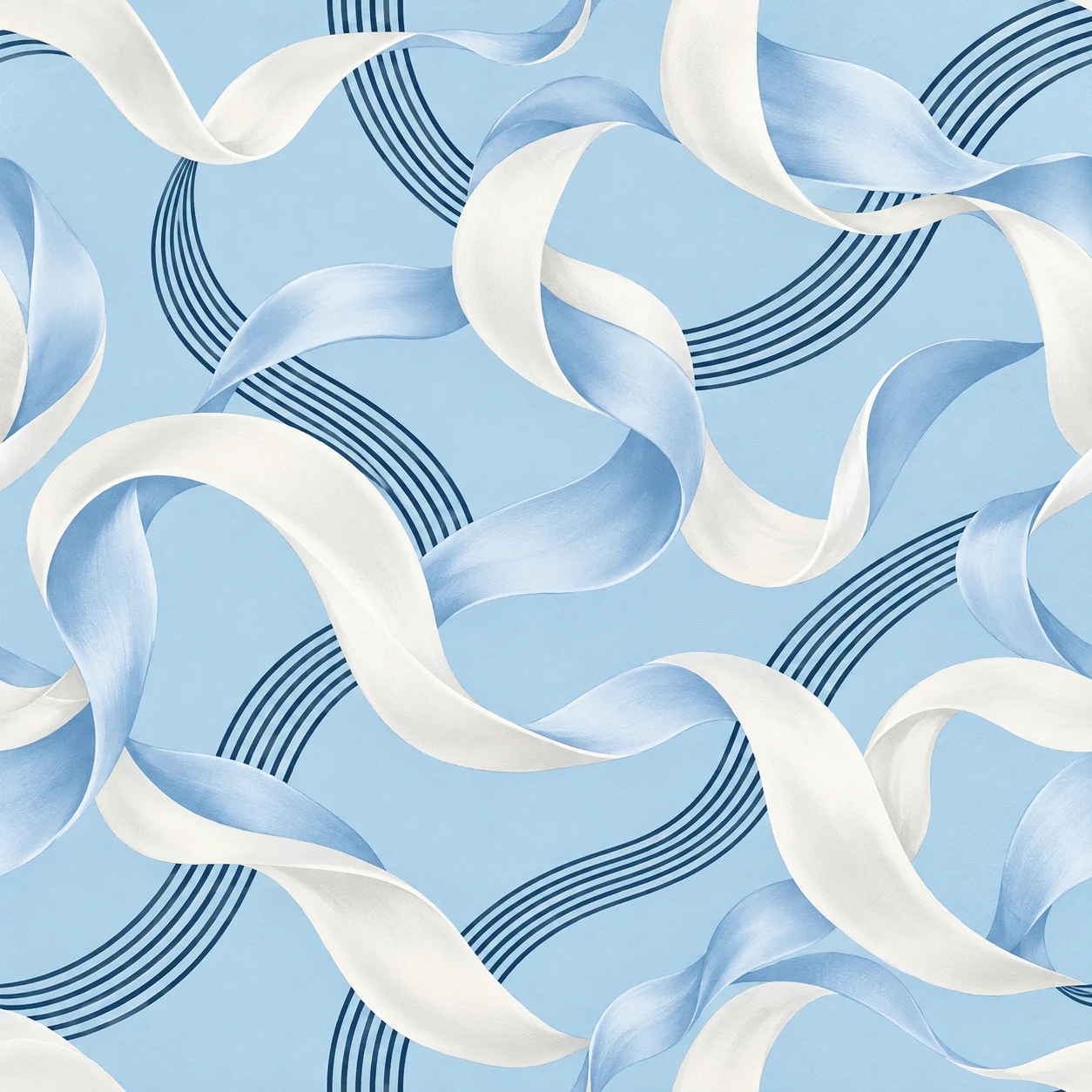 Ready for a closer look
Create a logo, badge or garment graphic from a brief, with your choice of background.
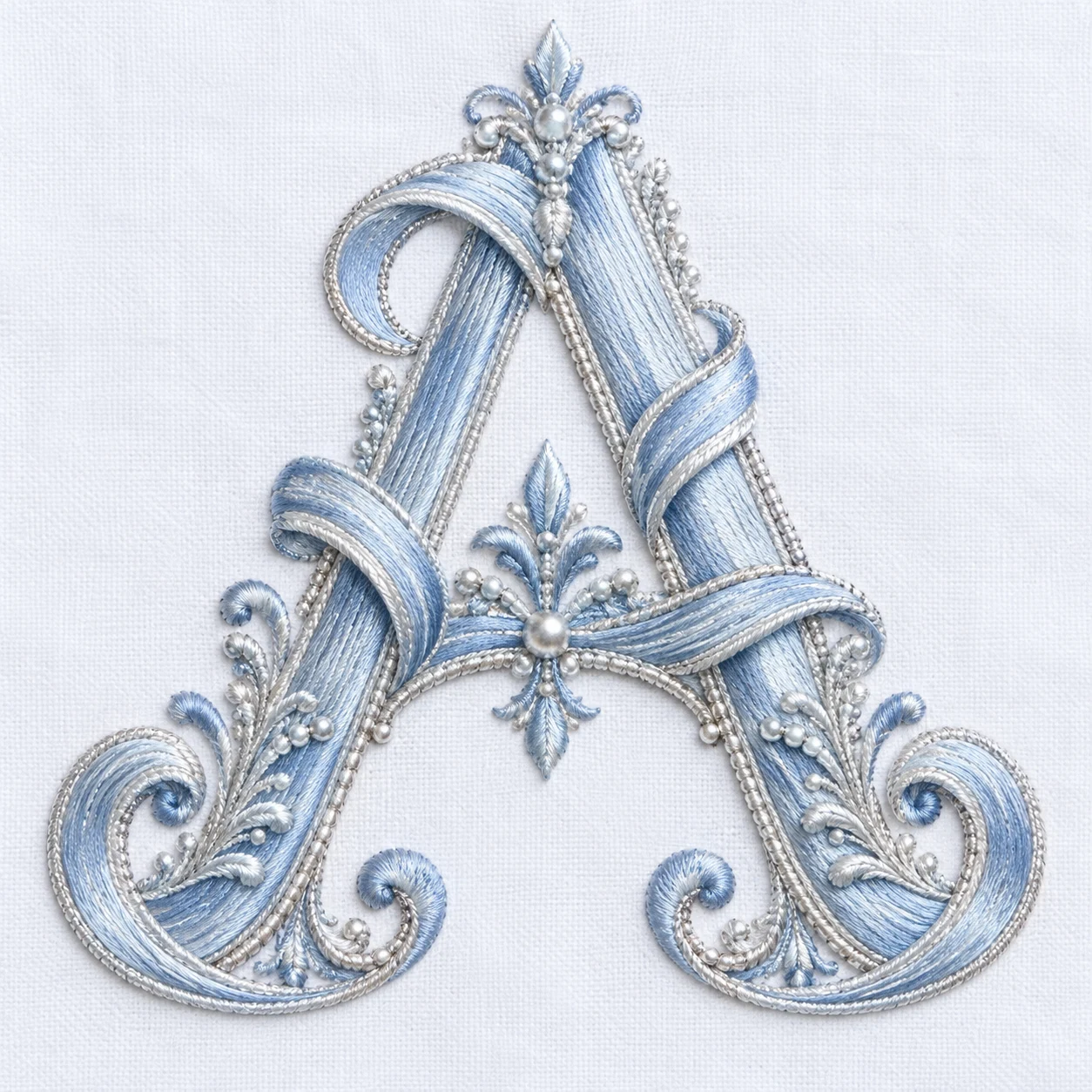 Ready for a closer look
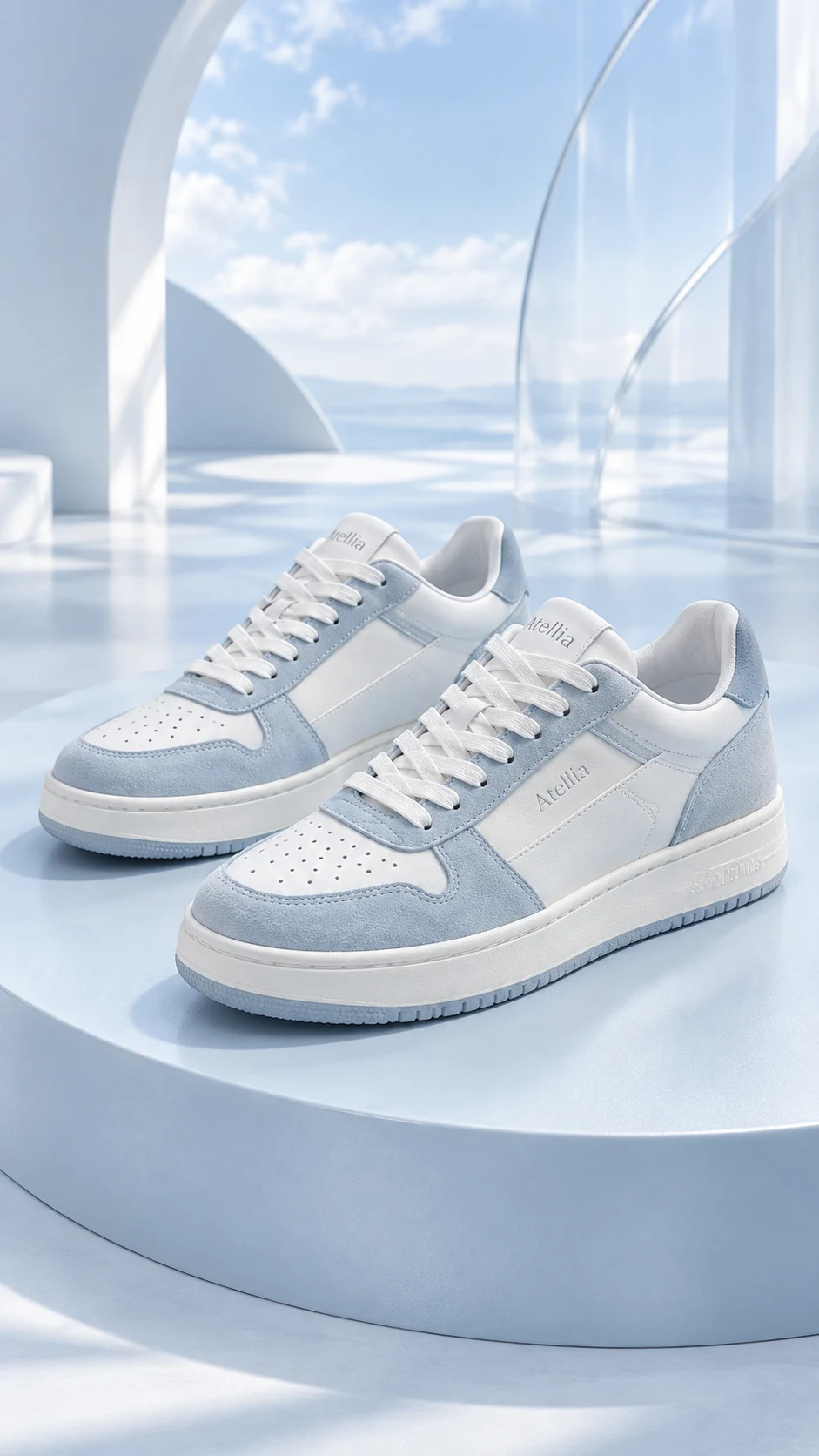
Change a product image's setting with a new backdrop, matched light and contact shadow.
Ready for a closer lookExplore another product view. Check inferred details against the original item.
Ready for a closer lookAnimate one image into a short clip. Choose the movement, camera and duration.
Your image, in motionIllustrated workflows with curated examples. Choose any step to take a closer look.
A new look, for every aisle.
Watch a product photo become its next campaign. Twenty worlds to explore. One studio to make them yours.
Illustrative AI transformations. Review details against your original. Tap a card’s photo label to compare.
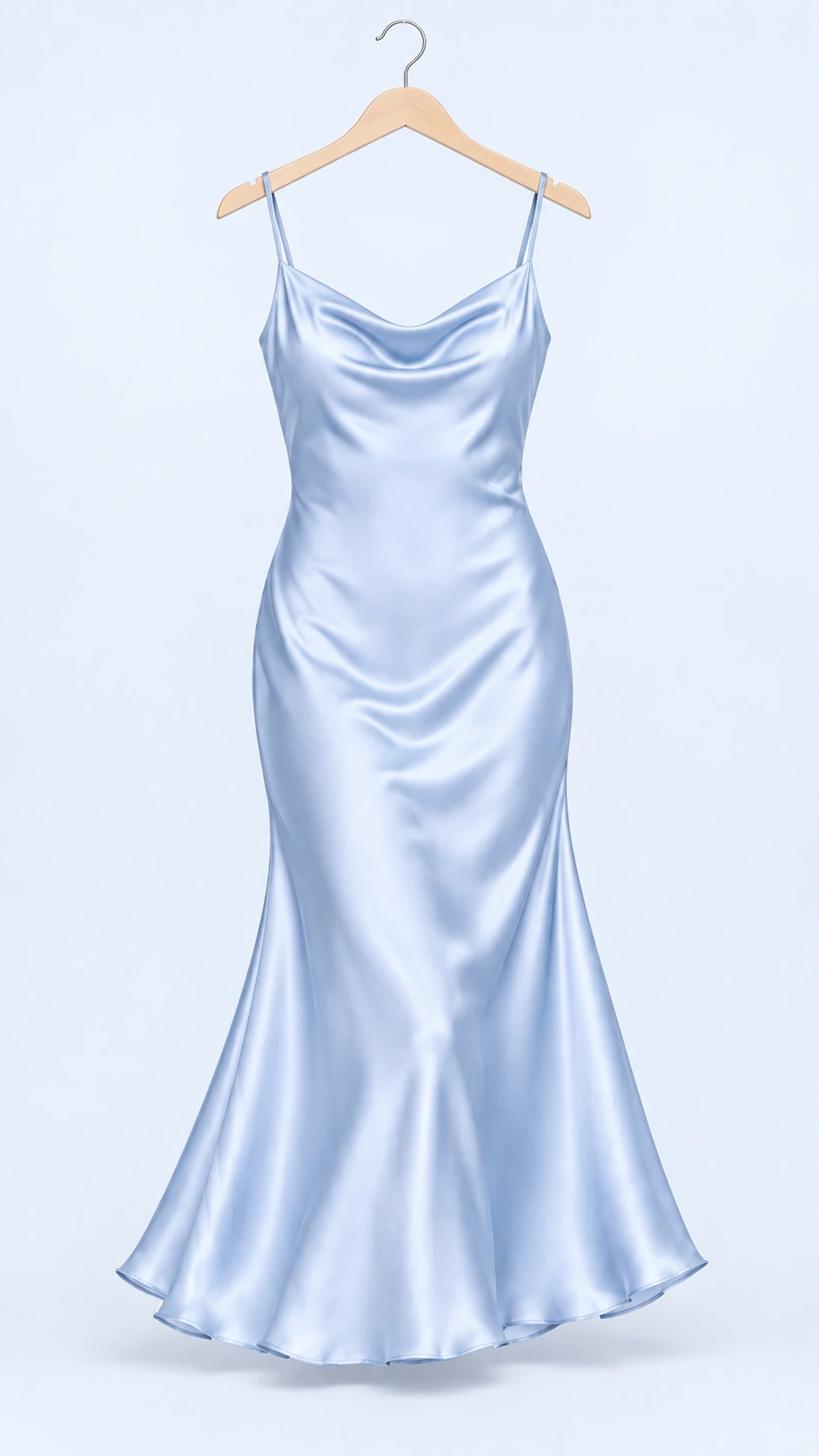 01 / Your product
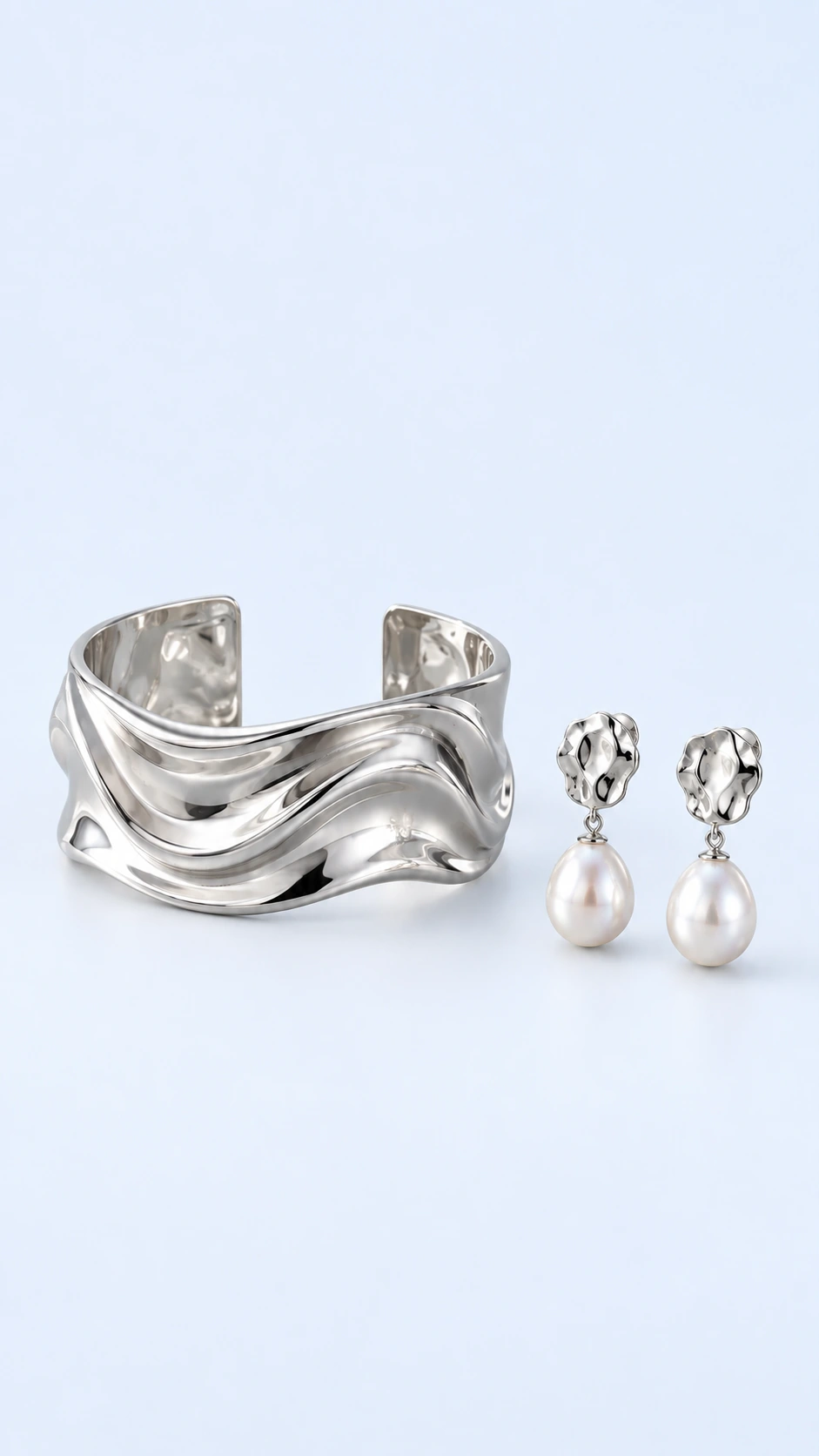 01 / Your product
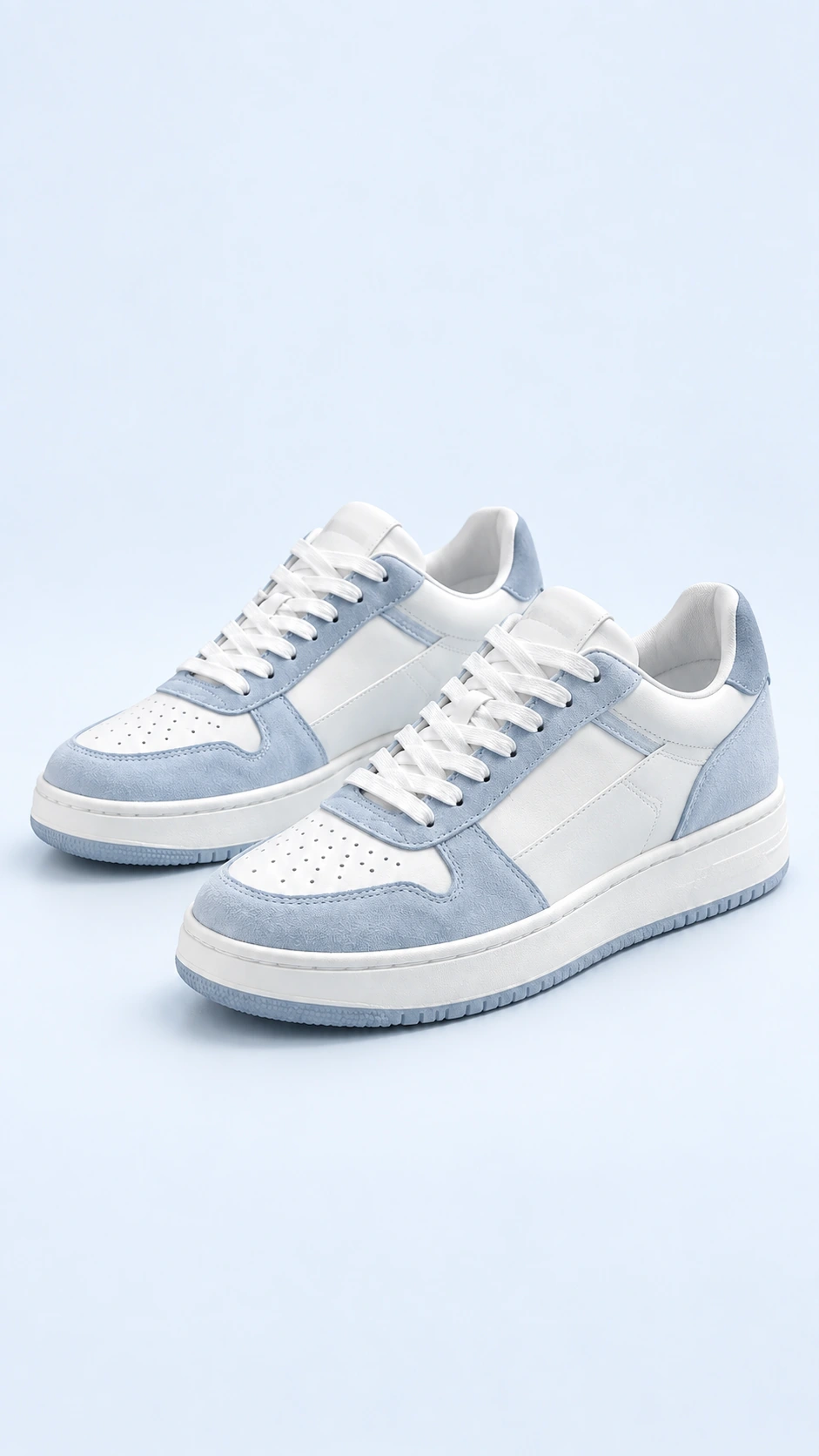 01 / Your product
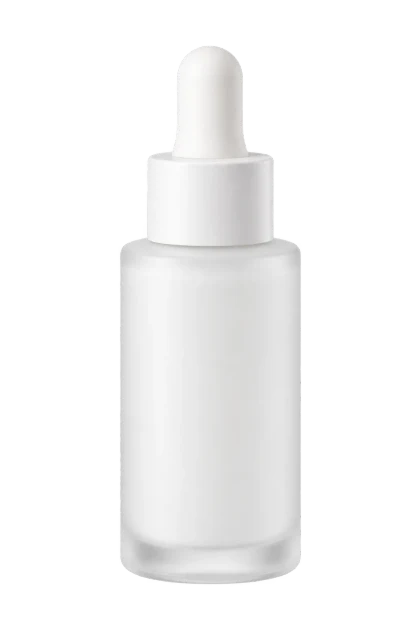 01 / Your product
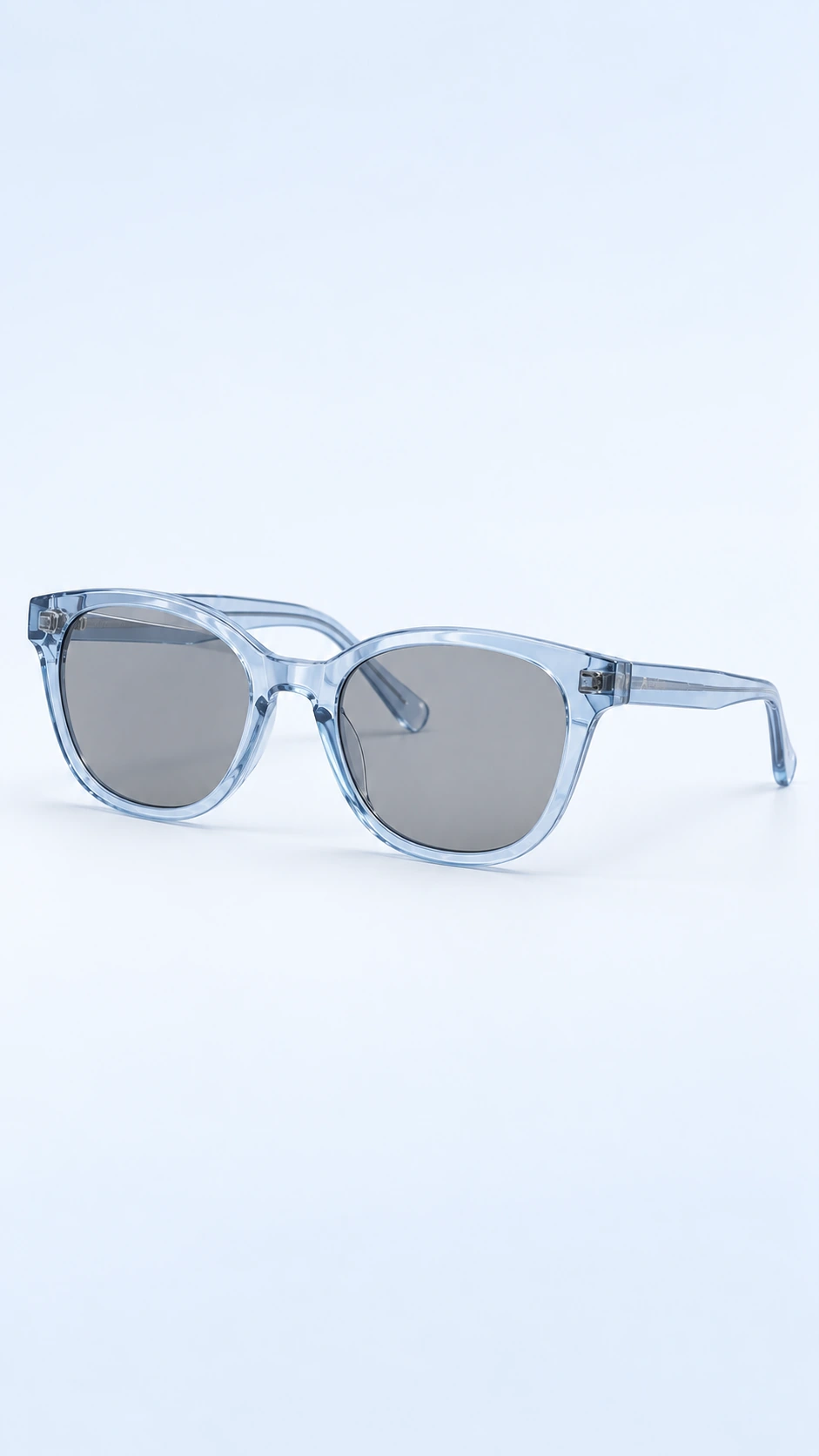 01 / Your product
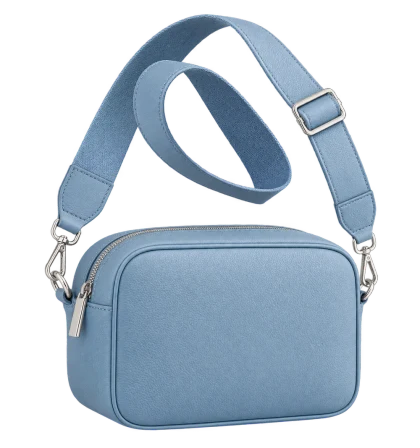 01 / Your product
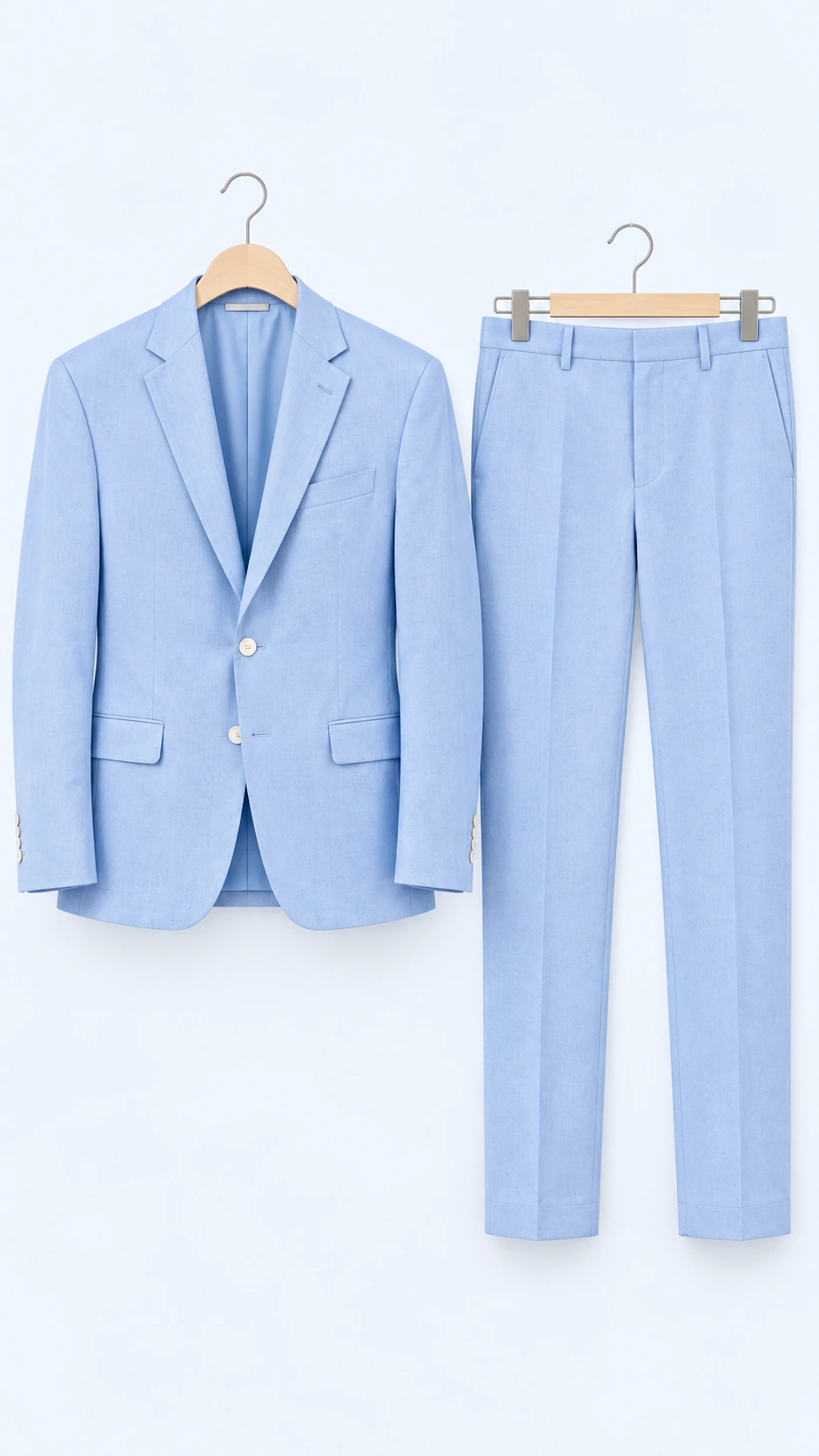 01 / Your product
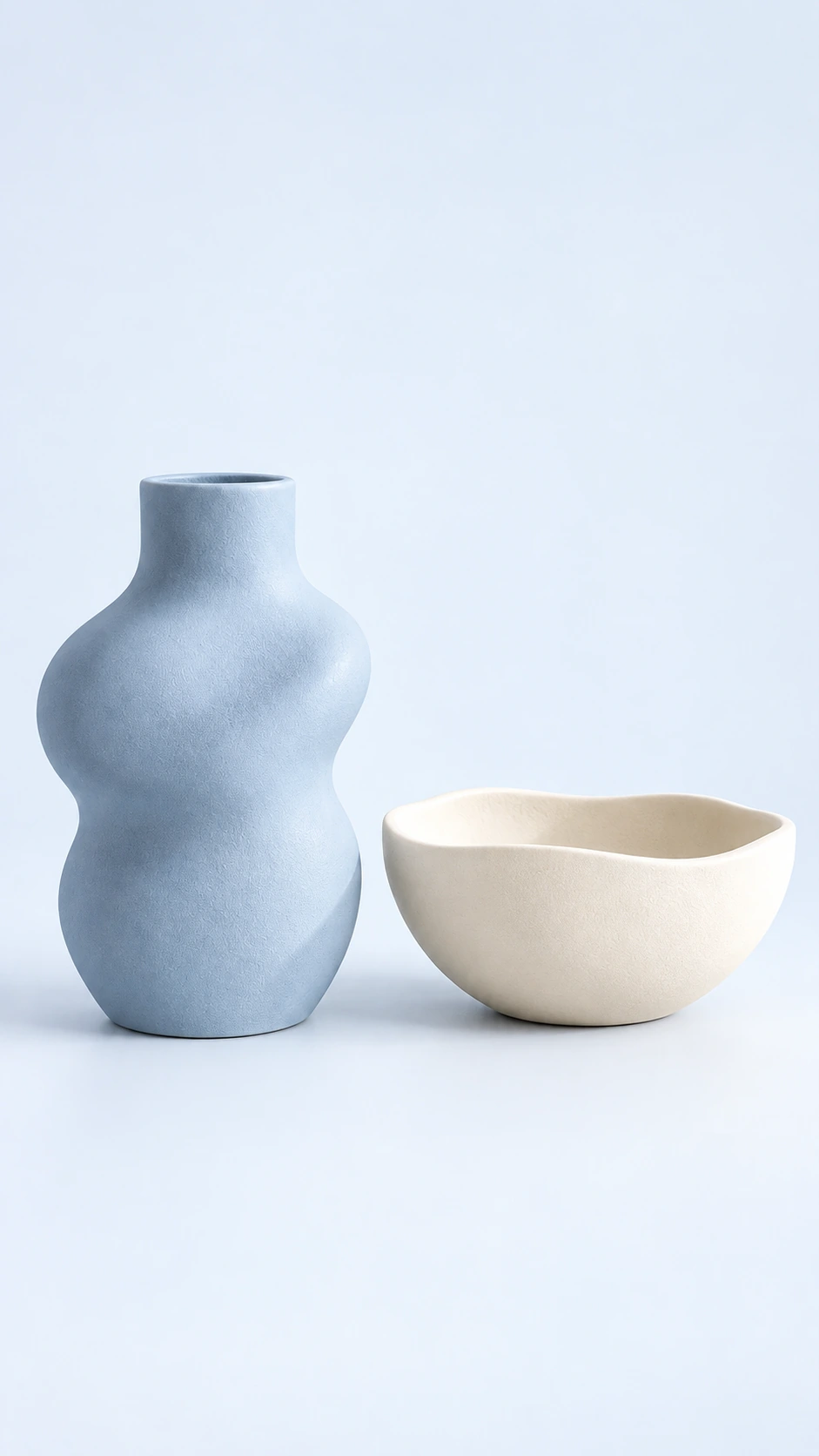 01 / Your product
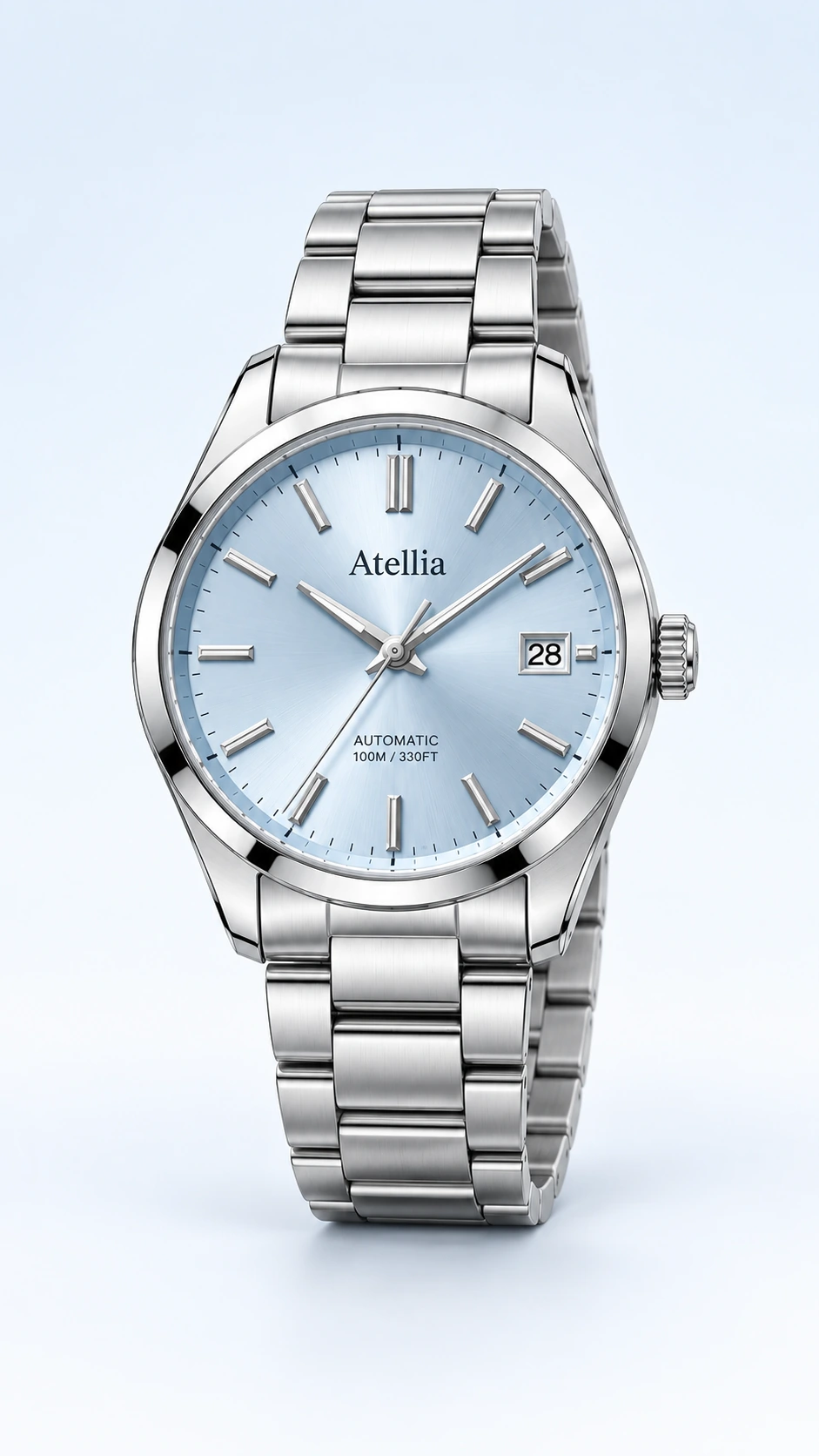 01 / Your product
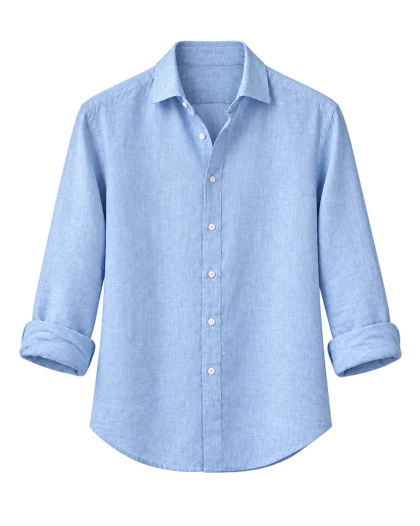 01 / Your product
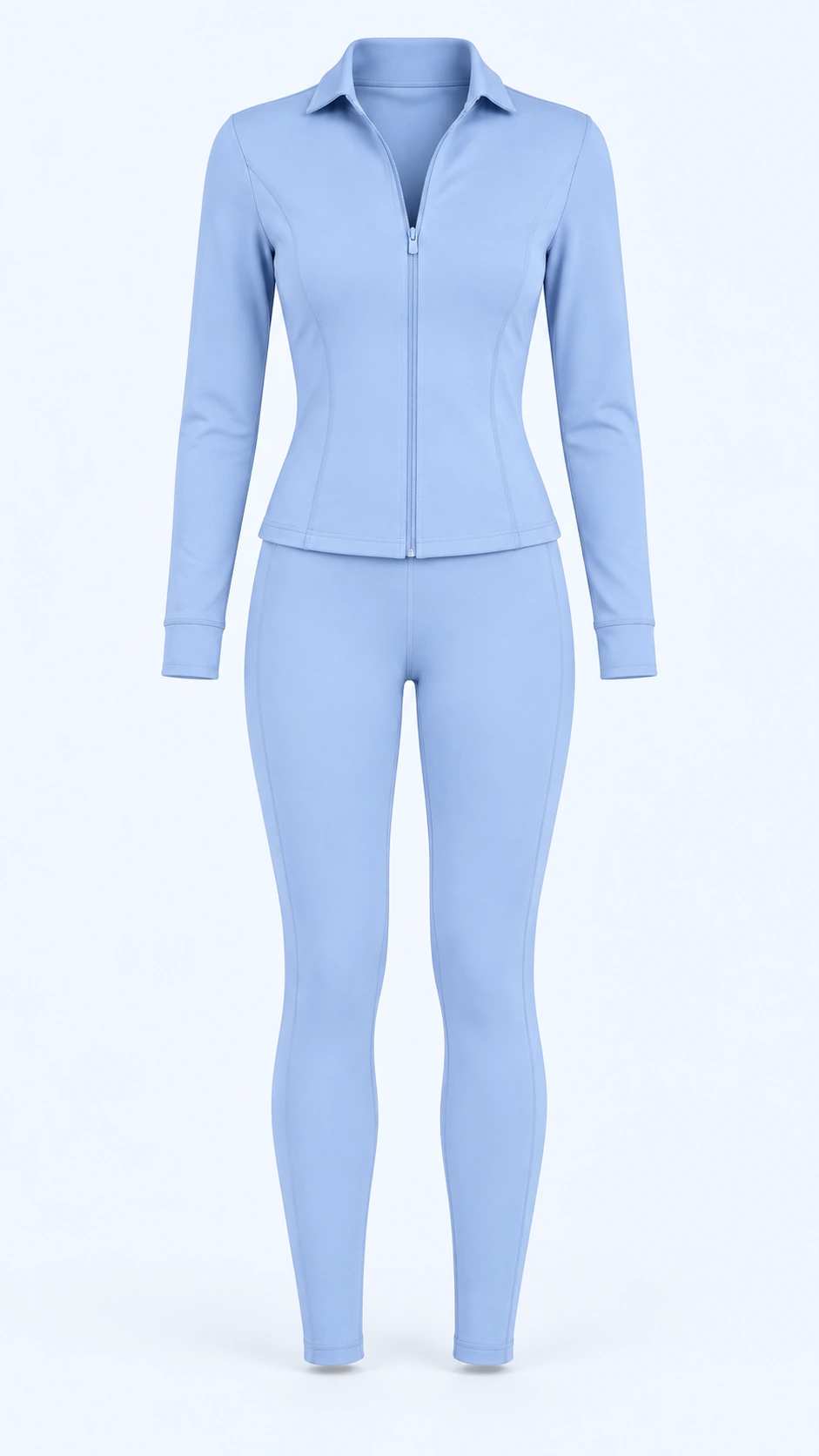 01 / Your product
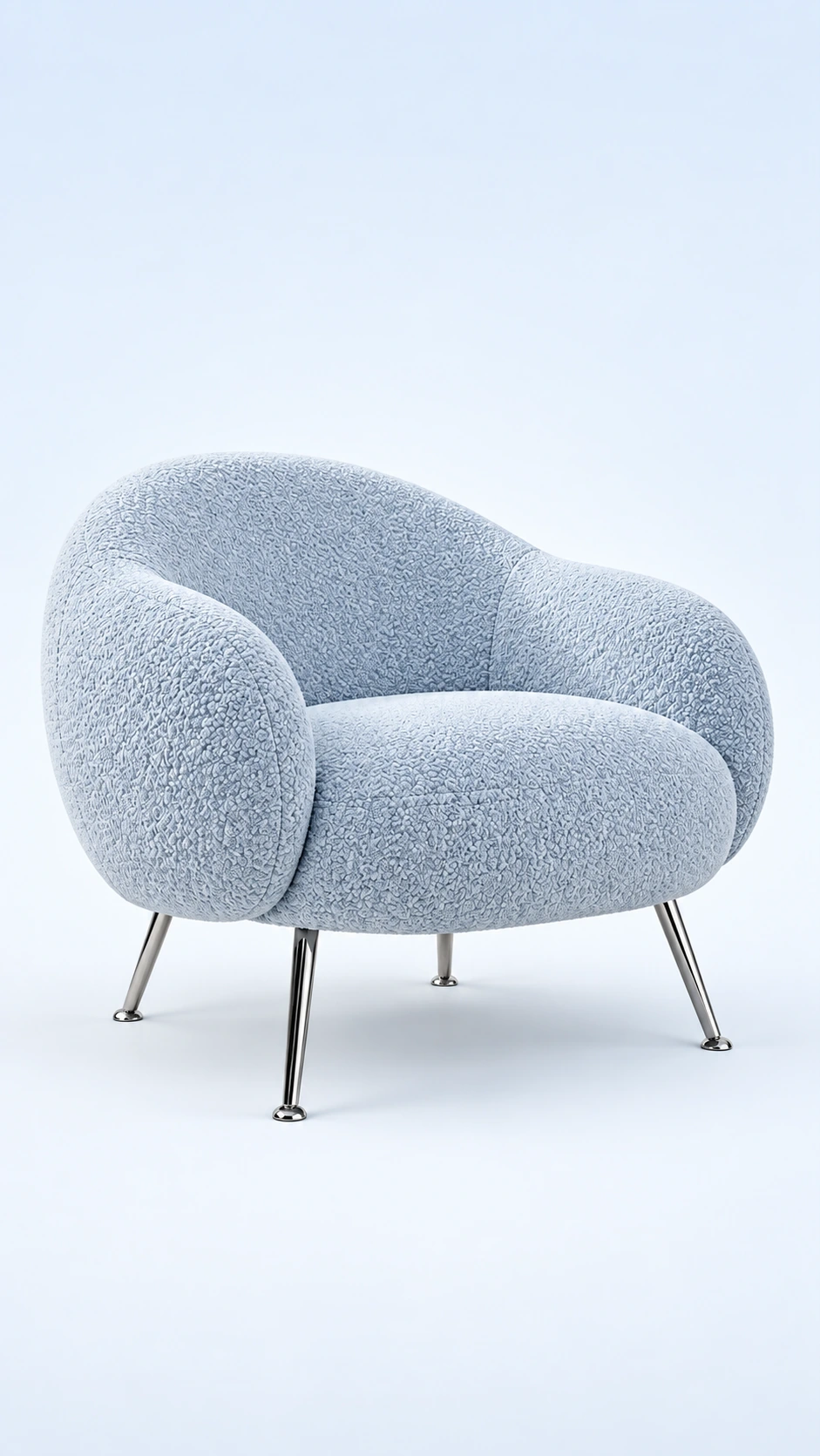 01 / Your product
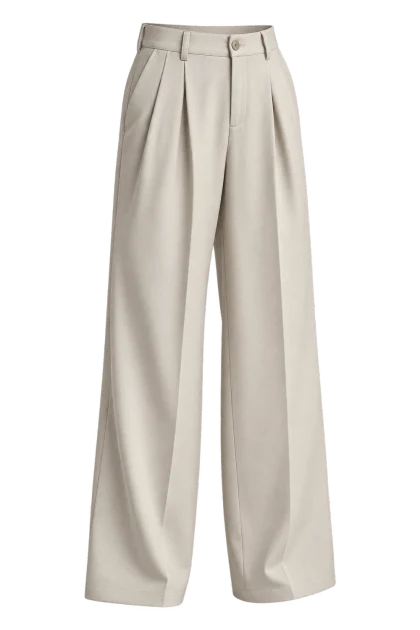 01 / Your product
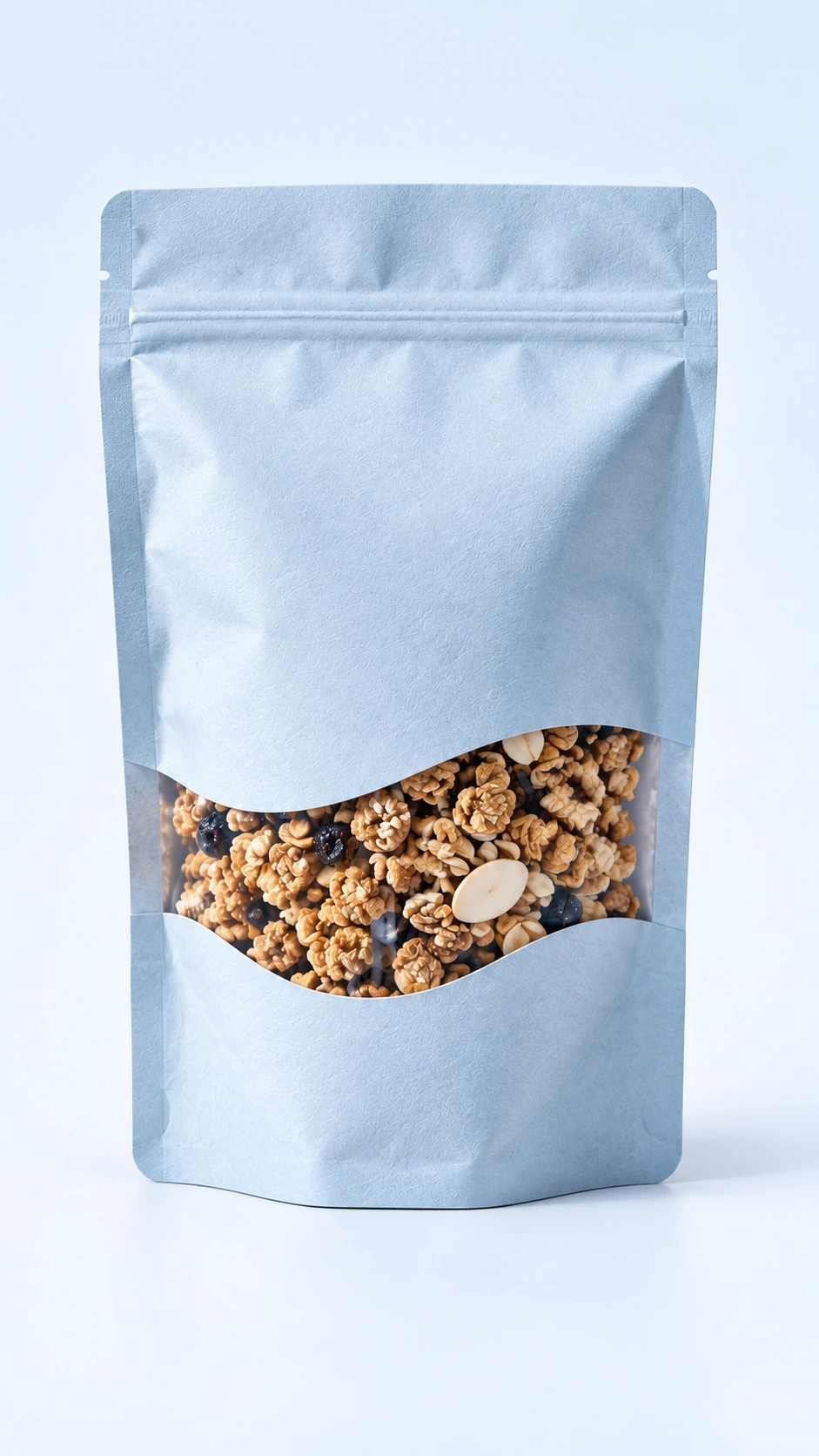 01 / Your product
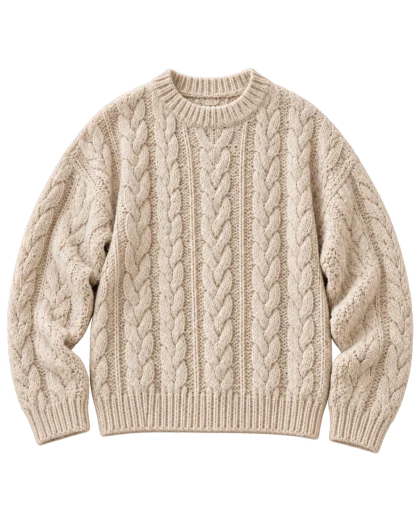 01 / Your product
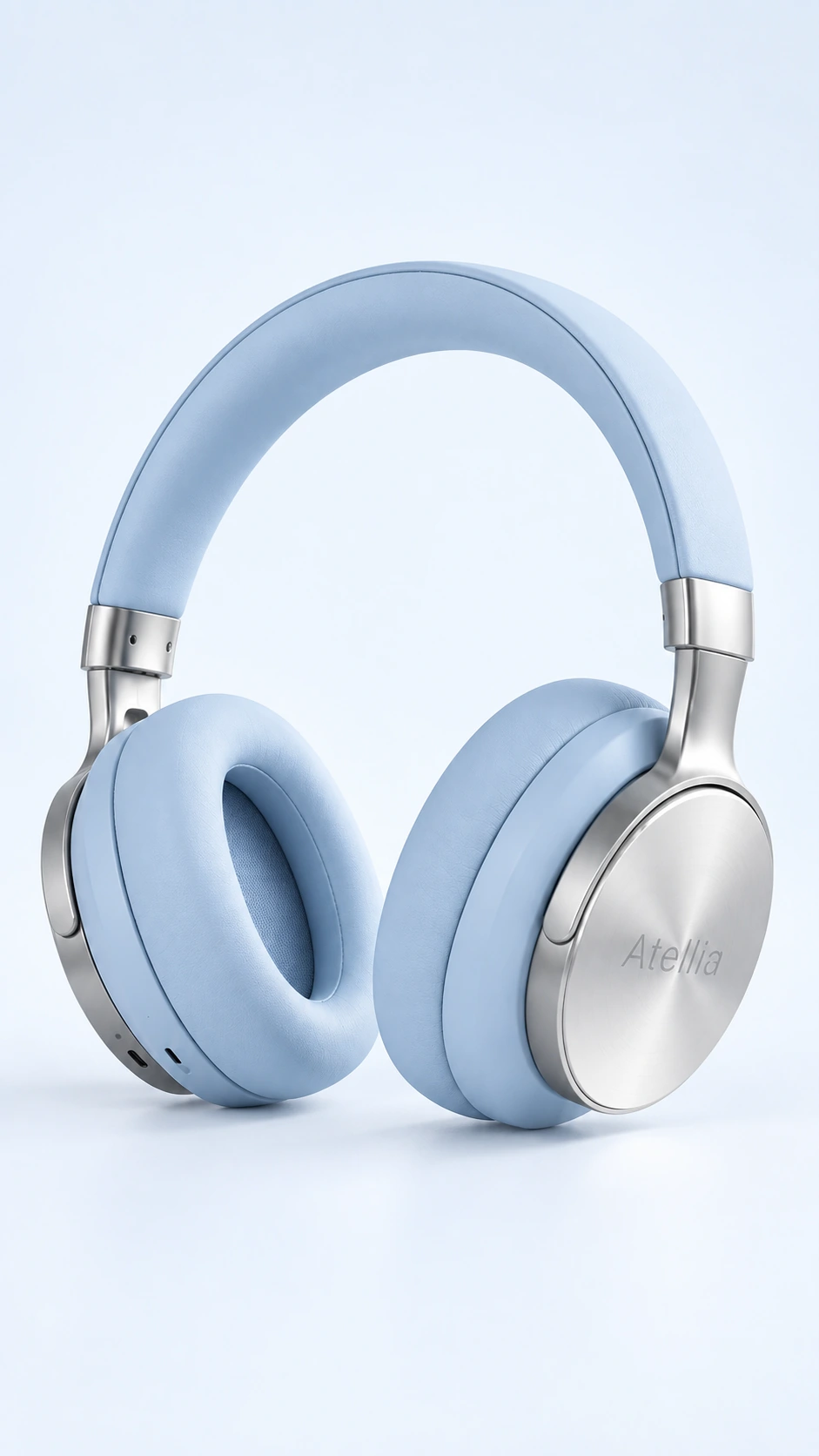 01 / Your product
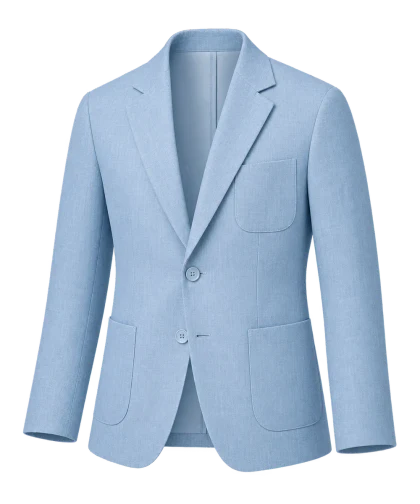 01 / Your product
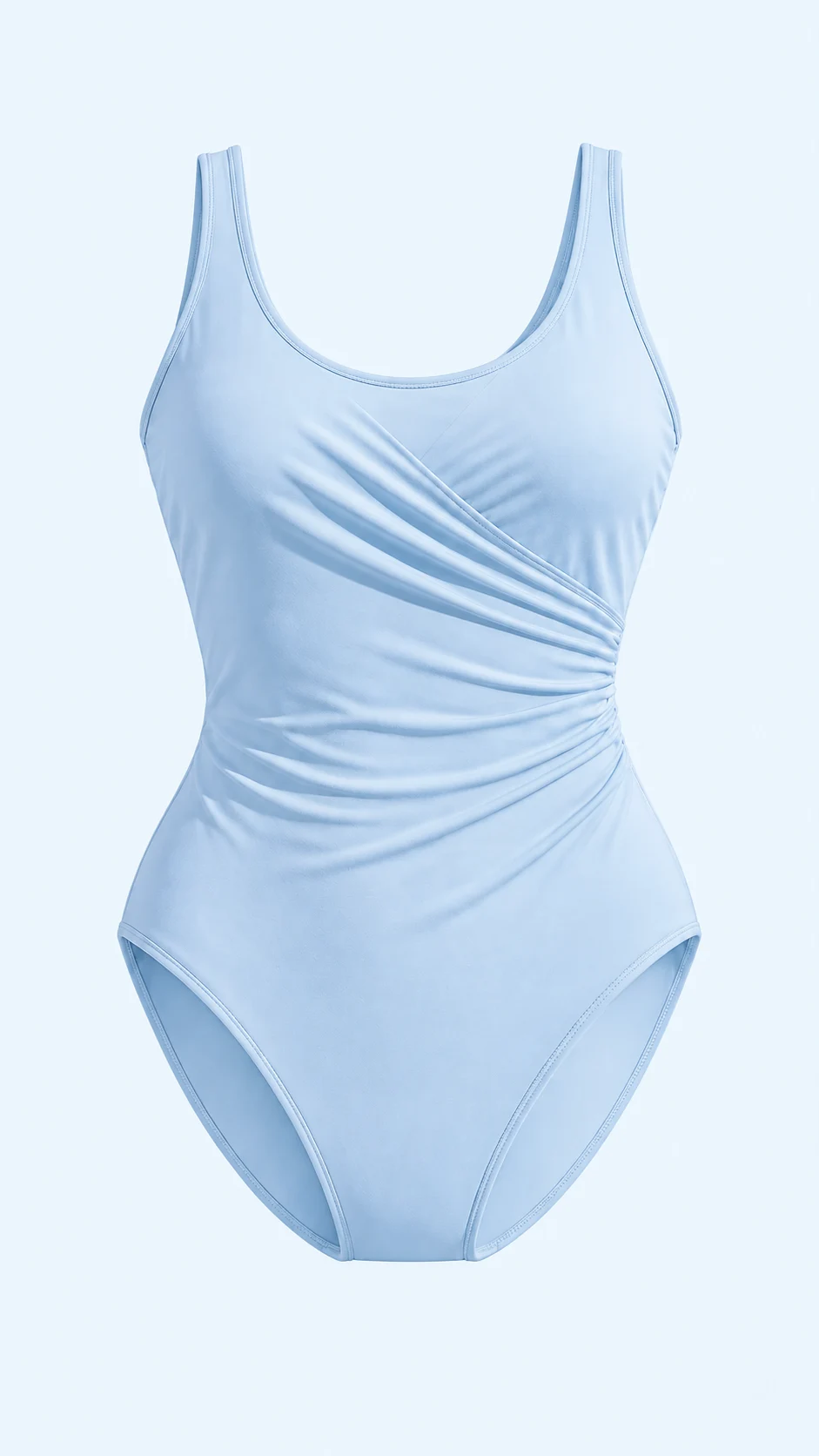 01 / Your product
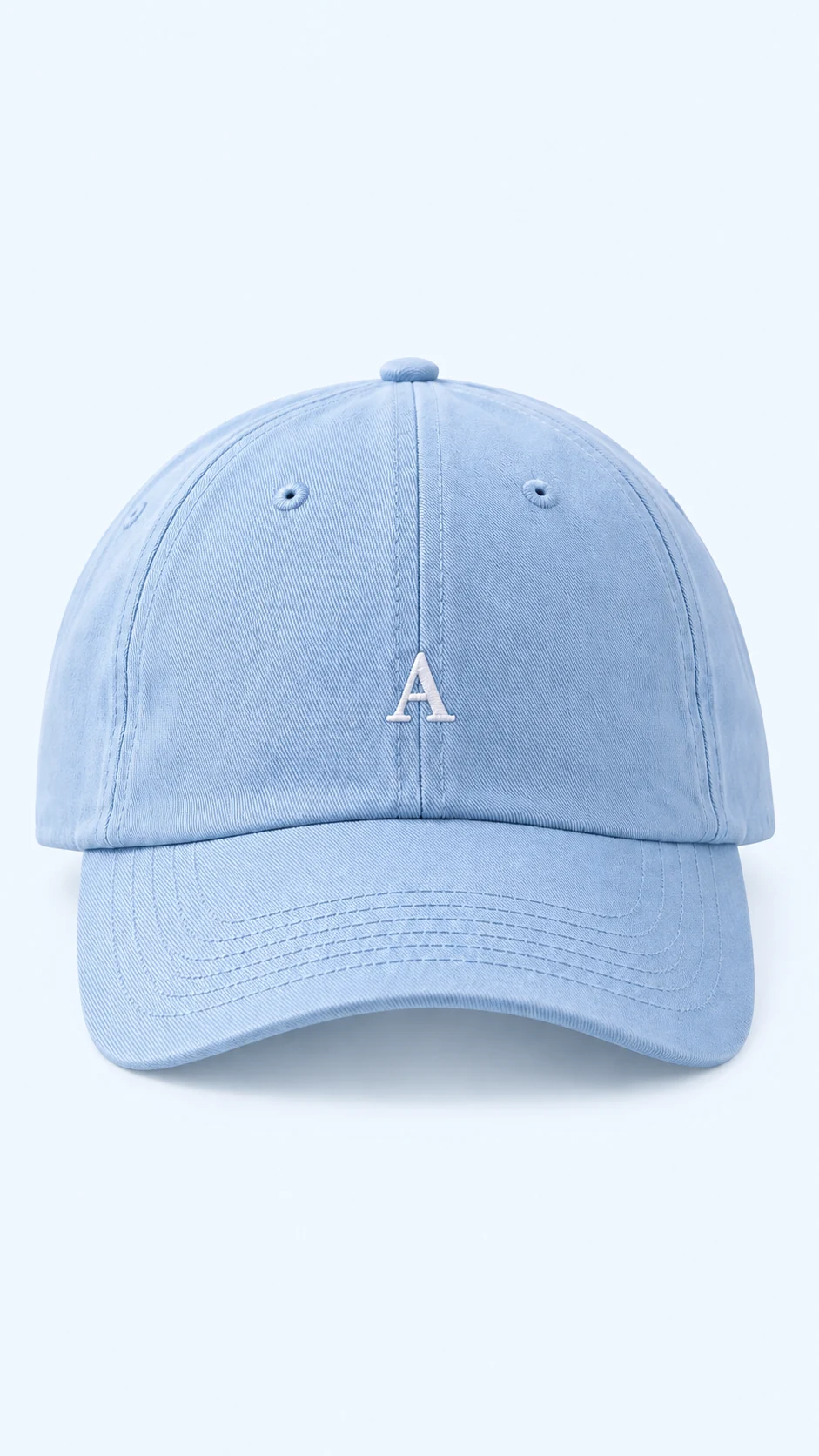 01 / Your product
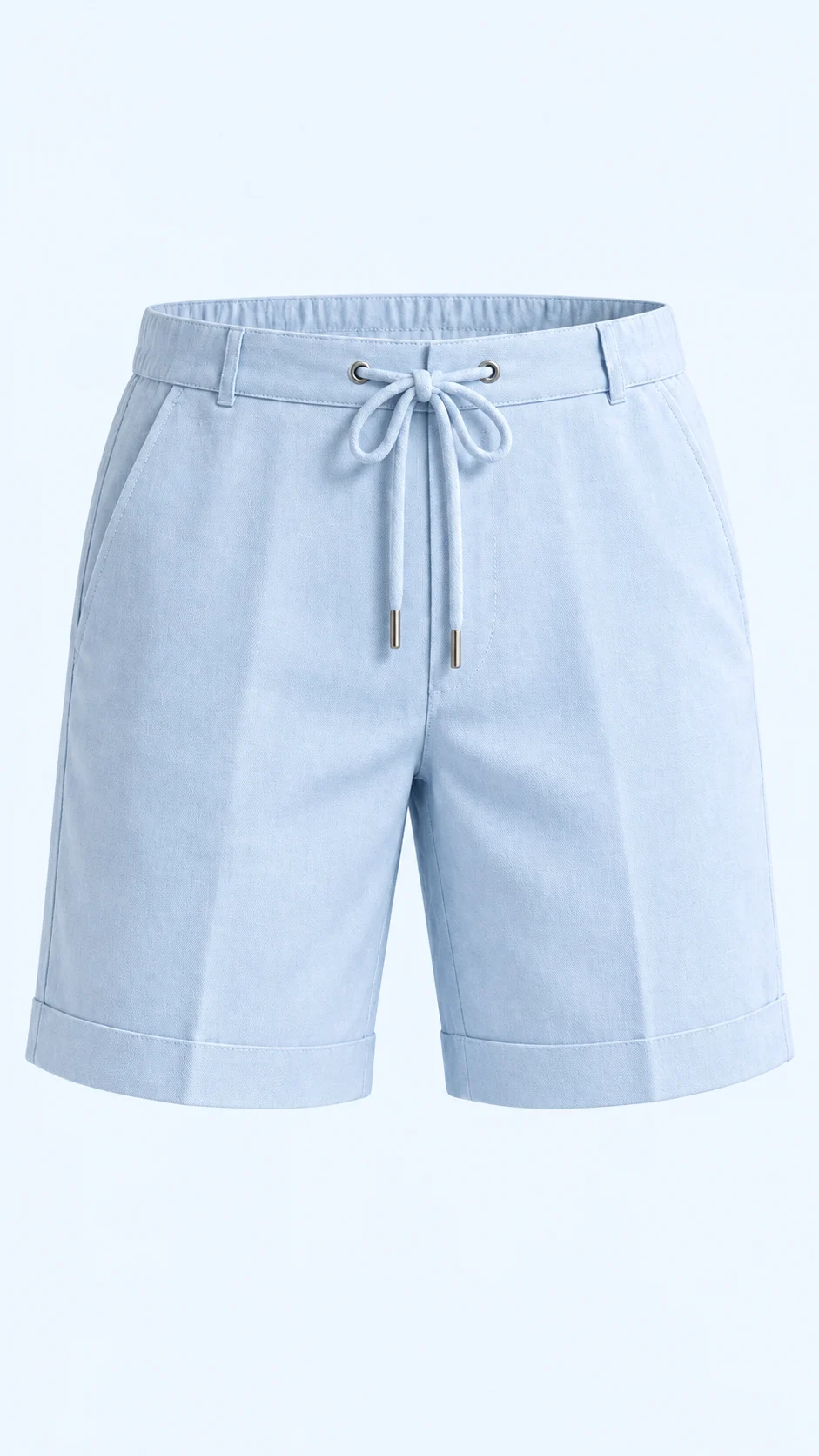 01 / Your product
Your cast. Your collection.
Build an original model or upload someone you work with. Bring them back for the next piece, the next collection, the next campaign.
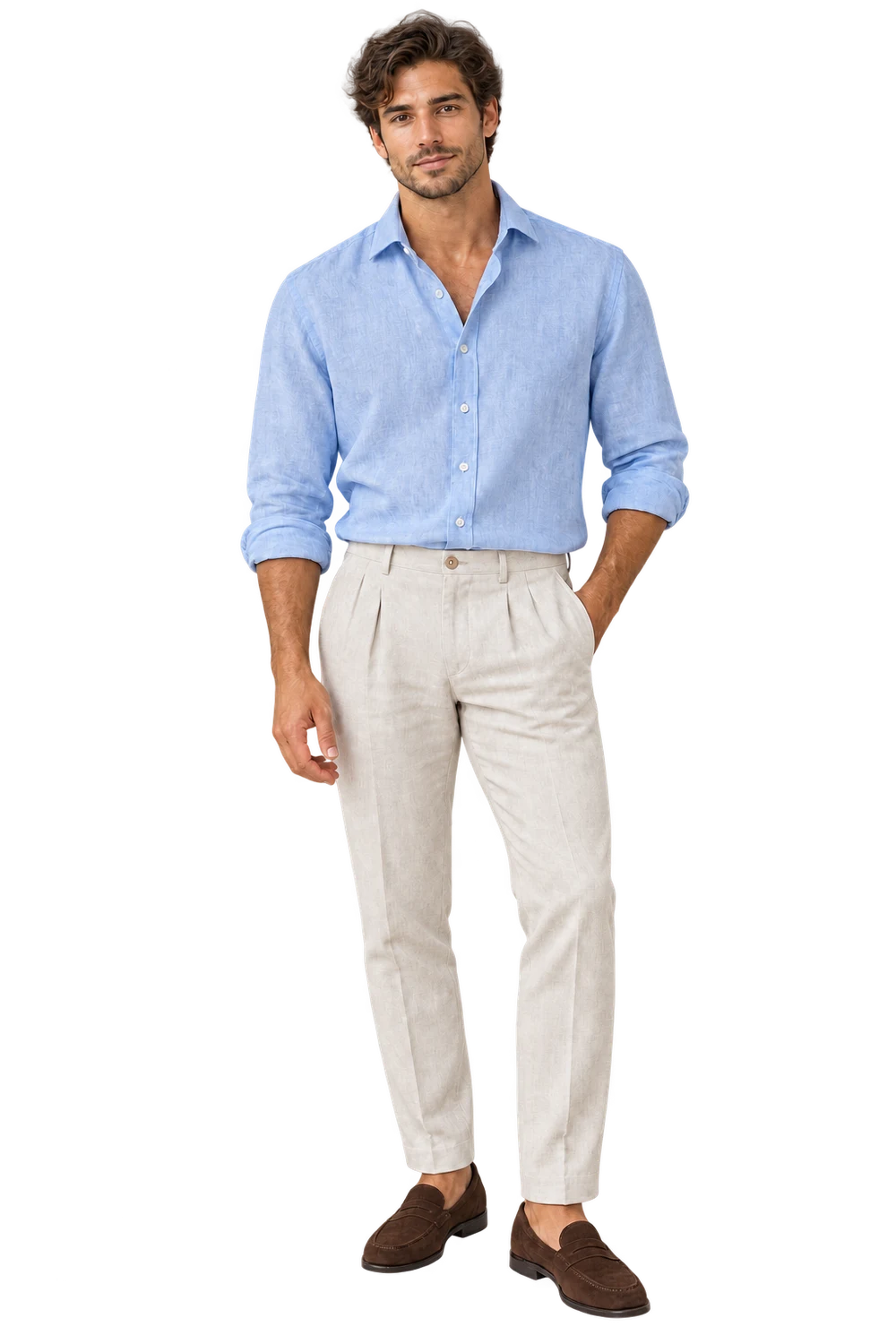
Save a named model with up to three references. Reuse your cast in fashion shoots, creator images and bulk collections.
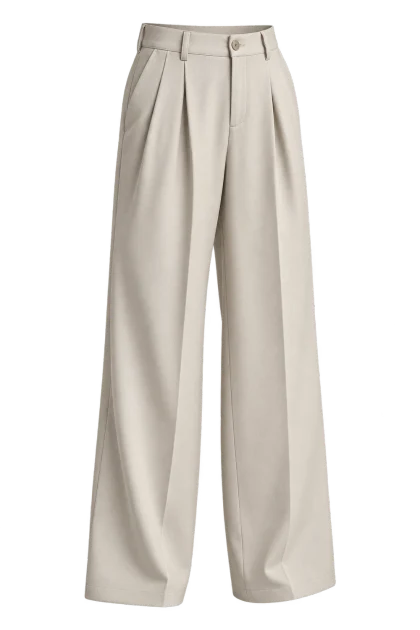
Bring together
up to 5 pieces
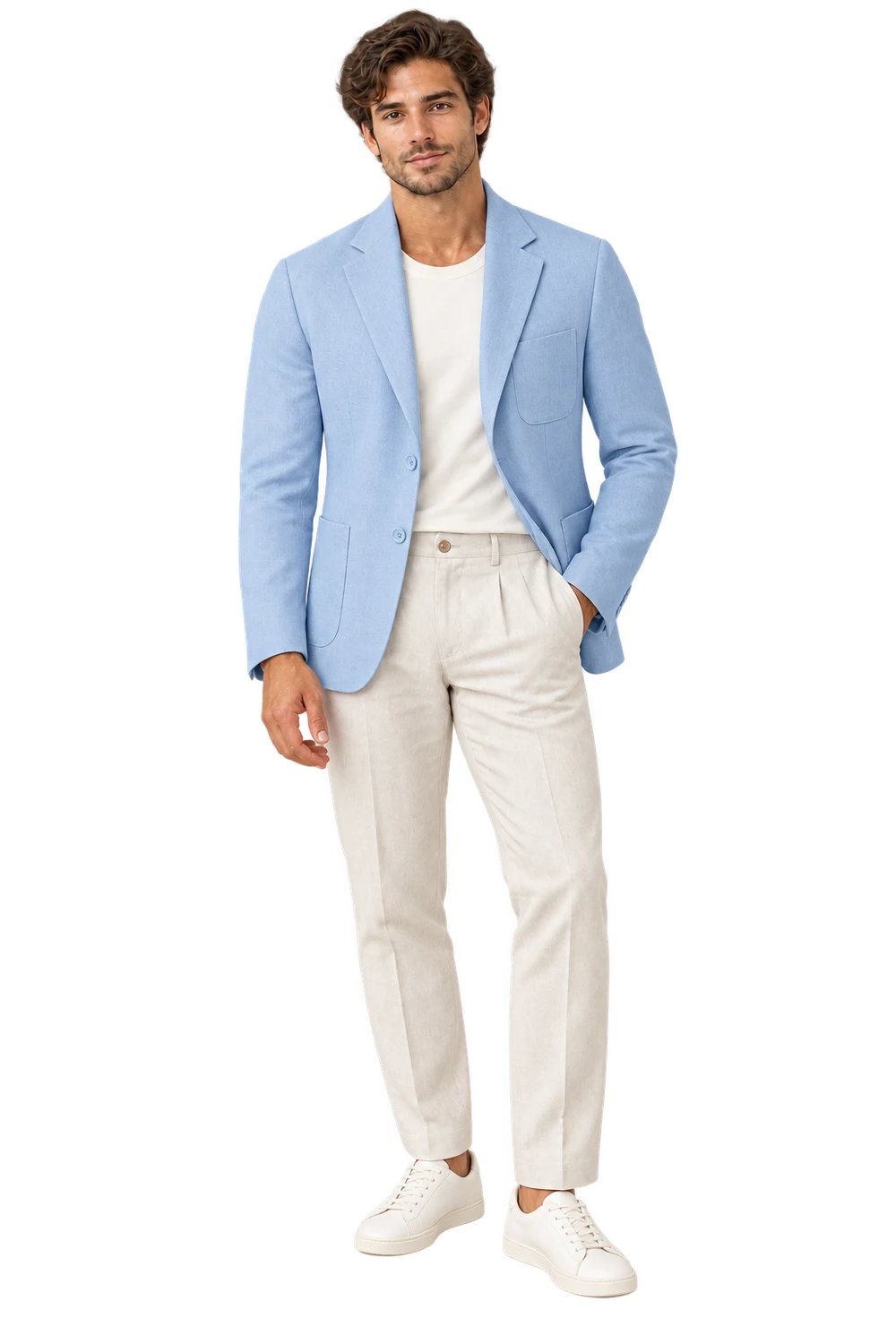
Combine garments and accessories. Choose a saved model and a catalog, street or editorial template for your outfit.
Illustrative AI casting and styling examples. Selecting a model previews existing images; it uses no credits. Review identity, garment details and fit in your own results.
A shortcut to your first shoot.
Paste a public Shopify store, collection, or product URL. Choose your products, approve a sample, then carry the look across your collection.
Import your shop Importing uses no credits. Public storefront support varies.Recorded in Atellia with sample products. Importing spends no generation credits.
Make the next move.
Animate a favorite image. Bring your shots together in a storyboard. Set the pace, arrange the sequence, and export a silent MP4.
Build a storyboard Explore AI motion ↗AI motion requires a supported paid plan. Storyboard assembly uses no AI credits. Clip shown is an existing studio example.Notes from the studio.
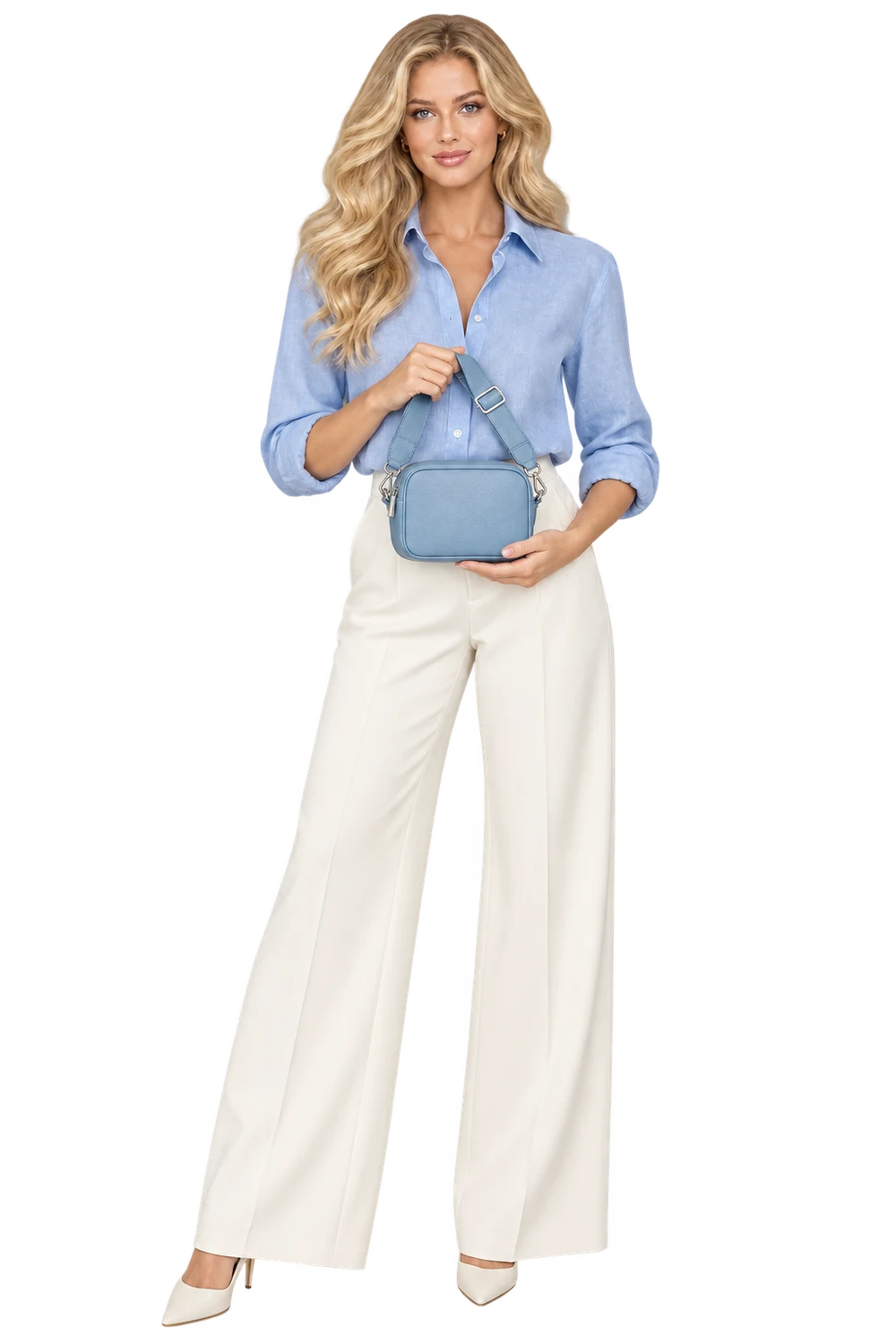
Bring a small, deliberate product selection into the studio. Keep the SKUs, review the source images, and start with one sample.
Read the story ↗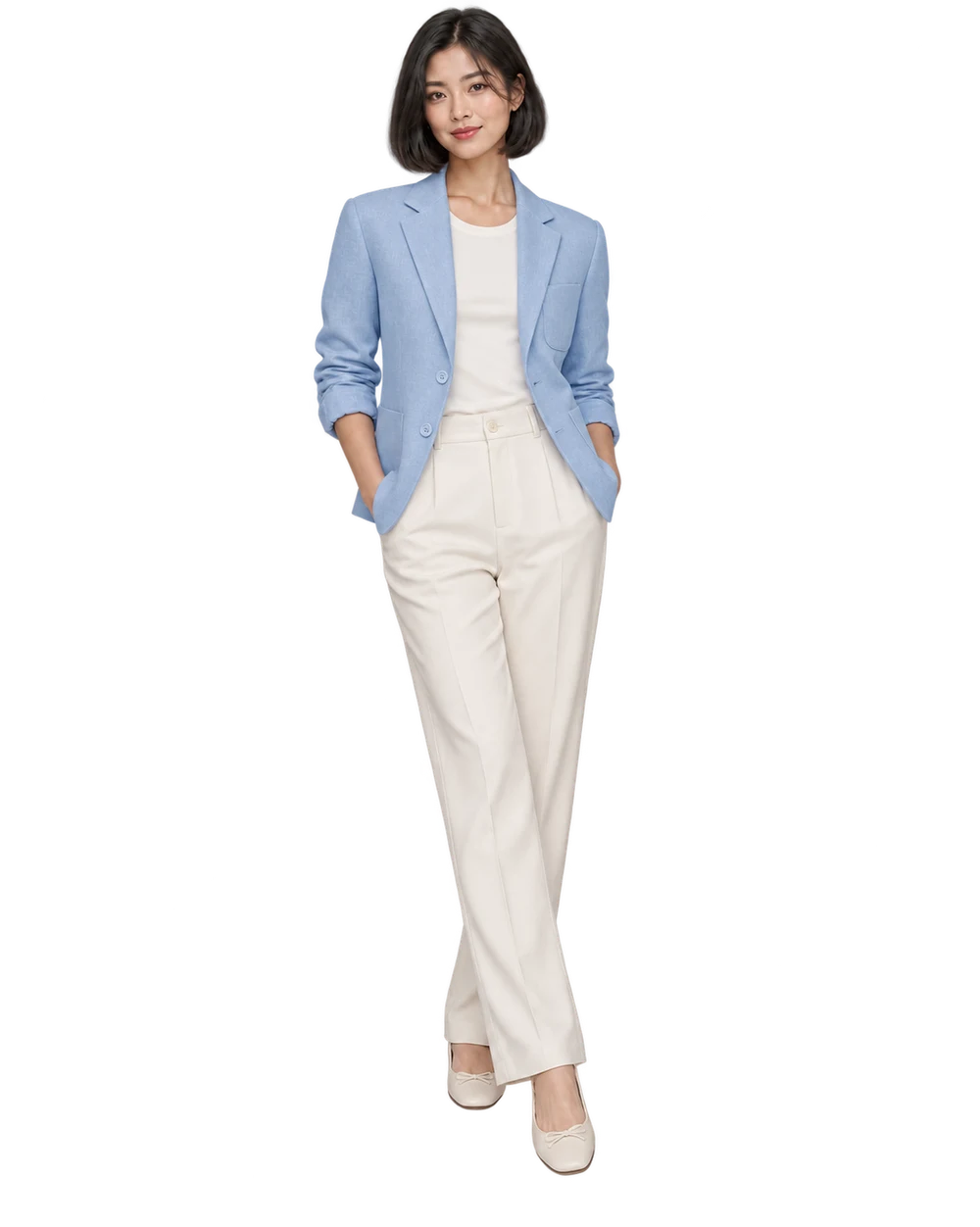
A practical review sequence for silhouette, seams, color and small details—before an on-model image becomes a customer-facing asset.
Read the story ↗Start small. Make more.
You have the product. Let’s make the picture.