Evaluate a general creative assistant against a repeatable fashion workflow using references, revisions, and product-level organisation.
The starting point
A conversational tool can feel like a natural place to begin an image brief. You can explain an idea, ask for a variation, and refine the result through dialogue. That flexibility is useful, but a fashion catalogue creates additional demands: product identity, repeatable presentation, organised approvals, and a reliable route to the final file.
The choice should begin with the task rather than a ranking of brands. An exploratory campaign concept and a production batch of product images need different kinds of control. This guide offers an evaluation method, not a claim about the current capabilities or pricing of any named provider.
Use conversation where the brief is still forming
When the team is deciding what it wants, dialogue can help make choices visible. Ask for alternative settings, discuss why a crop feels too distant, or turn a rough idea into a clearer production brief. Keep concept outputs labelled as explorations until they have been checked against the actual garment.
For a hypothetical knitwear campaign, the conversation might compare a quiet studio direction with an outdoor editorial direction. The useful outcome could be a better brief rather than a finished image. That distinction prevents the team from treating the first compelling visual as an approved selling asset.

Test how the tool handles a specific product
Provide an approved garment reference and a short list of details that must remain unchanged. Inspect the result rather than assuming the system followed the instructions. Logos, repeated patterns, fastenings, and unusual seams deserve particular attention because a plausible replacement may still be the wrong product.
Make a precise revision request and check the entire image again. A successful correction to the background should not be accepted automatically if it changes the garment. Record the source, the instruction, and the approved candidate so another teammate can understand what happened.
Look beyond the conversation window
Catalogue work needs organisation. Ask how you will identify products, separate variants, collect approvals, and retrieve final exports. A flexible interface may still require a separate spreadsheet or asset system. That is not necessarily a problem, but the additional work belongs in the evaluation.
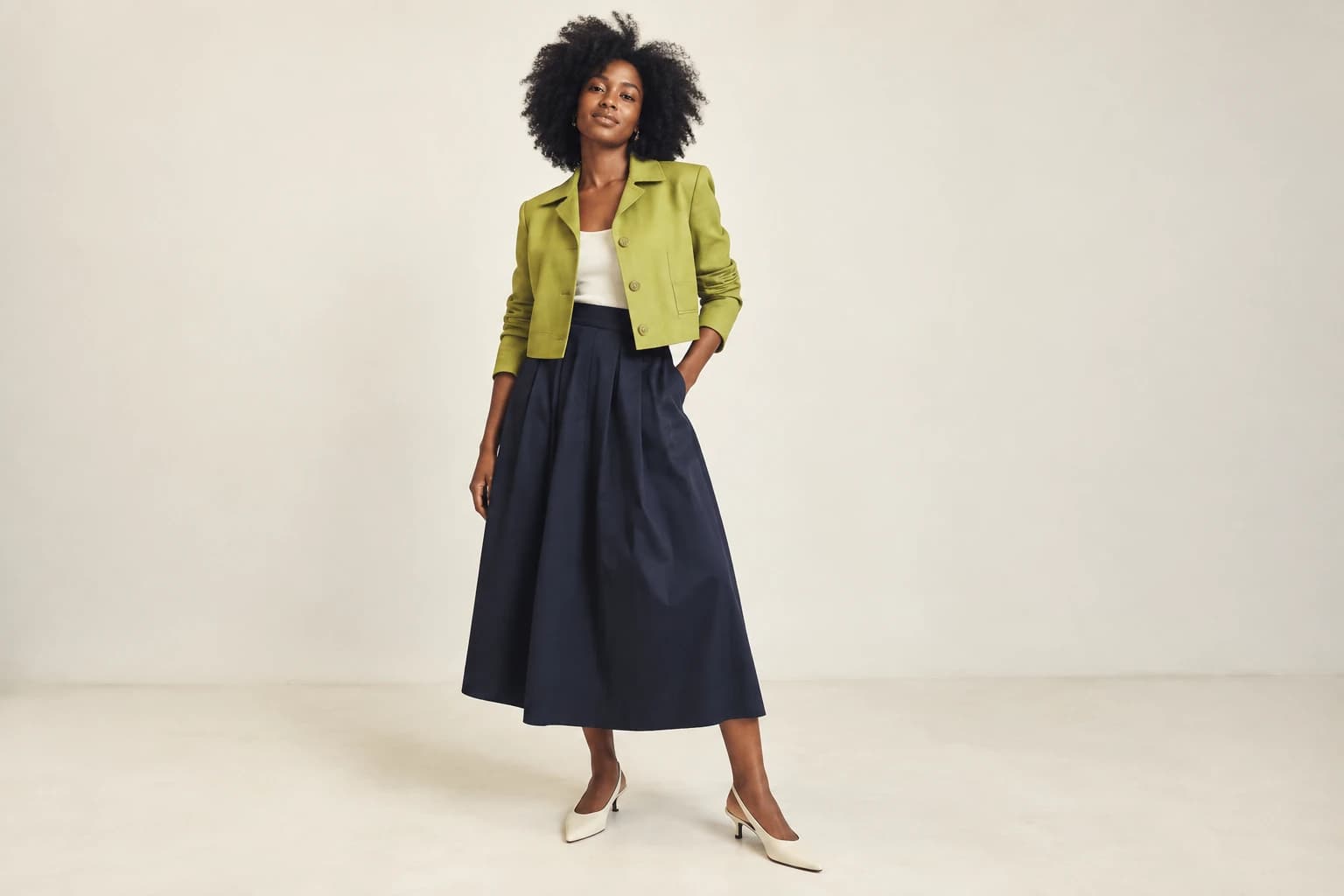
Try a small batch rather than a single image. Use the same visual rules across several garments and inspect the set together. A workflow that creates an excellent isolated result may require more effort to maintain consistent framing, light, and product scale across a collection.
Choose the complete working arrangement
A specialist workflow may offer structure that your team values, while a general tool may offer flexibility that suits exploratory work. Verify the actual features and terms through current official information when you make the purchase. Avoid assuming that a category label guarantees garment accuracy or production readiness.
Compare accepted assets, correction time, and the effort of delivery. Include the human review that remains necessary in either arrangement. The system's ability to explain a change is useful, but the image still needs to be judged against the product and destination.
You may decide to use both types of tool at different stages. Keep a clear handoff from exploration to approved product work, with references and decisions attached. The right division of labour is the one your team can repeat confidently when the next collection arrives.