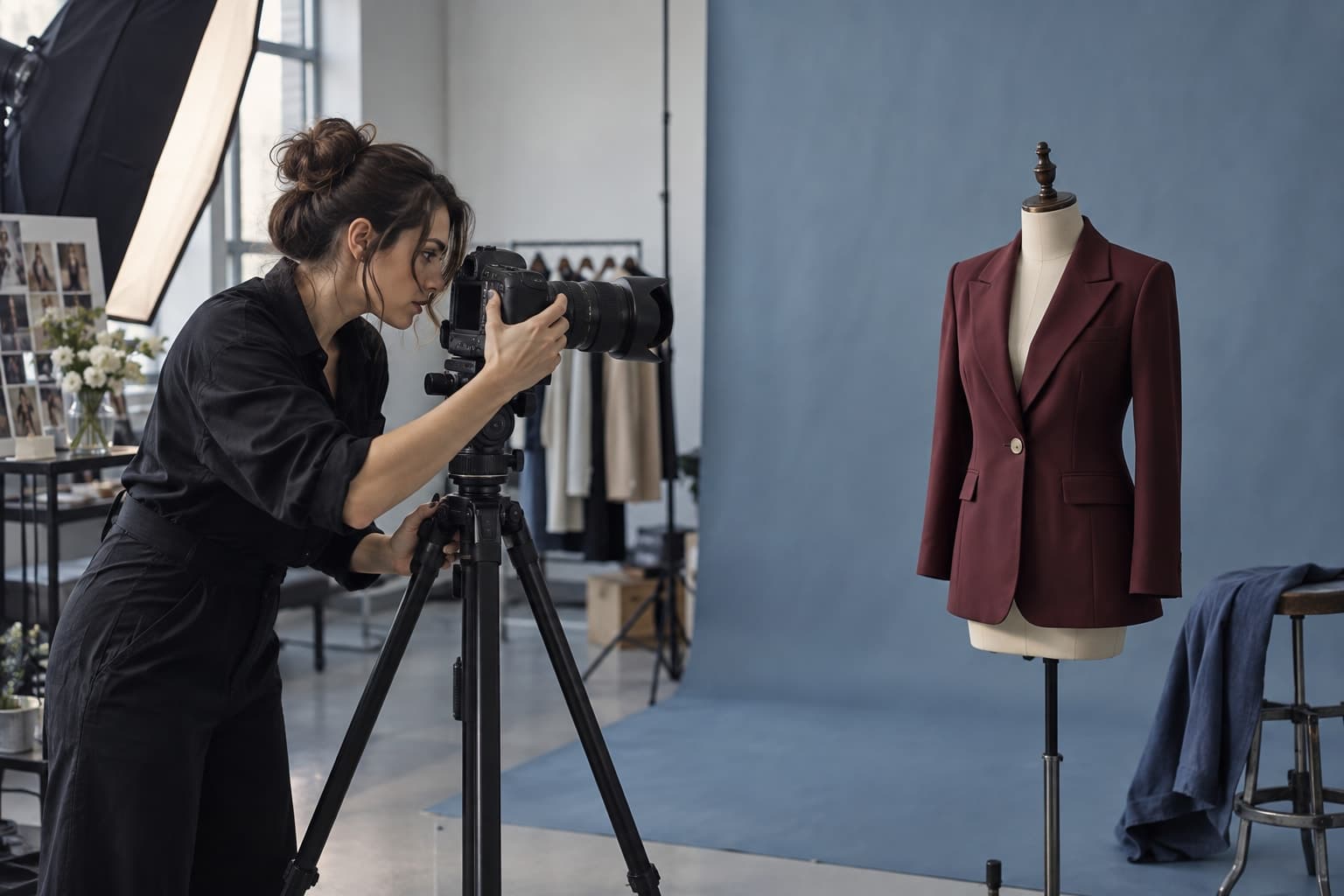
Select a fashion image workflow by its inputs, output requirements, and review burden instead of choosing from a generic tool ranking.
The starting point
A tool that produces an excellent campaign concept may be poorly suited to a precise product correction. A system that handles a clean garment transfer may offer little control over a complex editorial scene. Choose the job before the tool. A short assignment with explicit acceptance criteria will tell you more than a broad ranking of which image model looks best.
Classify the assignment
Write whether the task is concept development, product presentation, background editing, detail correction, or motion. Include the source material and intended placement. Those facts establish the kind of control required. A text-only idea and a photograph of an existing garment are different starting points with different accuracy expectations.
For a hypothetical accessories campaign, generating a mood scene from a written brief may be useful during concept development. Presenting the exact clasp and construction of a bag requires reliable product references and close review. The same brand may reasonably use different methods for those two tasks.

List the nonnegotiable details
Identify what must stay unchanged: a logo, pattern, closure, silhouette, color relationship, or subject identity where permitted. Then identify what may vary. This prevents a tool's creative freedom from being mistaken for success when the assignment requires preservation. A compelling new design is not an accurate photograph of an existing product.
Test the tool with the actual kind of input your team can provide. If the workflow needs several clean garment views, include the time to capture them. If it works from a masked region, evaluate how much preparation that masking requires. Production suitability includes the work around the model.
Compare approved outputs under a shared standard
Use the same brief and representative products across candidate methods where the inputs allow a fair comparison. Review results without relying solely on the application's preview. Inspect exported files at the intended size and compare product details against the references. Record approval reasons and failure categories.
Track total effort, including preparation, attempts, waiting, human checks, corrections, and exports. Do not compare one tool's raw generation price with another workflow's full service price without explaining the difference. The useful cost is the cost of the deliverable your team can actually use.

Include practical operating requirements
Confirm the current terms and capabilities relevant to the assignment: intended commercial use, handling of source images, export requirements, and the availability of the workflow your team tested. Record the version or model where possible. Product capabilities change, so a past demonstration should not become a permanent assumption.
Consider the people who will operate the tool. A specialist may get excellent results through a complex process that the rest of the team cannot maintain. A simpler workflow can be preferable if it reliably meets the assignment and leaves clear review records. Evaluate that tradeoff using actual working conditions.
Finish with a task-to-method map rather than a single universal winner. Document the validated uses, the known limitations, and the fallback for failures. The map can evolve as tools and needs change. It gives a fashion team a practical way to adopt useful capabilities while keeping product accuracy and production judgment at the center.