
Distinguish campaign characters, on-model presentation, and product evidence before selecting a virtual-model workflow.
The starting point
The phrase 'virtual model' can describe several different jobs. A fictional character in a campaign, a generated subject presenting a garment, and an interactive visualization for a shopper may all use synthetic imagery. They do not answer the same questions. Before choosing a workflow, write down what the image or experience needs to communicate and what evidence that communication requires.
Give the image a defined role
A campaign character can express a collection's mood. An on-model product image can offer visual context for a real garment. A personalized visualization may help a shopper imagine a combination. Keep these roles distinct in the brief so that a successful creative concept is not mistaken for proof of fit, measurements, or physical performance.
For a hypothetical outerwear collection, a generated subject in an architectural scene could introduce the brand's visual direction. The product page would still need accurate views of the coat, its fastening, interior, and measurements. Each piece contributes something different to the customer's understanding.

Evaluate the garment before the character
Choose representative products and compare outputs with approved source photographs. Inspect construction, proportion, color, texture, and repeated details. An engaging subject can draw attention away from a changed pocket or collar. Put the product check early in the review so that visual charm does not substitute for fidelity.
Decide what the workflow must preserve across multiple images. A campaign may need a consistent character; a catalog may place greater priority on lighting and garment scale. If a tool offers reference controls, test their behavior in your actual assignment. Do not infer consistency from a demonstration that used different products or simpler conditions.
Plan the production record
Keep the source images, instructions, settings where available, review notes, and final approved uses together. Record whether the asset is a concept, an illustration, or product presentation. This makes later reuse easier to assess and gives the team a way to revisit an image if the product changes.
The record should also identify where human judgment enters the process. Someone needs to inspect the garment, approve the visual direction, and check the final placement. A virtual subject does not remove the need for those decisions. It changes how part of the picture is produced.
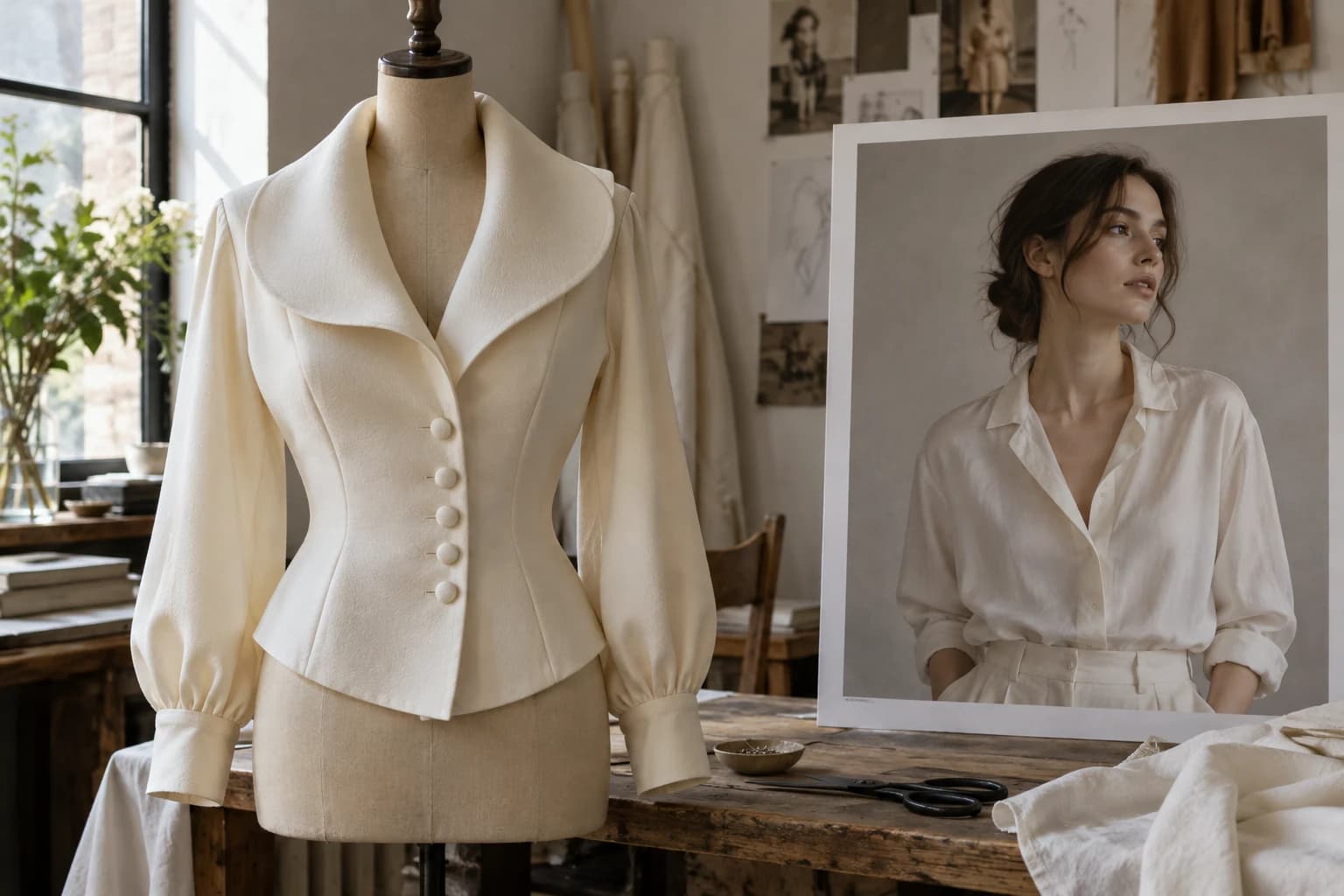
Make the shopper's interpretation a review question
Look at the finished page without the production team's background knowledge. Could someone mistake a synthetic subject for a real customer giving a testimonial? Could the pose suggest a fit result that was never tested? Could a generated setting imply a location or production story that is not real? Resolve those ambiguities in the image, copy, or disclosure.
Use a small pilot to establish the tasks that work reliably and the tasks that need another method. Include the cost of review and failed attempts. An output is useful only if it meets the intended standard and can be placed responsibly in the customer experience.
Virtual models are easiest to evaluate when the assignment is specific. Choose the role, define the product facts that must remain accurate, and decide how the result will be explained. That sequence gives a brand room to experiment while keeping the meaning of the image clear.