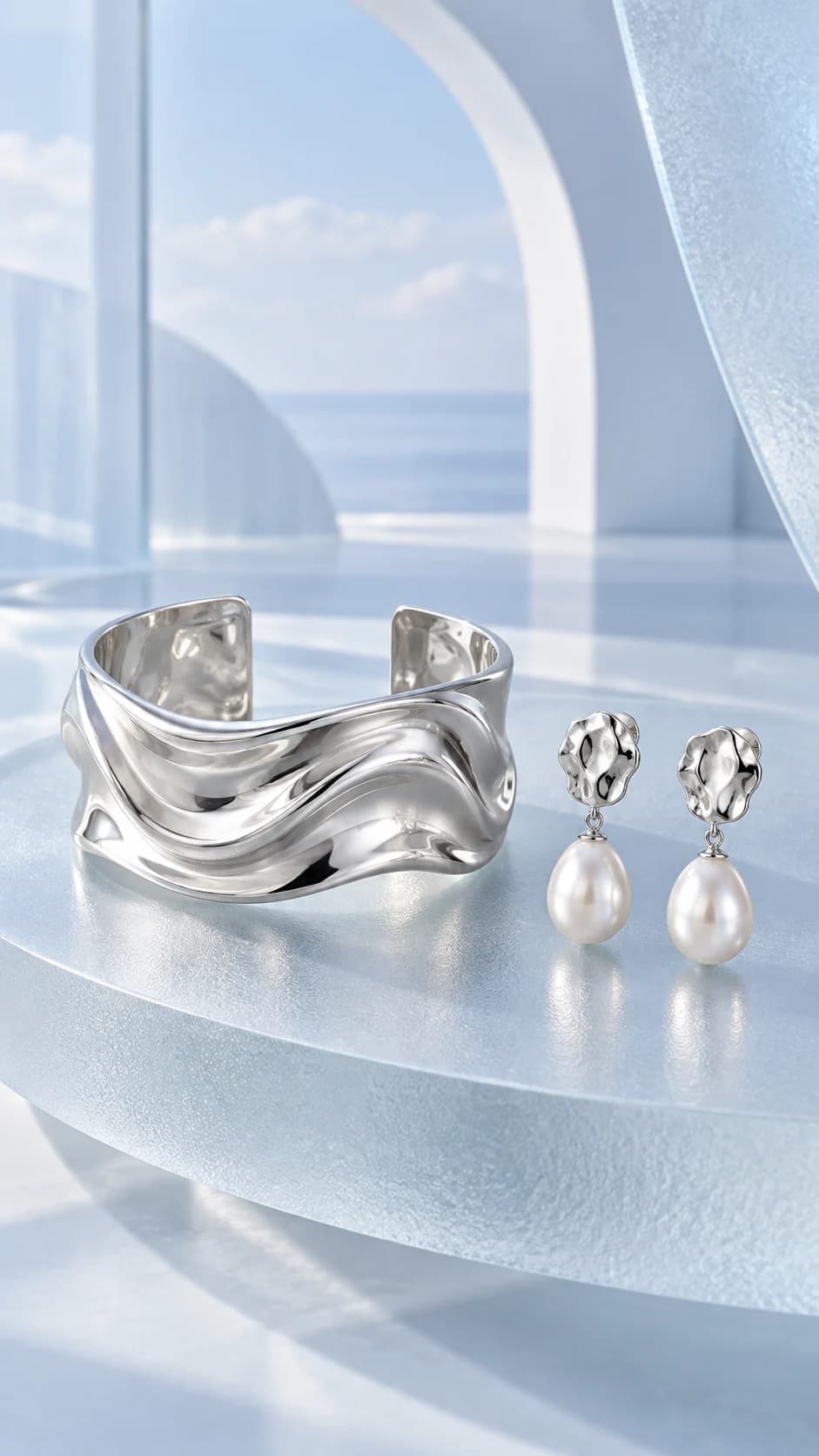
Stone count, shape and settings. Chain, clasp and complete outline. Metal tone and engraving.
Make a small inventory of the piece
Before generating a jewelry image, list what must remain exact: stone count, stone arrangement, setting shape, chain structure, clasp and metal tone. A beautiful new reflection can make a changed detail easy to miss. The inventory gives the review a concrete starting point before you judge the styling.
Choose a sharp original with enough separation between the jewelry and its background. If the source hides a clasp or crops the chain, a generated image cannot confirm its construction. Keep another original photograph available for those details rather than treating a plausible completion as evidence.
Control reflections instead of multiplying them
Jewelry benefits from light that explains the surface. A quiet matte plinth and soft directional illumination can make metal edges easier to read than a scene filled with bright reflections. Start there, then decide whether a darker editorial treatment adds something useful to the campaign.
Inspect the brightest areas for lost detail. A gemstone can appear to change size or shape when a reflection overwhelms its setting. Compare the full piece and a closer view, checking that a visual sparkle has not turned into an added stone or an invented engraved mark.
Keep product truth alongside the atmosphere
A generated image is not evidence of gemstone quality, metal composition or a particular measurement. Keep those claims grounded in the actual product information. If exact fine detail remains uncertain, use original photography for the technical view and treat the new scene as supporting creative.
For a group of pieces, approve a representative sample before reusing the direction. Review each clasp and setting separately. Similar lighting can help the collection feel coherent, but it does not make all the results equally accurate. Keep the pieces fully visible in the final crop, including chain ends and small closures.