Texture you can spend time with.
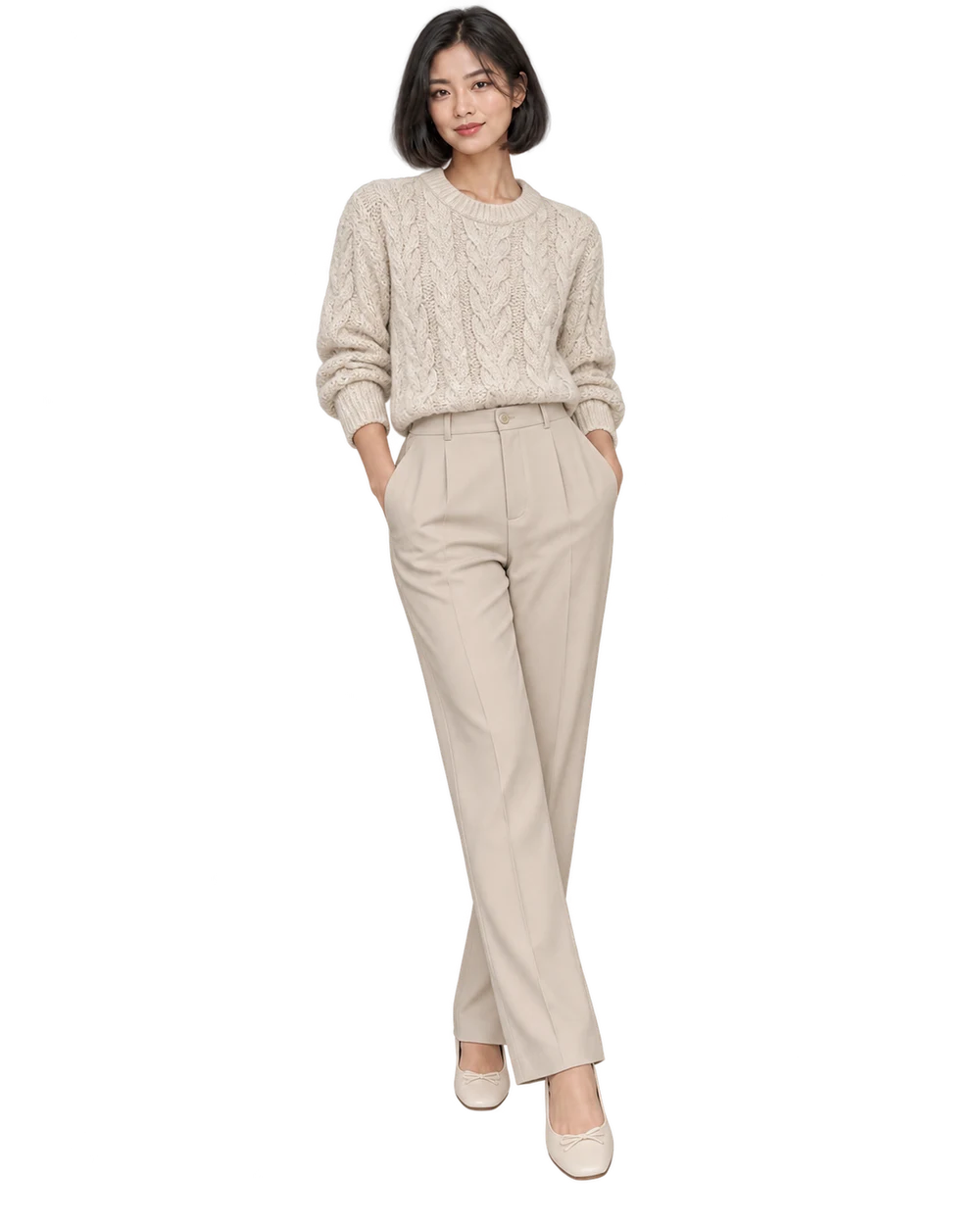
Give knit structure, ribbing and garment shape a clear place in the image, without letting atmosphere obscure the product.
Add your own product. Edit the starting direction. Review the quote before requesting one sample.
What to keep in the frame.
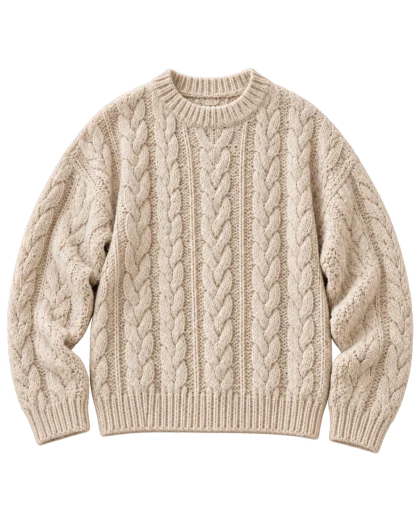
Use your original as the standard. These details deserve a separate pass before you approve the image.
- 01Knit structure and repeated motifs
- 02Ribbed neck, cuffs and hem
- 03Overall thickness and garment outline
The better starting point.
Photograph the knit clearly enough to distinguish the stitch pattern. Avoid a source where compression or deep shadows make the material look smooth.
Have a public shop? Import your product ↗Photograph the supplied knitwear on an adult model beside a warm neutral wall in soft directional daylight. Show the complete garment with visible neckline, cuffs and hem. Preserve stitch scale, cables, ribbing and silhouette. Keep arms relaxed and the background quiet so the original knit structure is easy to inspect.Open this direction ↗
Knitwear is more than a silhouette in a color. Stitch size, cable direction, ribbing and surface texture can define the item. Choose a source where those features are visible and make them explicit priorities in the brief. A soft-looking result is not automatically the same knit.
For a knitwear collection, test a representative texture rather than choosing only the plainest item. Review each SKU separately after the shared direction runs. If a complicated stitch repeatedly changes, use original photography for that detail and keep the generated asset in a broader editorial role.