Plan garment preparation, supporting captures, and retouching so a clean silhouette still represents the real item.
The starting point
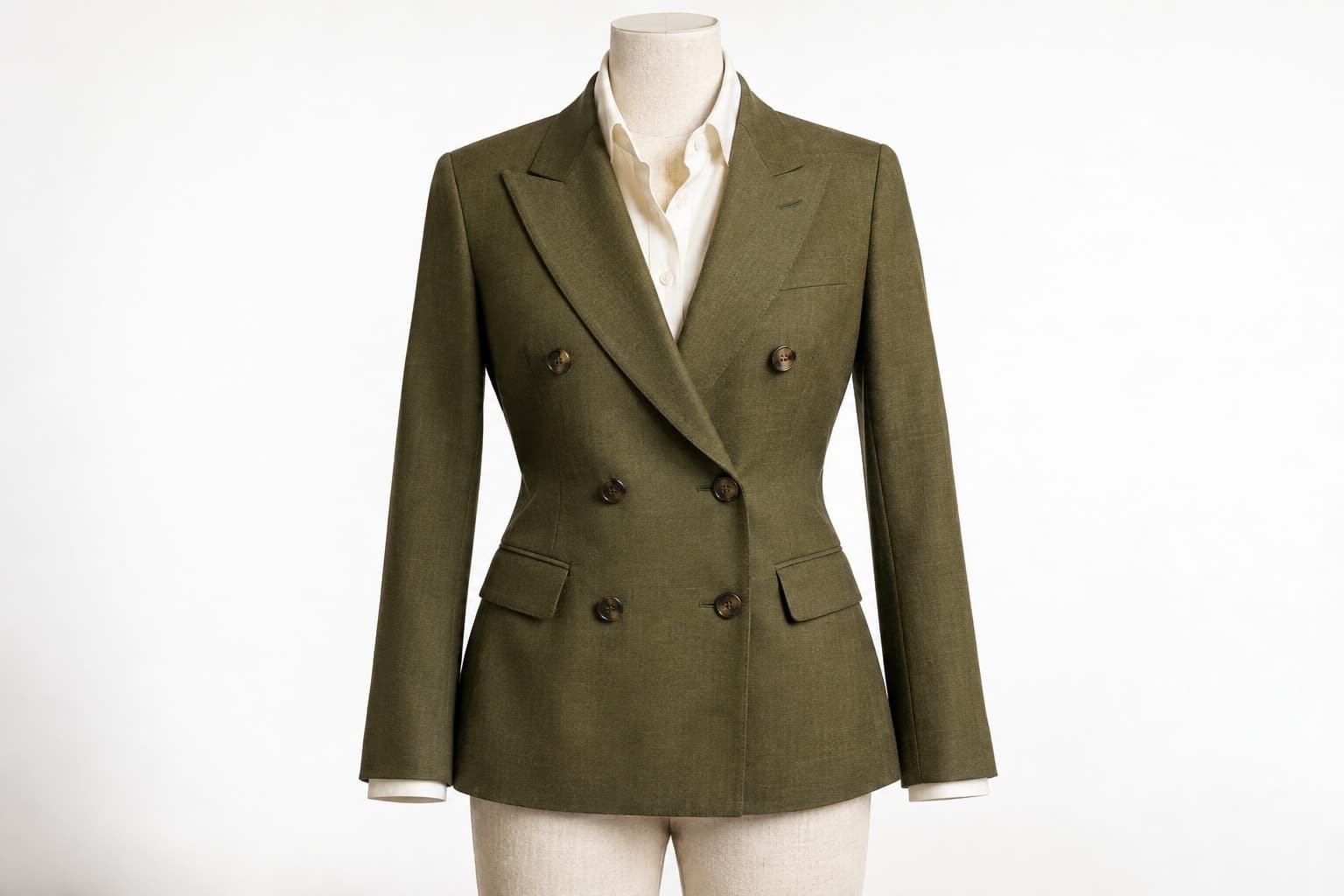
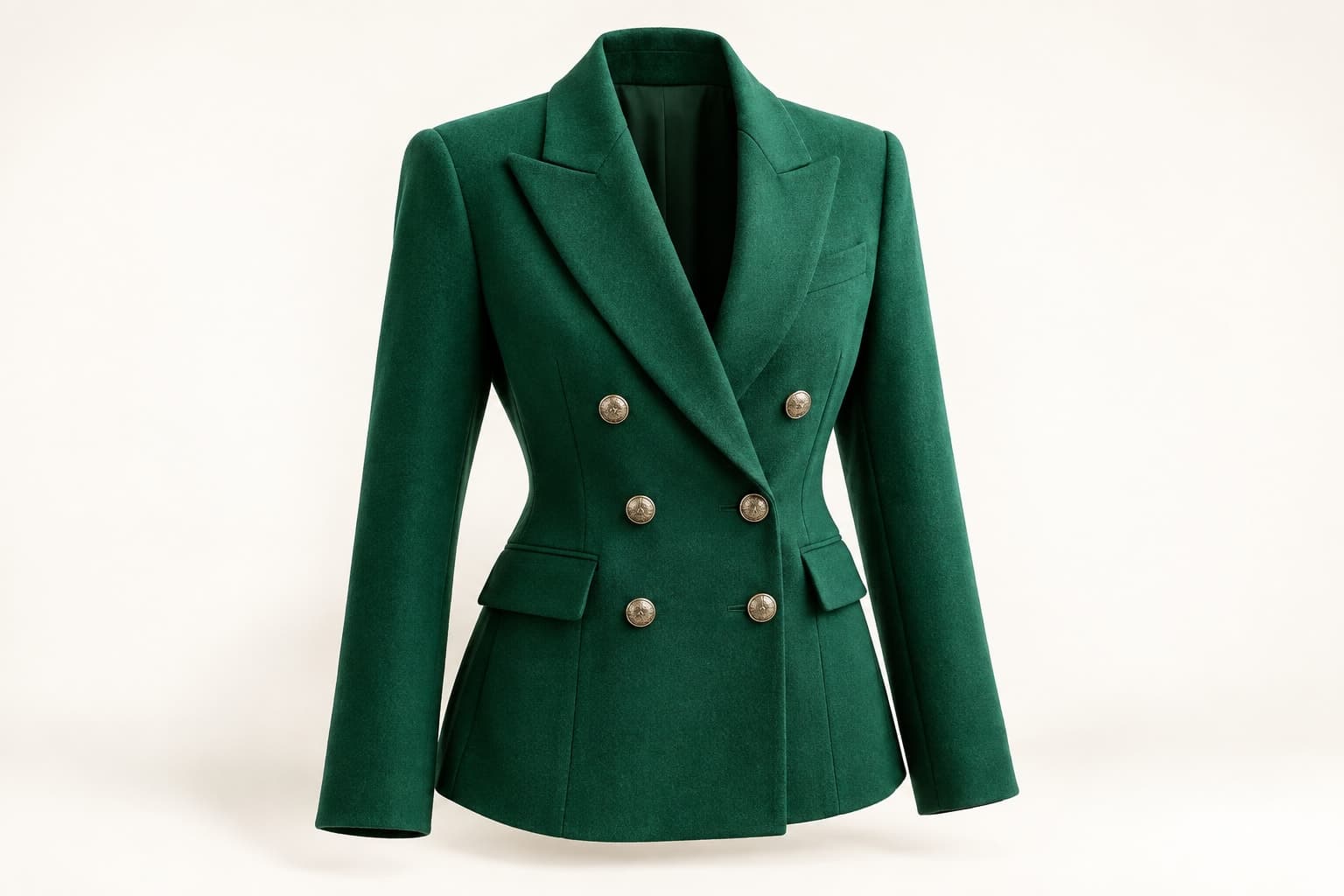
A ghost-mannequin image removes the visible form while preserving the impression of a garment's shape. The clean result can be useful in a product gallery, especially when the construction deserves attention. Its success depends on careful preparation and supporting captures, not simply on removing the mannequin afterward.
Treat the photograph as product information. The final silhouette should remain faithful to the item. Excessive pinning, reshaping, or reconstruction may create a more elegant outline while making the garment less representative of what a customer will receive. Agree on acceptable styling and retouching before the session.
Choose and prepare the form
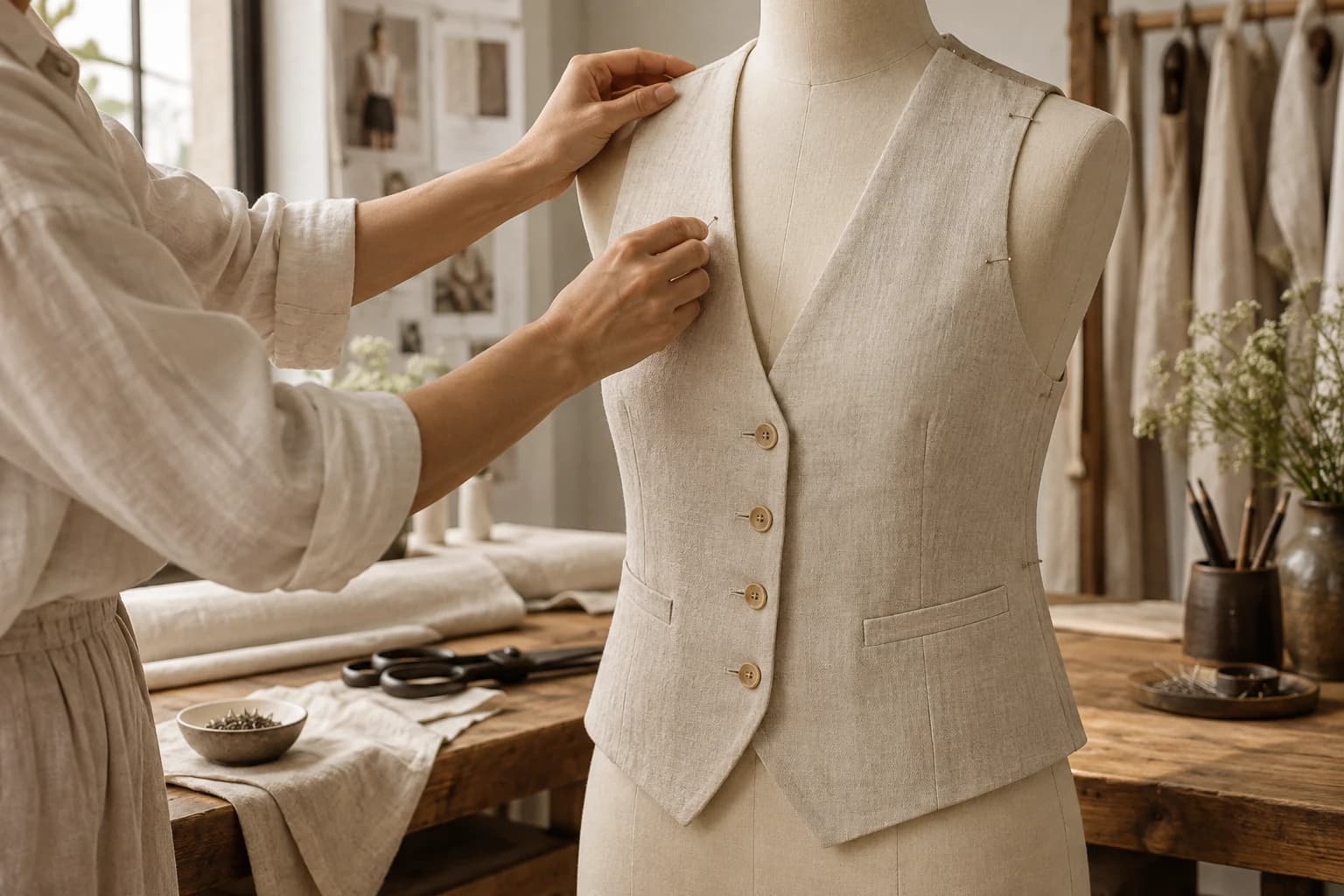
Use a form that supports the garment without stretching it or collapsing important areas. Check shoulders, waist, and length. Prepare the item carefully and align closures, seams, and hems. Inspect both the front and the back before capture; a wrinkle hidden from one angle may be prominent from another.
Keep any temporary styling adjustments documented. If clips or pins are necessary, position them so they do not distort the product's basic proportions. An image should not imply a tailored fit that the actual garment does not have. When the form is clearly unsuitable, change the setup rather than correcting everything in editing.
Capture the information editing will need
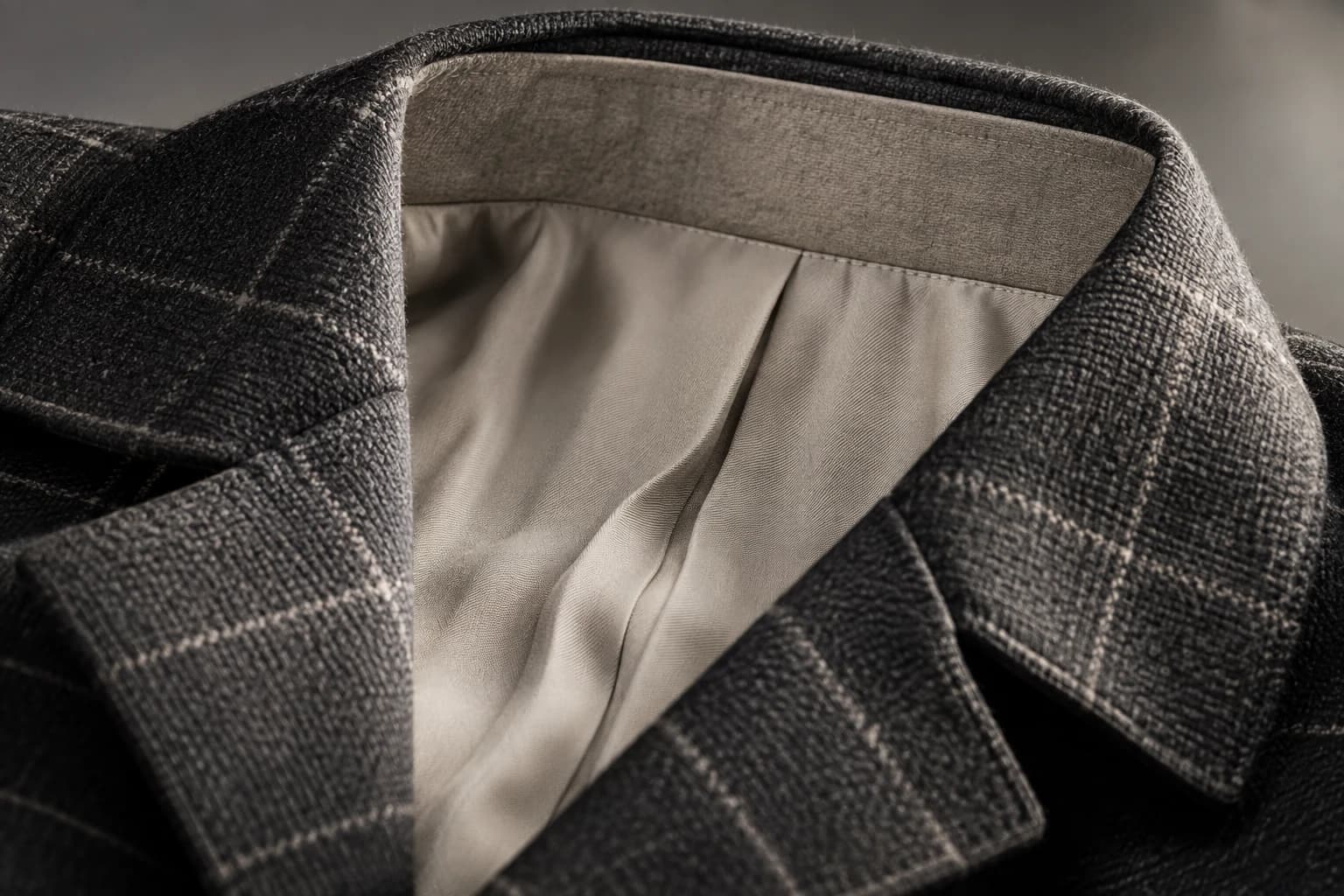
Plan which interior areas will become visible when the form is removed. A neckline, lining, or inner back may require an additional capture. Keep the lighting and camera position consistent enough that those elements can be combined convincingly. Record the sequence so the editor can identify which frames belong together.
Do not invent hidden product details simply because they are convenient to fill. If an interior label or lining matters, photograph it. If a required area has not been captured clearly, arrange a correction while the sample and setup are still available.
Build a careful finishing brief
Ask the editor to remove the form, combine verified supporting views, and clean temporary distractions while preserving the garment. Specify boundaries around shape, texture, color, and construction. Review edges against both light and dark surroundings where appropriate, because a cutout problem may be invisible on one background.
In a hypothetical blazer session, the team captures the front on the form and a separate view of the inner collar. The composite is checked against the sample for lapel width, shoulder shape, and button placement. A smoother-looking shoulder is not approved if it changes the product's structure.
Use the image for the questions it answers
A clean garment view can show silhouette and construction. It cannot demonstrate how the item moves on a person or guarantee fit for a shopper. Pair it with appropriate measurements, details, and other reviewed imagery. Give each asset a distinct job within the gallery.
- Confirm the right sample size and color variant.
- Check that editing preserved closures and construction.
- Review both the overall silhouette and small edges.
- Keep the original captures alongside the finished file.
- Name the approved export so it maps to the correct product.
The value of a ghost-mannequin image is its clarity. When production and editing stay close to the actual garment, the result can become a durable catalog asset. That is more useful than a dramatic transformation that leaves the team uncertain about what the photograph now represents.