Use a holiday retrospective to improve product readiness, campaign handoffs, and customer information for the next peak period.
The starting point
The most useful holiday retrospective begins while the details are still available: which assets arrived late, which products drew questions, and which promises created pressure for the team. Sales alone cannot explain the season. Review the customer journey and the work required to support it.
This framework uses holiday 2025 as a retrospective theme. It does not describe Atellia's historical performance or claim that a particular strategy produced a result. Bring your own campaign records, inventory information, and customer feedback to the review. Mark missing evidence so it can be collected next time.
Reconstruct the actual sequence
Build a simple timeline from product selection through campaign launch and final delivery commitments. Include when samples, photography, product copy, stock confirmation, and approvals became ready. Compare the timeline with the original plan. Look for dependencies that made several tasks wait on one unresolved decision.
Separate work that was late from work that was requested late. The remedies are different. A photographer cannot deliver a clear detail shot of a feature that nobody identified in the brief. A campaign team cannot promise a reliable date without an operational owner confirming it.

Review the offer as a customer saw it
Collect the actual advertisements, emails, landing pages, and product pages. Check whether they told a consistent story about the products, pricing, availability, and timing. A polished campaign can still leave the customer confused if the destination page emphasizes a different offer or a sold-out item.
Look for questions that appeared repeatedly in support messages. Gift suitability, material, sizing, delivery, and returns may need more prominent answers. Verify the applicable policies and requirements before writing future promises. Avoid solving a communication problem by inventing a more generous commitment than the operation can fulfill.
Connect imagery to specific information gaps
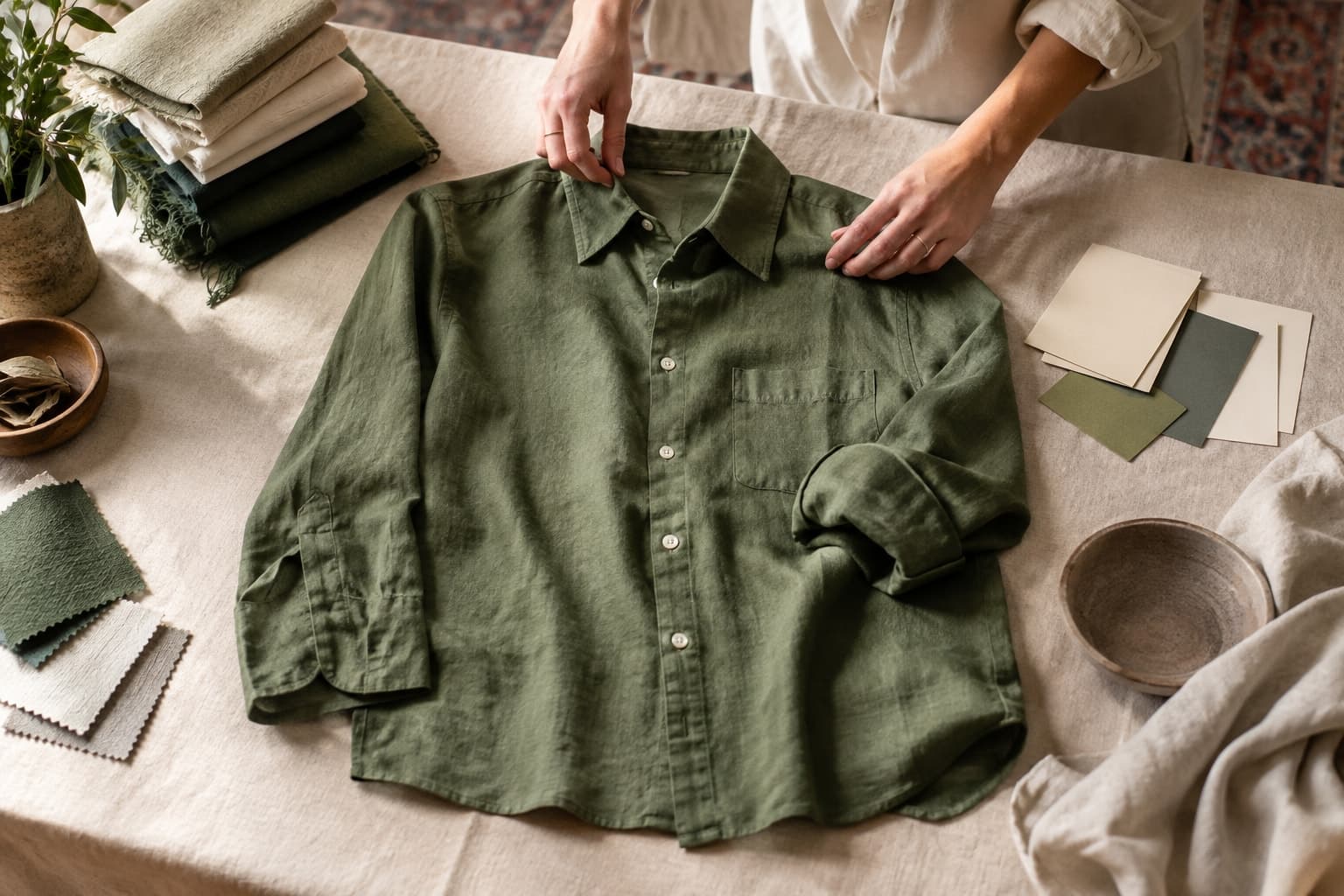
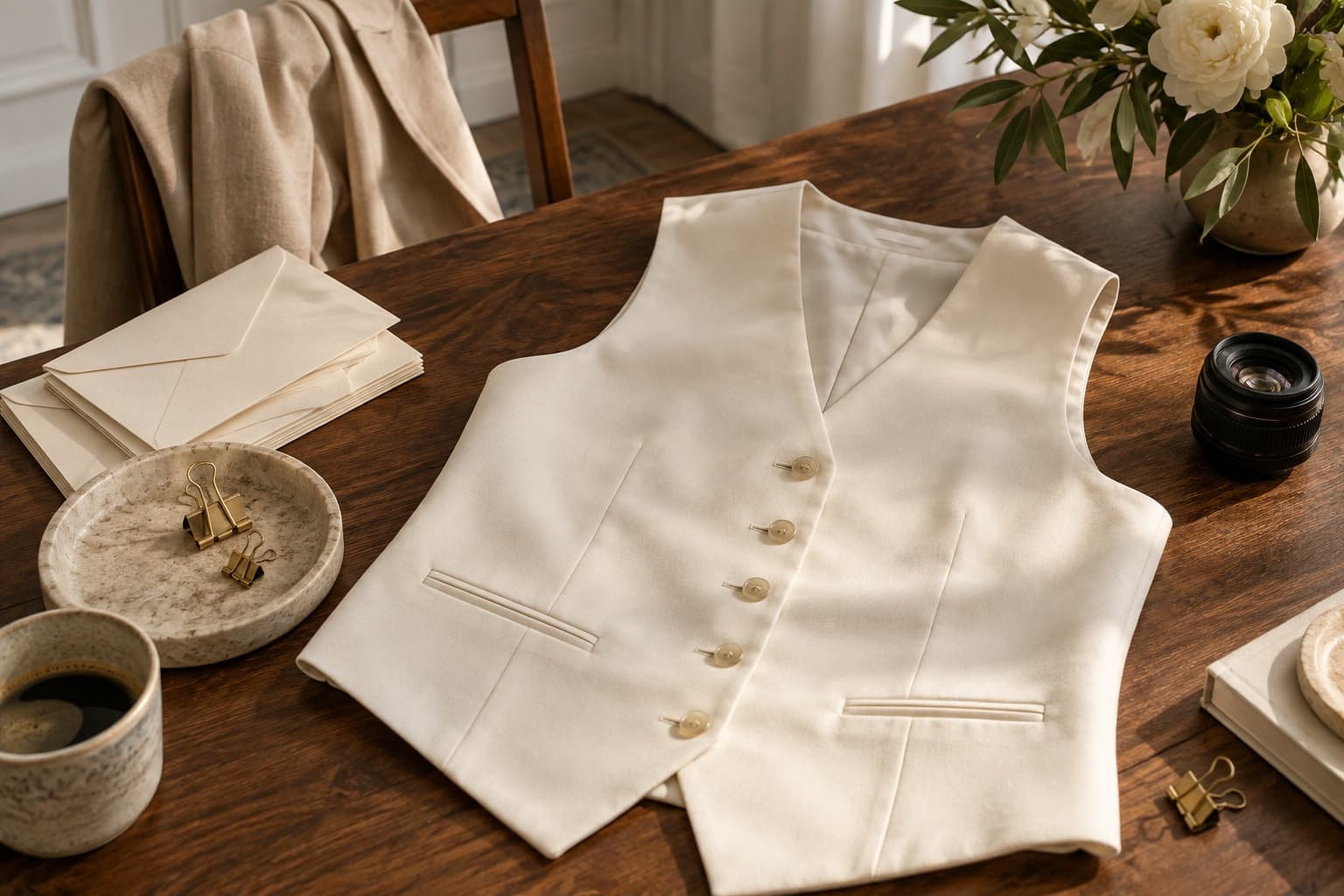
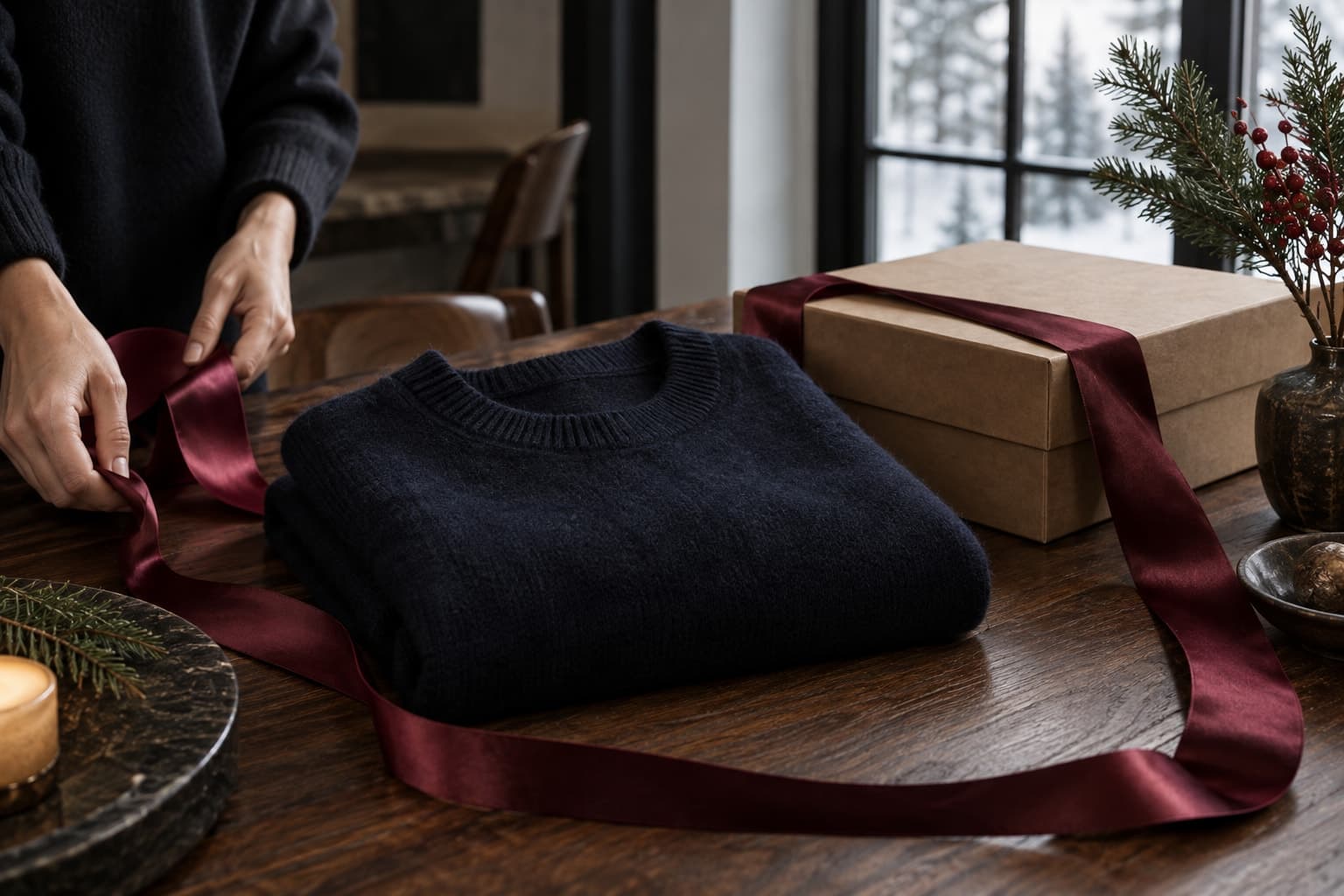
Review the visual assets for distinct roles. Which image introduced the seasonal mood? Which showed the product clearly? Which explained a detail that mattered to gift buyers? If every frame repeated the same campaign pose, the gallery may have lacked practical information even when the overall design looked strong.
In a hypothetical scarf promotion, support repeatedly receives questions about thickness and packaging. The next brief includes a verified fabric close-up and a photograph of the actual presentation. The campaign mood remains intact, while the new images answer questions that the previous set left open.

Convert the review into next season's checklist
- Confirm product availability before committing campaign placements.
- Approve the core image set before creating many channel variants.
- Assign an owner to verify delivery and returns language.
- Prepare a fallback for products that become unavailable.
- Record customer questions for product-page improvements.
Give each action a deadline tied to the next production calendar. Keep the list short enough to use. A retrospective with thirty equally urgent improvements can become another document that the busiest team members cannot act on.
Finish by identifying one change that would have prevented the largest amount of avoidable work. Make that the first test in the next launch cycle. The value of reviewing a past holiday season is not in proving that every choice was right; it is in making the next season easier for both the customer and the team.