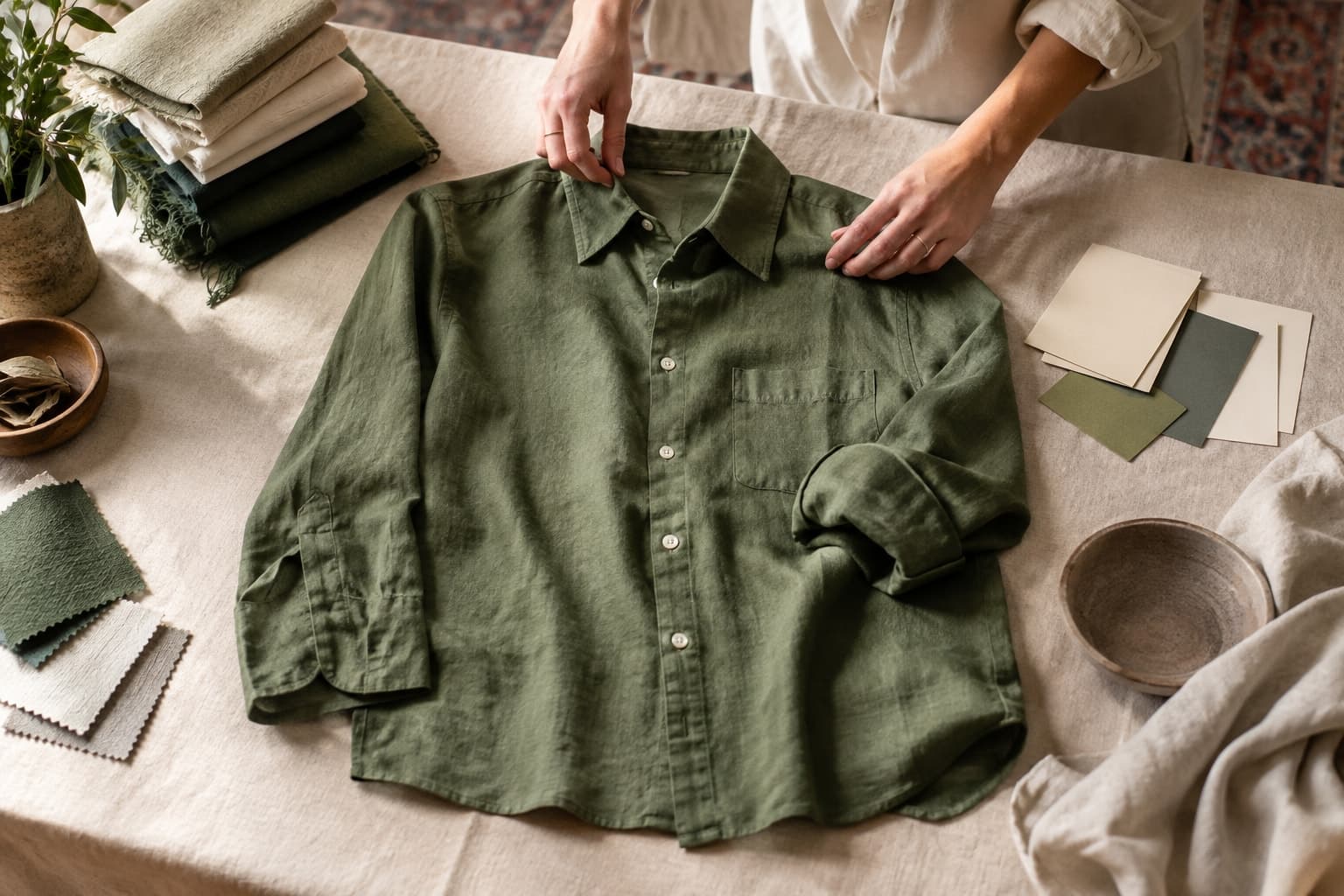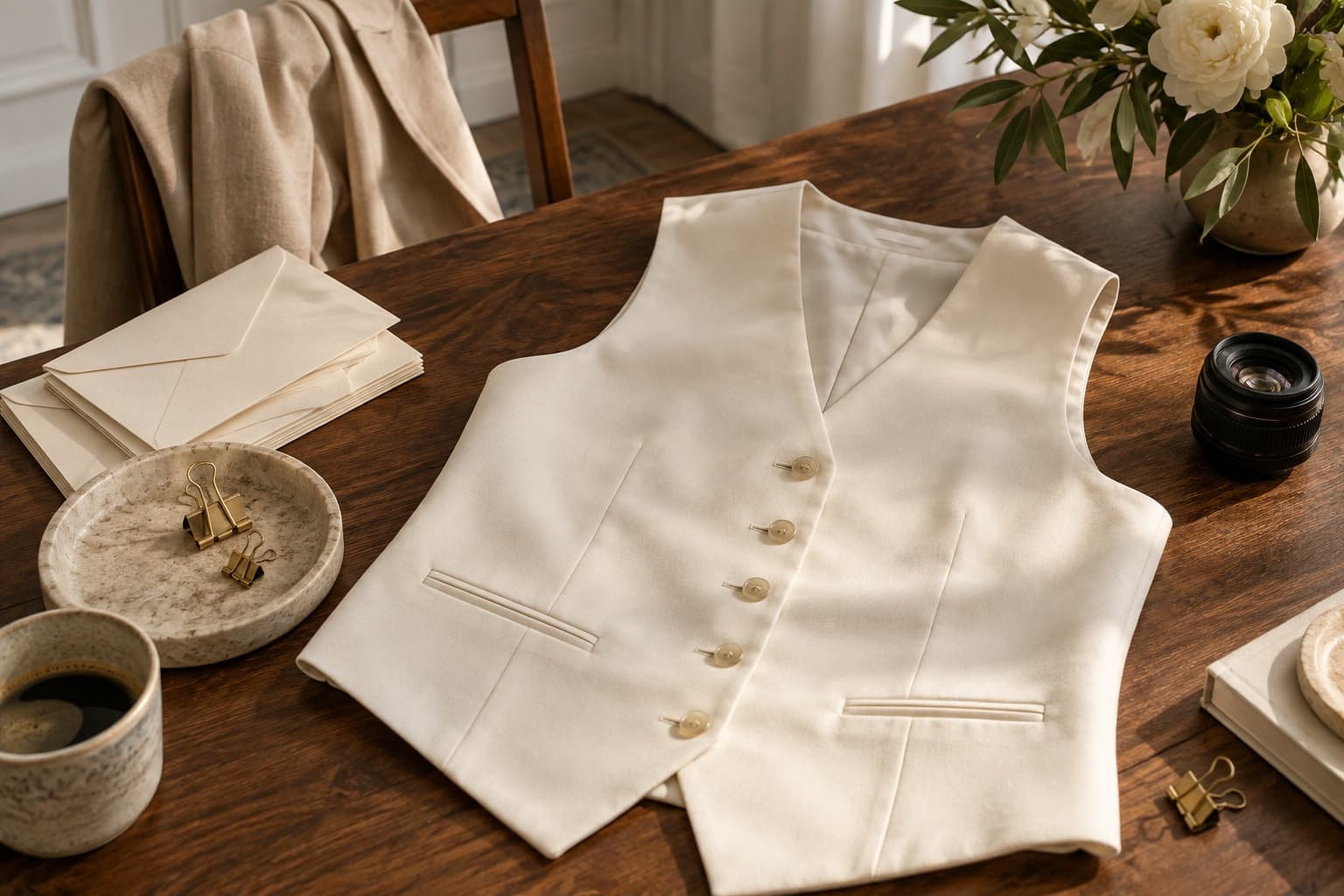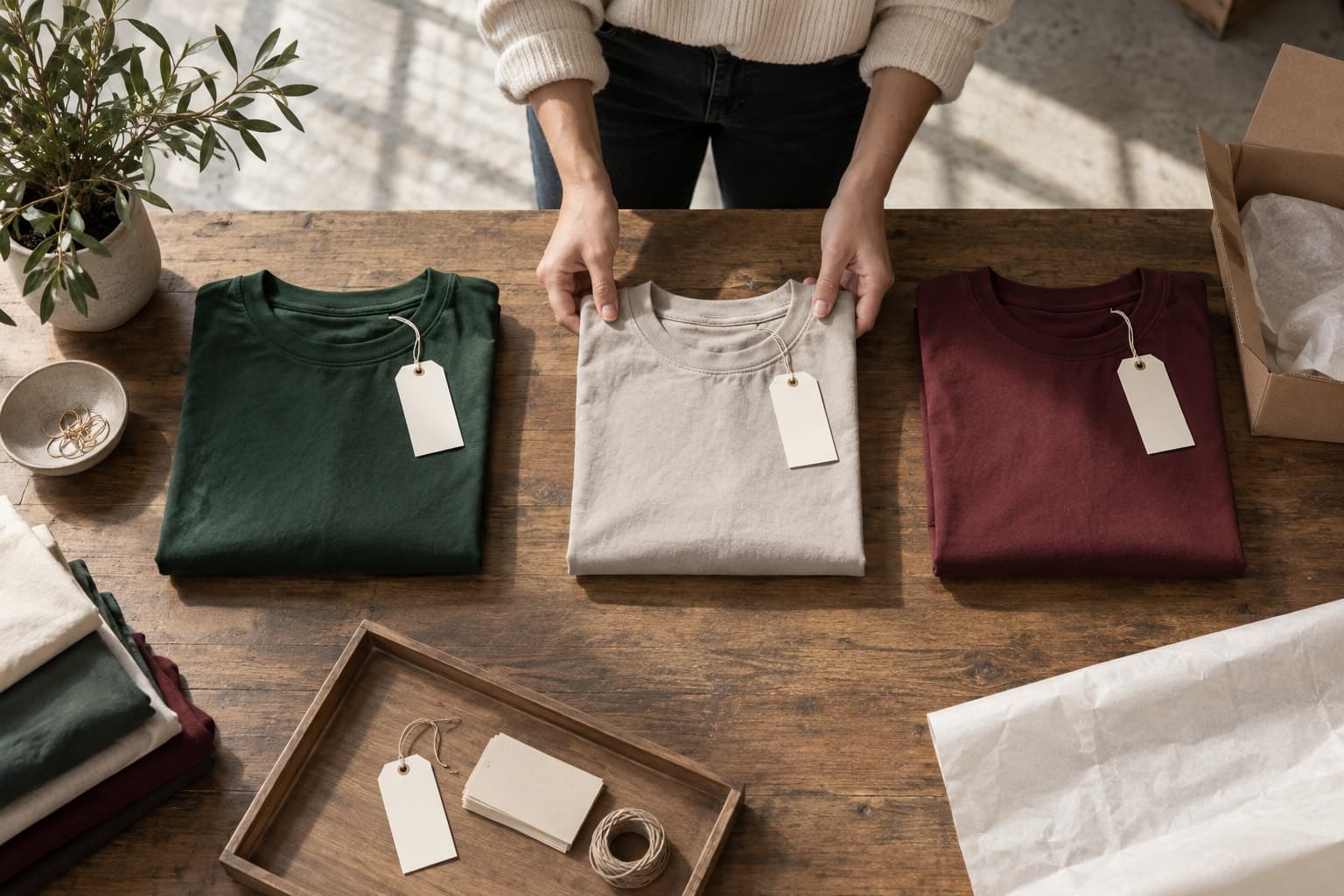
Plan a reversible image rollout with product mapping, variant checks, useful alt text, and a clear approval record.
The starting point
A new set of product images is not finished when the files look good in a folder. The final work happens in the store: matching each image to the right item, preserving variant information, choosing gallery order, and checking the page customers actually see. A careful rollout prevents a visual refresh from creating catalogue confusion.
Start with a small group of products. Export or record the existing image order and keep the original assets available. This gives the team a reference if the new sequence needs revision. A reversible first batch is easier to evaluate than a complete catalogue replacement.
Make the product mapping explicit
Use stable product identifiers rather than relying on descriptive filenames alone. Similar names can conceal different lengths, colours, or seasons. Keep a delivery sheet that connects each approved asset to its product, variant, intended gallery position, and source reference.
For a hypothetical shirt available in cream and pale blue, check that the images are attached to the correct colour selection. A subtle mismatch can be difficult to notice when reviewing files separately. Test the variant selector on the page and confirm that the visible product information remains consistent with the image.
Build a gallery with a useful order
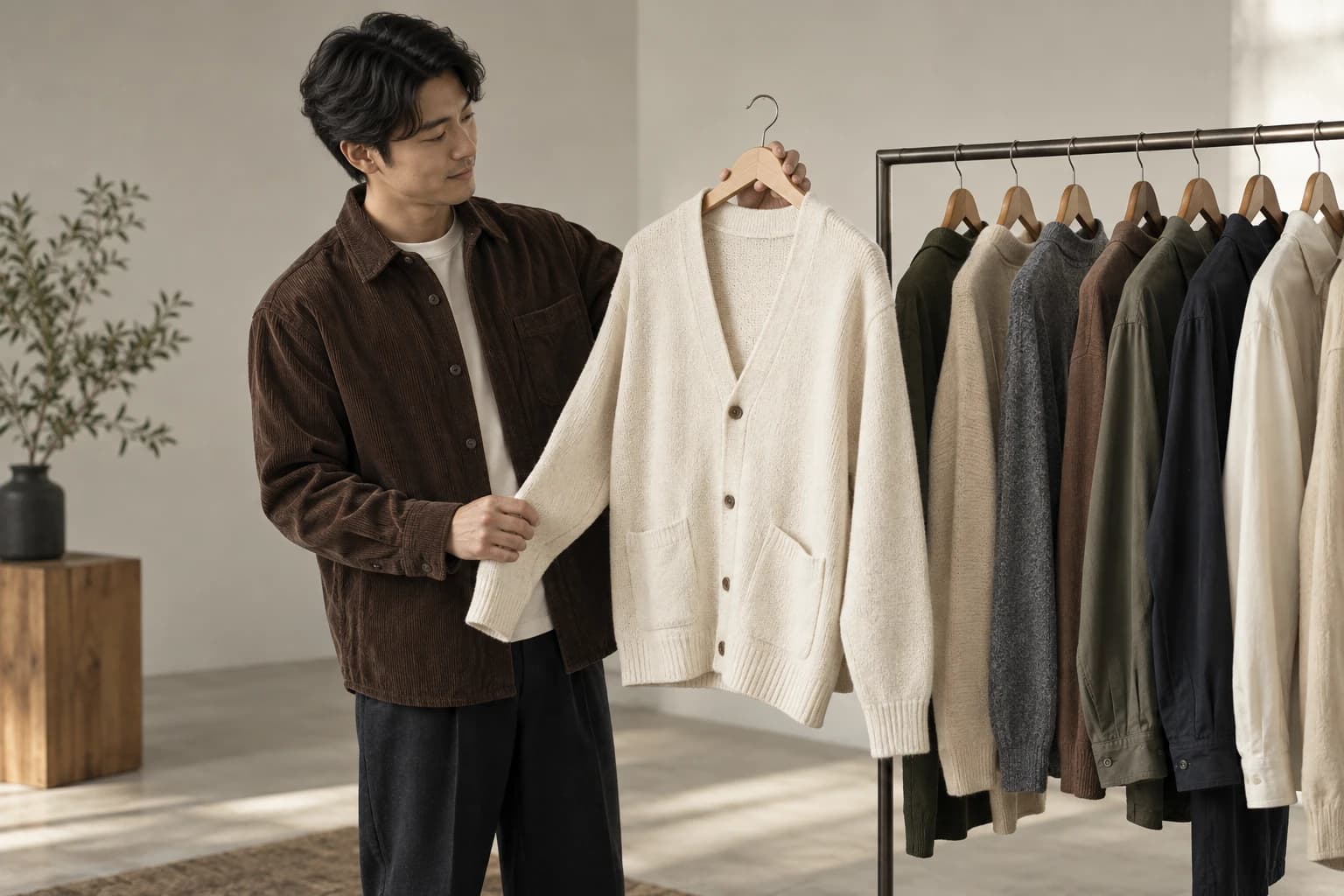
Choose a clear lead image, then add views that answer different questions. The next frame might reveal the back, a construction detail, or a styling option. Avoid burying an essential product view beneath several near-identical campaign images. The order should make sense to someone seeing the item for the first time.
Preserve direct product references where they provide information a generated image cannot establish confidently. An editorial frame and a straightforward photograph can coexist in a coherent gallery when the crop, colour treatment, and product identity are carefully reviewed.
Add text that helps identify the image
Write alt text according to the role of the image and the surrounding context. For a useful product view, describe the relevant garment and what the frame shows rather than filling the field with keywords. Decorative images may need a different treatment. Follow the accessibility guidance appropriate to your storefront implementation.
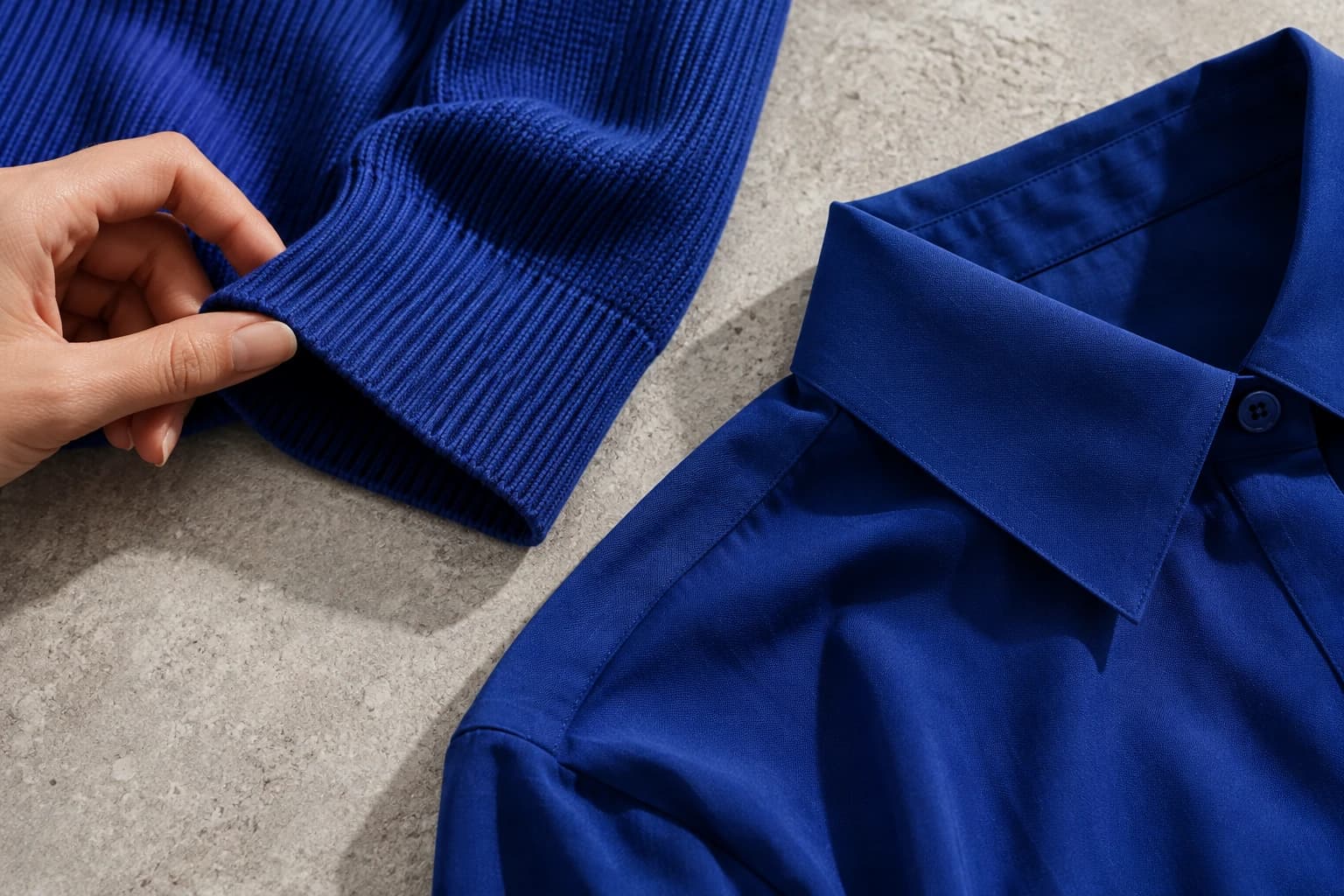
Check image loading and crop behaviour on the actual page. A large, detailed export may be unnecessarily heavy for a thumbnail, while an automatic crop can remove a hem or sleeve. Use the store's current image handling capabilities and verify the result rather than assuming every upload is displayed unchanged.
Review the rollout as a customer journey
Open the collection page, select the product, change variants, navigate the gallery, and inspect the page on a phone. Ask a teammate who did not upload the files to repeat the check. They may spot a wrong product association or a confusing image sequence that the uploader has become accustomed to seeing.
Record the date and scope of the change so later observations can be interpreted sensibly. If you measure page performance, note other changes such as price, stock, or promotions. An image refresh should not automatically receive credit or blame for every movement in sales.
Expand the rollout after the first group is approved. Keep the mapping sheet and review process consistent as more products enter the batch. The most valuable store integration is a dependable connection between the right garment, the approved image, and the page where the customer makes a decision.