Explain visual try-on clearly, distinguish it from fit advice, and decide what belongs in the surrounding product experience.
The starting point
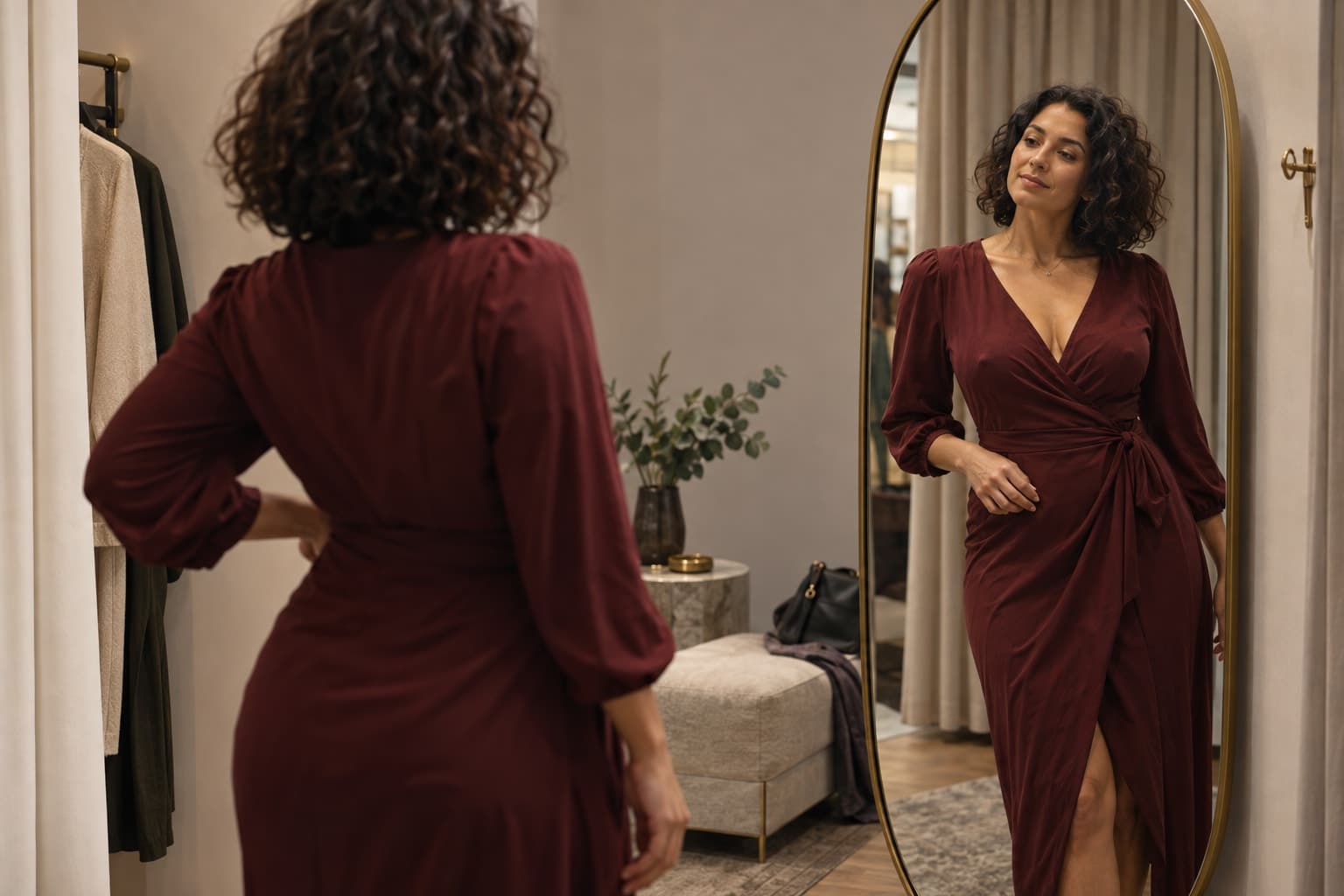
Virtual try-on is most useful when shoppers understand what it is showing them. A visual preview may help someone imagine a style, color, or outfit. That does not automatically mean the system has measured their body or determined the correct size. The product experience should make the distinction clear without burying it in technical language.
Before adding or promoting a try-on experience, define its intended job. Is it helping a shopper explore styling, compare appearances, or receive a fit-related recommendation? These are different promises. Describe only the capabilities that have been verified for the actual system you are using.
Review the promise around the preview
Look at the button label, introductory copy, result screen, and product page together. A cautious explanation on one screen does little if the main call to action promises perfect fit. Ask a person unfamiliar with the feature to describe what they believe it can tell them.
Keep the explanation close to the result. If the output is a visualization, use that language. If a separate sizing system provides a recommendation, identify the information it uses and the limits relevant to the shopper. Avoid treating a realistic-looking image as proof of a measurement process.
Preserve the product evidence
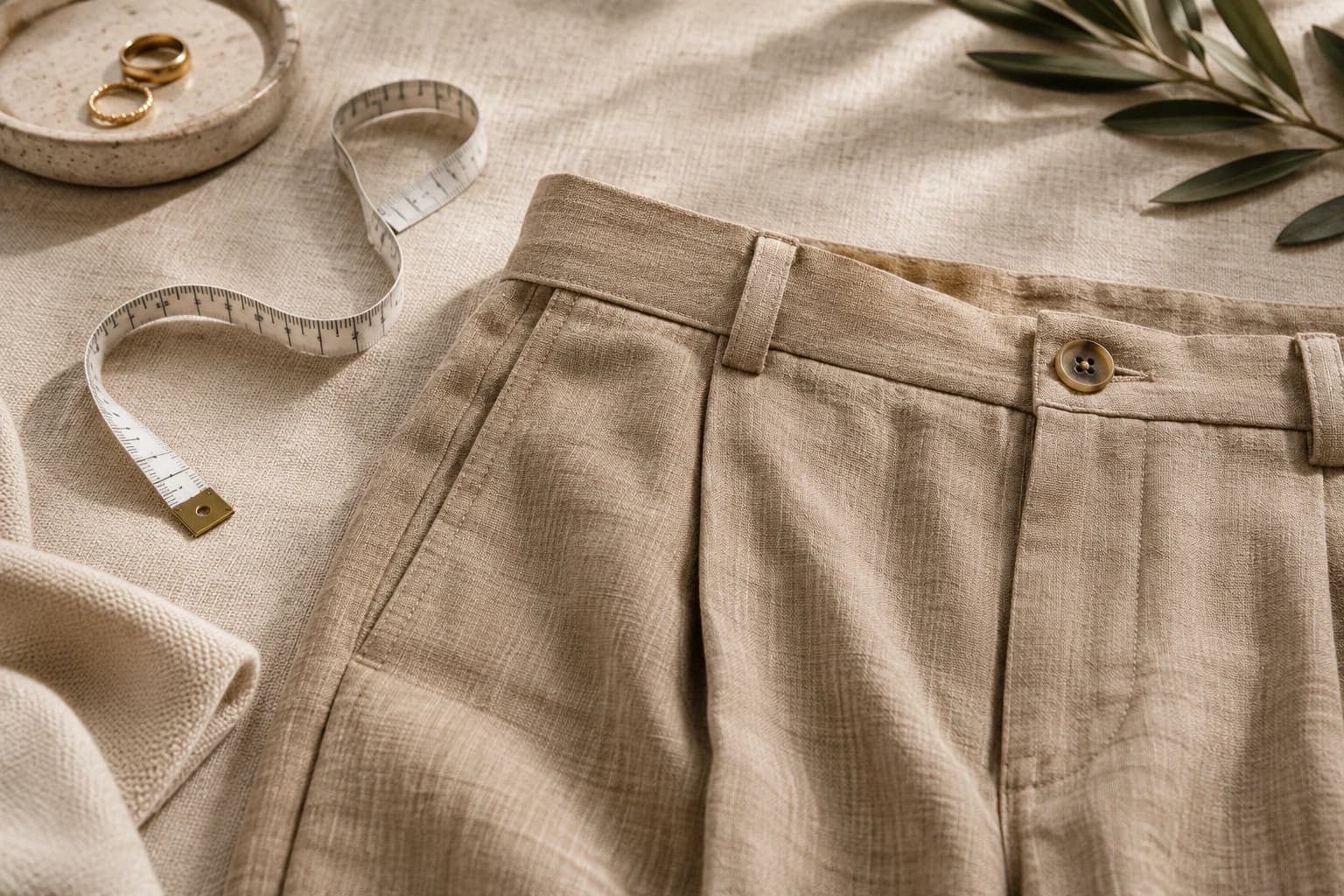
Maintain accurate photographs, measurements, material information, and care details alongside the interactive experience. These assets answer questions a generated preview may leave unresolved. A shopper should not need to use a new feature to discover basic facts about the item.
Review how the visualization handles product construction and color. If a preview changes a neckline, closure, or print, the issue affects product understanding. Establish a way to detect and report problems, and a clear fallback when the feature cannot produce a useful result.
Consider the input experience
If shoppers provide personal photographs or other information, explain the relevant handling and choices clearly. Have the responsible privacy and legal teams verify the current requirements for the actual service and markets. Use a process that is understandable before the shopper submits anything, rather than relying on assumptions about what they expect.
In a hypothetical pilot, participants can explore a jacket visualization while the normal product gallery remains available. The team asks what the preview helped them understand and what they believed it proved. If several participants interpret it as a precise fit guarantee, the team revises the experience before expanding the pilot.

Evaluate more than feature usage
- Can shoppers explain the purpose and limits in their own words?
- Do product details remain recognizable in the result?
- Is there a simple path back to the standard product information?
- Can customers report an inaccurate or confusing preview?
- Does the experience create new support questions or remove existing ones?
Usage alone does not show that the feature improved a purchase decision. Review customer understanding, completed journeys, and the operational work created by the pilot. Keep comparisons appropriately scoped and do not turn a small experiment into a universal conversion claim.
A useful try-on experience gives shoppers another way to explore while keeping product facts accessible. Its value depends as much on the surrounding explanation and review process as on the image itself. Clear expectations make the feature easier to trust and easier for the team to improve.